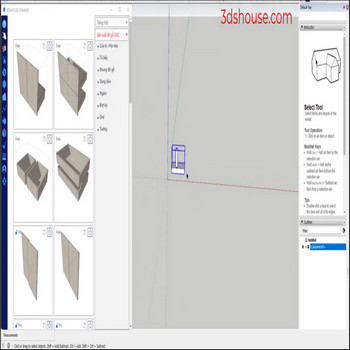
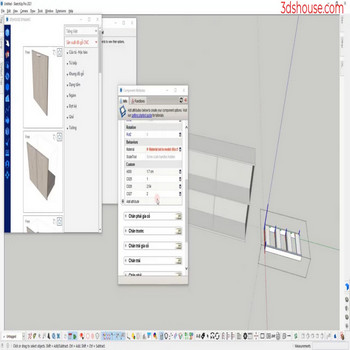
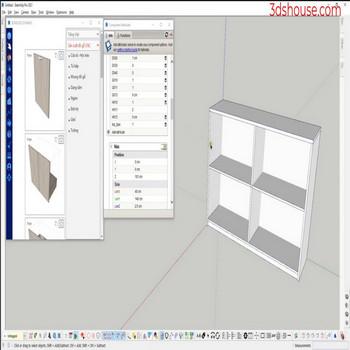
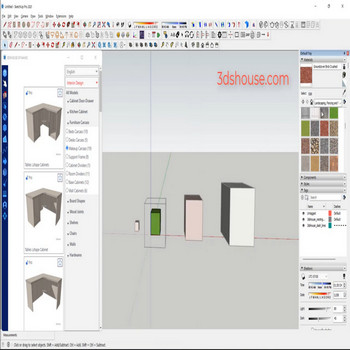
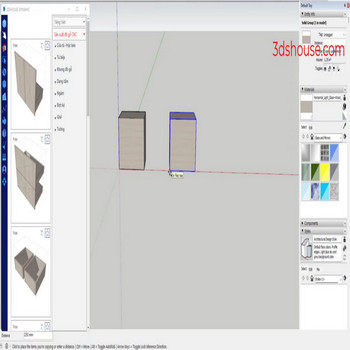
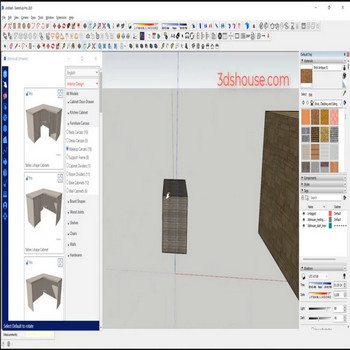
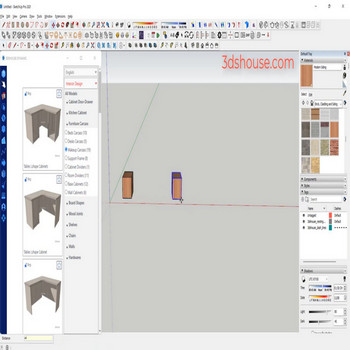
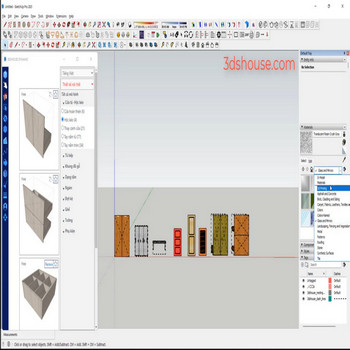
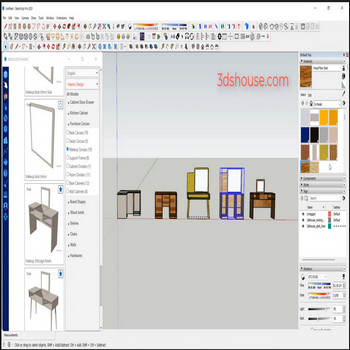
When dynamic components are copied a lot, use redraw multi component tool for quick automatic redraw. Video tutorial: Steps by steps: Component (com) is edited but to change for all coms – select the com – click tool redrawn muilti component All com are redrawn quickly.
Author Archives: slash.rock4u
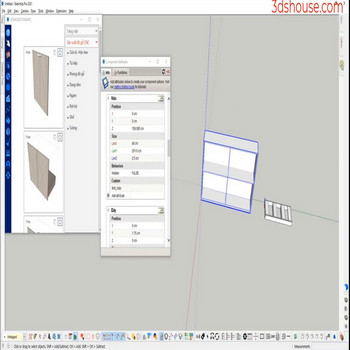
When you need to clean the property of a main dynamic (dynamic parent), doing it manually will take a long time use the Delete Dynamic Selection tool to automate things faster and avoid mistakes. Video tutorial: Steps by steps: Click to select the dynamic component that needs to be deleted – click the Delete Dynamic […]
When you create a new dynamic component (dy_com) or this dy_com is similar to the old dy_com ,normally we will create a new dy_com, re-enter all the parameters, use the Copy Attribute tool to save more time. Video tutorial: Steps by steps: Click dy_com to copy properties – select properties to copy – click on […]
When programming Dynamic Components (dy_com) we often name properties and objects , normally we will create a new dy_com, re-enter all the parameters , use the Replace Attribute Selection tool to do it automatically and avoid errors. Video tutorial: Steps by steps: Select dynamic component – click Replace Attribute Selection tool – select attribute to […]
When the models have a lot of textures and you want to export to an image file, use the export texture to image tool Video tutorial: Steps by steps: Select the textured models you want to export to an image file – click the export texture to image tool Choose a folder to save the […]
The object is already set with material, when the object is scaled, the textures will be scaled ,to reset the original texture you have to do it manually for a long time ,Use auto-rescale texture tool to do it automatically. Video tutorial: Steps by steps: Select object – click texture scale auto-restore tool Texture has […]
When the models have multiple textures and you want to rotate the material accordingly, use the rotate material texture tool Video tutorial: Steps by steps: Click tool rotate material texture – click on the material surface you want to rotate Texture rotation is very fast, you don’t need to use default texture rotation of sketchup […]
When models have multiple scales, to restore the original texture scale, use the auto restore texture scale tool Video tutorial: Steps by steps: Click to select the models you want to restore to the original texture scale – click tool auto restore texture scale All textures have been restored to their original settings
The materials of all sketchup objects are in model panel ,to delete all materials, instead of doing it manually for each material, use the delete all materials tool Video tutorial: Steps by steps: Select all objects – click material tool – delete all materials
When you want to copy multiple material layers of multiple models, use the auto material duplicate tool Video tutorial: Steps by steps: Click tool auto material duplicate – click on the material you want to copy All materials have been copied and are in in models

Tiếng Việt