
 Tiếng Việt
Texturic turns a selected face into real 3D tiles: herringbone, chevron, Versailles and 166 patterns, a random photo crop per tile and a take-off. 10 free uses a day.

Texturic turns a selected face into real 3D tiles: herringbone, chevron, Versailles and 166 patterns, a random photo crop per tile and a take-off. 10 free uses a day.

Tracepen traces a PNG or JPG into native SketchUp faces, one group and one material per colour: the steps, what lands in the model and the gotchas from the source.
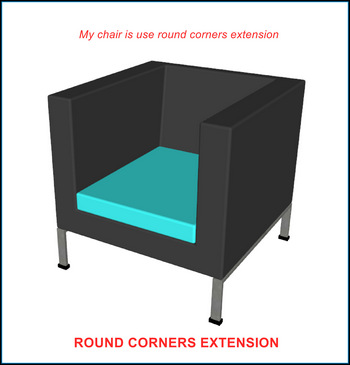
RoundCorner and its successor FredoCorner compared with BevelUp, the free SketchUp plugin for rounding and chamfering edges.

SketchUp has no built-in fillet or chamfer command. The geometry engine makes this deliberate: SketchUp models from scratch using flat faces and clean edges, so a fillet operation would need to add faces that never existed — a fundamentally different task than modifying existing ones. The three tools below each solve this differently, and understanding […]

When multiple components (com) are copied from one original, to edit 1 com without changing others you need to make it unique. However with many coms, making unique for each one takes a long time — use the auto make unique tool to process multiple SketchUp components at once. A little-known point: when you select […]

Five architecture 3D programs compared on what they actually cost in September 2026, which run on a Mac, and where models break when you move them between Revit and SketchUp.
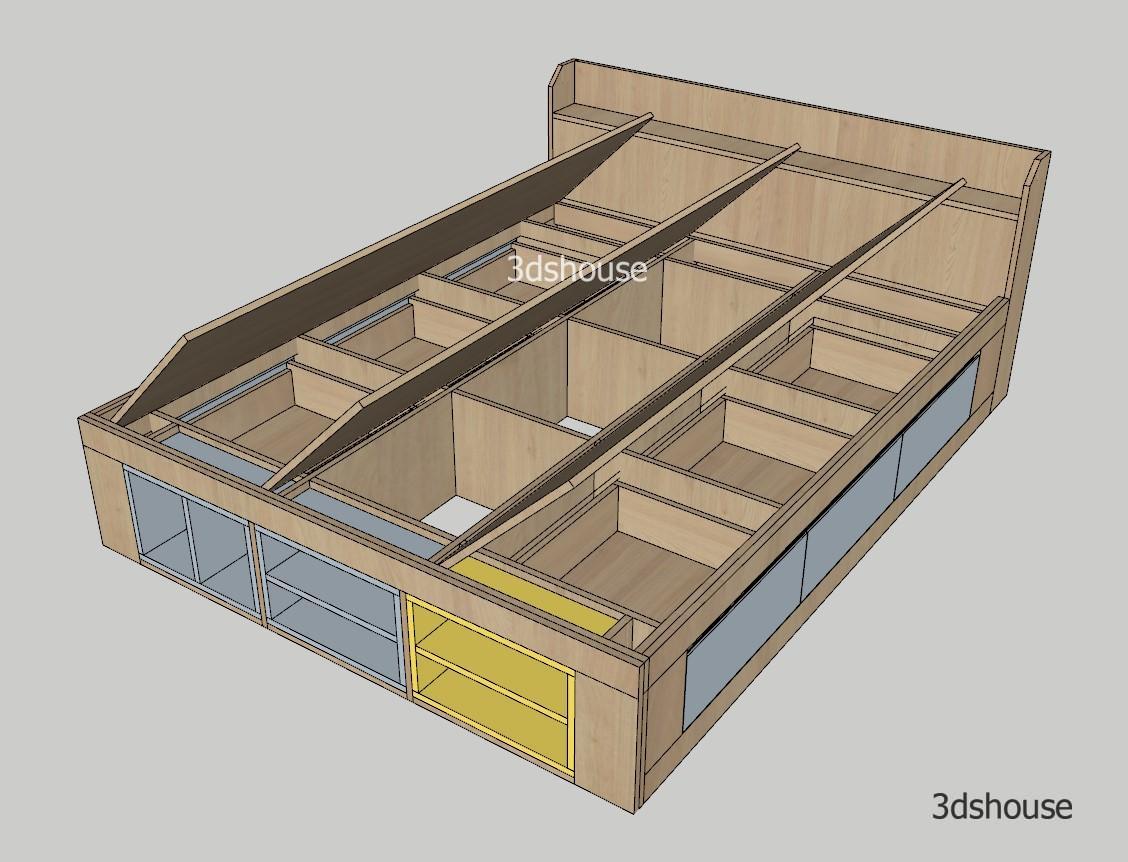
Highly customizable SketchUp dynamic component bed frame with drawer model following real furniture construction specs. Just drag the parameters in Component Options to quickly complete the parametric production design of a drawer bed. Works effectively with the ABF plugin. https://www.youtube.com/watch?v=oFD4mftu0oI Bed Frame SketchUp Dynamic Component – Parametric Component Options Thickness Mattress Length Mattress Width Hide […]

3dshouse Dynamic is a free SketchUp plugin with a library of hundreds of ready-made dynamic components for parametric furniture design and production — doors, drawers, shelves, cabinet frames and more. Instead of modeling every part, you assemble accurate, highly customizable components and follow your own design ideas at full speed. The plugin and the free […]

Decimify reduces the real polygon count of a SketchUp Group or Component in place — progressive-mesh slider, instances stay linked, one undo step. Free at any reduction level with 3 commits or exports a day; Pro $40 one-time.
Get BevelUp on Extension Warehouse (free) → SketchUp’s 3D modeler still has no fillet or chamfer command for rounding the edges of a solid, so softening a corner usually means fighting with Follow Me or buying a paid extension. (SketchUp 2026 did add Fillet and Chamfer tools — but only inside LayOut, for 2D vector […]