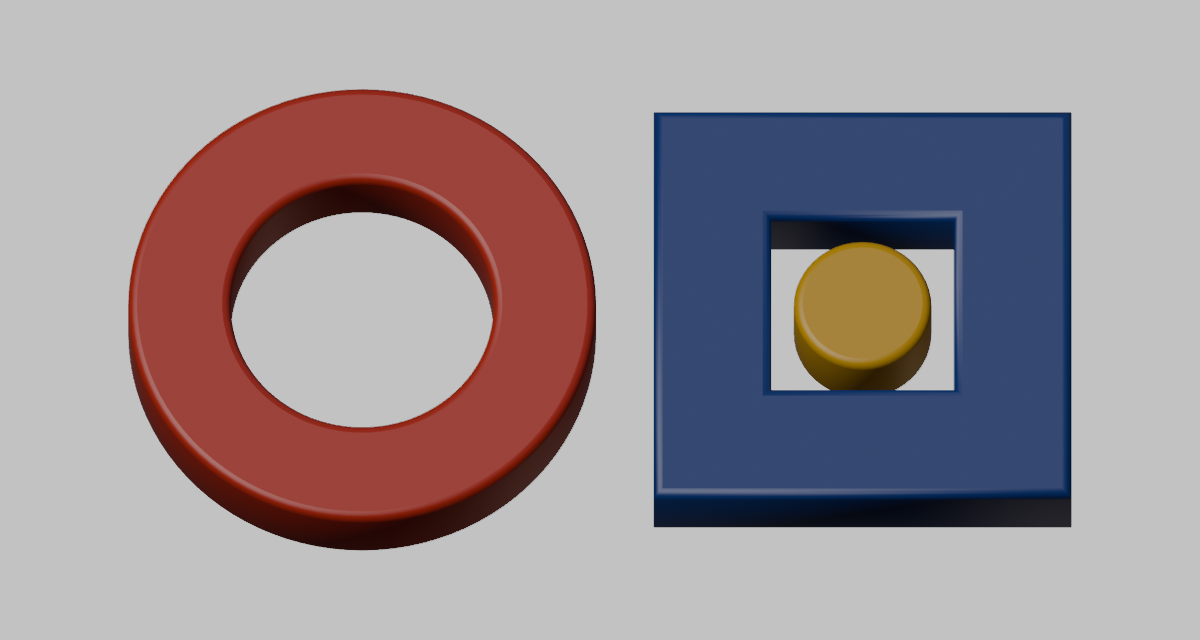
A flat logo becomes a usable 3D model in four moves: get clean geometry into Blender, give it real-world size, give it thickness, and keep the colors as separate materials. Everything here was run in Blender 5.1.1 and checked against the Blender manual. 1. Start from clean geometry The best input is a vector logo […]
Category Archives: Blender
Blender imports SVG as curve objects, and most “not working” reports come down to five causes: the file holds something the importer skips, the shape arrived far smaller than you expect, a hole was never a hole, a color was never a plain fill, or the curve was never given thickness. This guide covers each […]
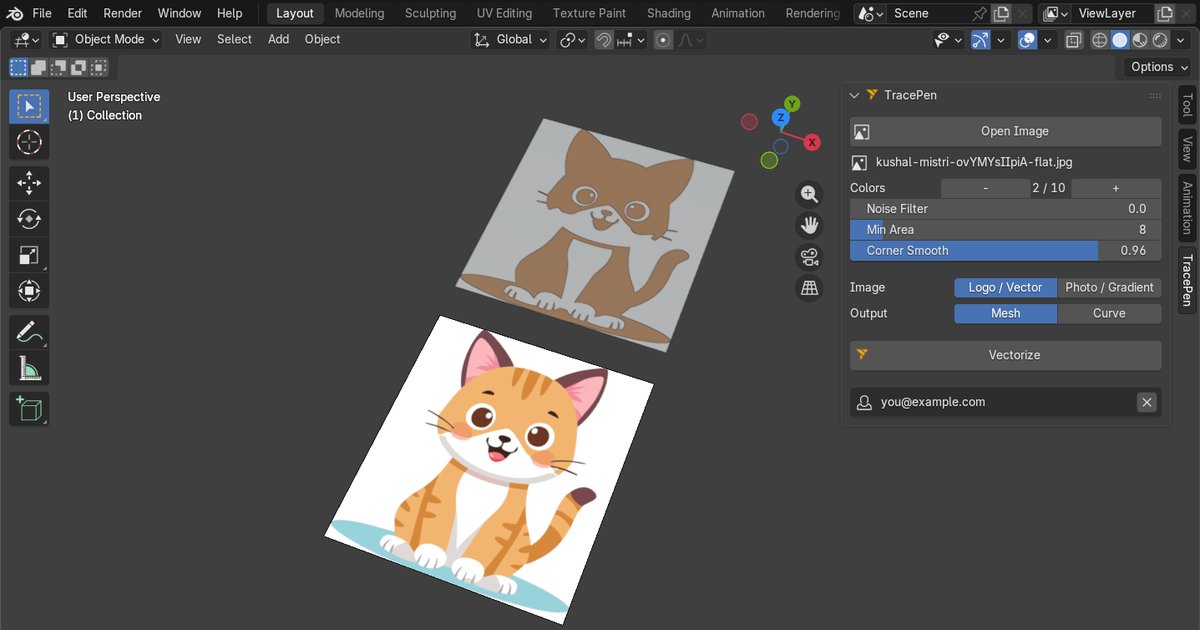
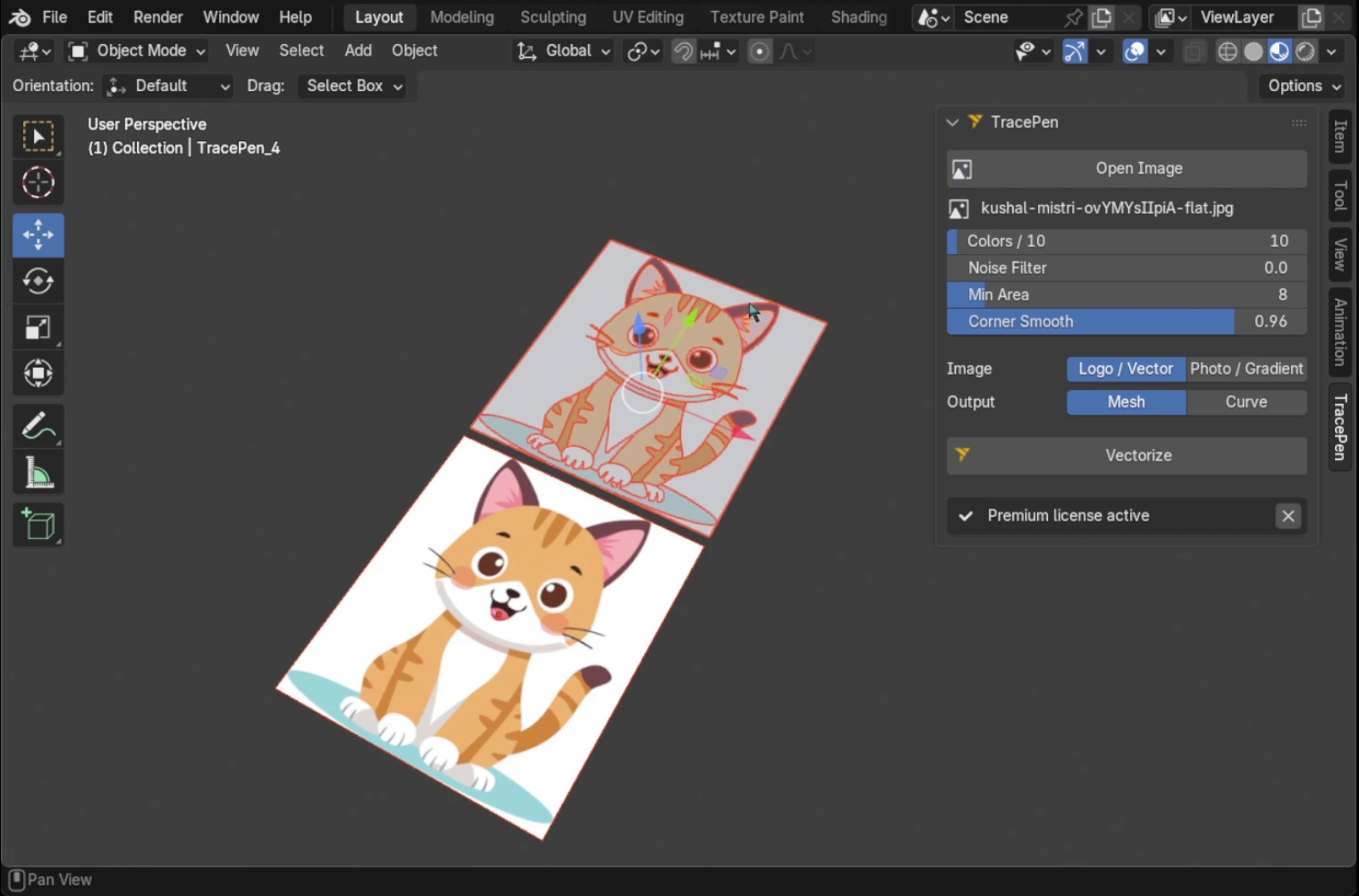
Trace an image in Blender and get geometry back: one mesh or Bezier curve object per color, a tracer that runs on your machine, and the details that catch people out.
Converting a PNG to mesh in Blender takes an add-on: the trace Blender ships with gives you black-and-white Grease Pencil strokes, not geometry. These five image-to-mesh add-ons trace a PNG or JPG into real Blender geometry with no Illustrator or Inkscape round trip, and none of them guesses depth with AI – they follow the […]