

 Tiếng Việt
Blender
Top 5 Blender Addons: Image to Mesh via Tracing (2026)
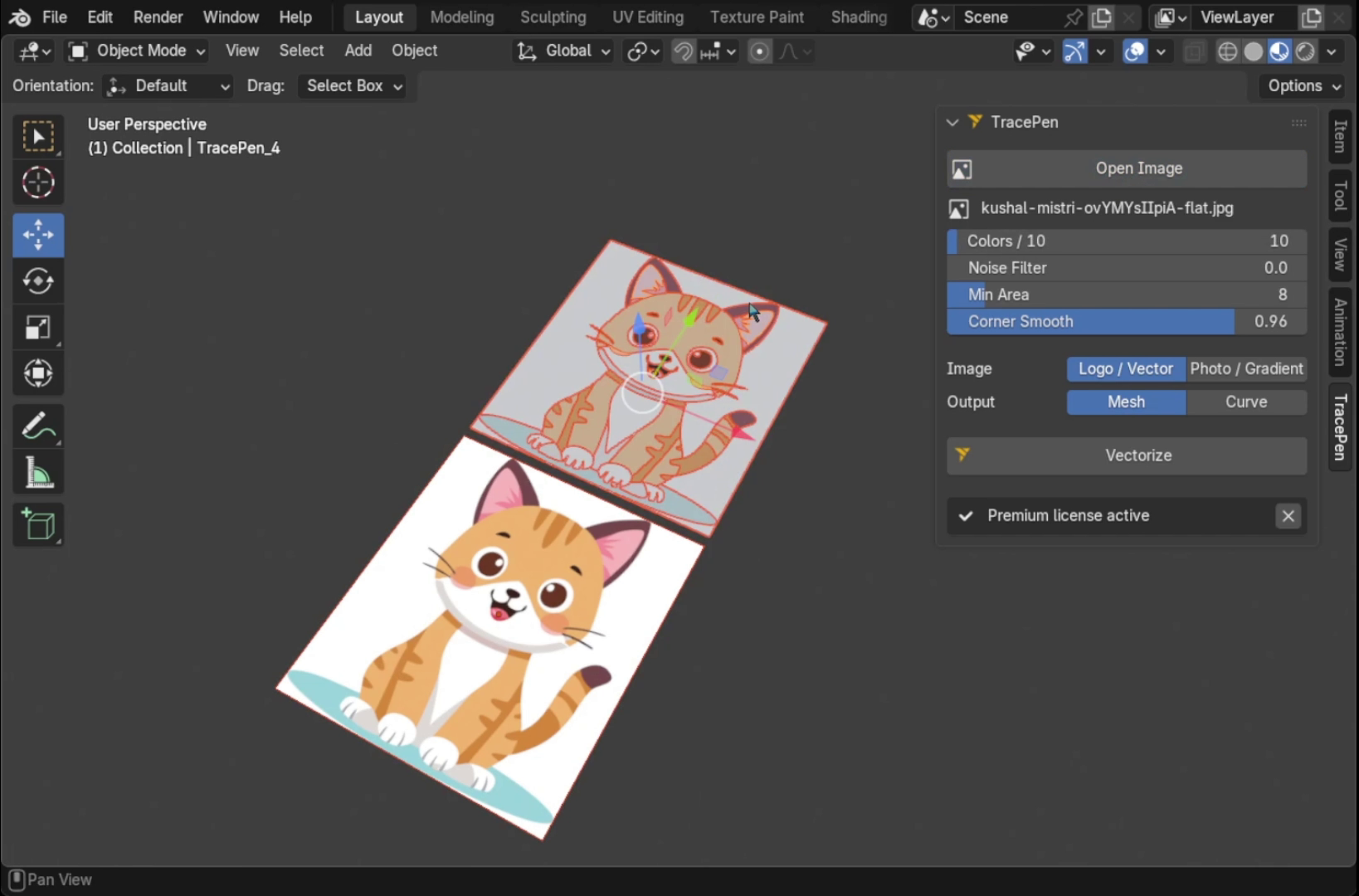
These five add-ons trace a PNG or JPG into geometry inside Blender, with no Illustrator or Inkscape round-trip. (Disclosure: I make TracePen, number 1.) All of them trace contours (no AI depth guessing), so the result is clean, editable geometry. What to check before you pick one:
What decides the result, whichever add-on you use
- Traced faces are n-gons. Fine flat or extruded; triangulate or retopologize before subdividing, sculpting or exporting to a game engine.
- Holes separate the tools. The inside of an “O” or a ring is where tracers differ most. Test your own image first.
- Colour or black-and-white? Blender’s built-in trace (and add-ons built on it) is black-and-white. Colour separation needs an add-on with its own engine.
- Check the supported Blender versions on each product page: some tracers stop at an older release.
1. TracePen — one object per colour, mesh or curve
TracePen for Blender splits the whole image into one object and one material per colour, as filled mesh or editable Bezier curves, holes kept. It reduces the palette with Wu quantization and compares colours in OKLab (a perceptual colour space), so shades that look the same merge instead of splitting into extra regions. Regions smaller than Merge min area are absorbed by the neighbour with the longest shared border, yet no colour is ever dropped entirely, so a colour that exists only as a thin line keeps its region. Deterministic: same image and settings, same geometry. Free with a few traces a day (3dshouse account); Pro $80 one-time. Blender 4.2+.
2. Sketch N’ Trace
Its strength is editing the image in the panel before you commit: draw, erase, smooth, invert, set the boundary and mesh resolution, then extrude, bevel and add outlines in the same panel, with auto materials. Mesh or curve. Blender 3.1–5.2. $10 (Superhive), 400+ sales.
3. TraceGenius Ultimate
Its own tracing engine with a colour picker (trace the colours you choose), a transparency map and alpha-aware tracing: good for logos with soft edges. Outputs mesh or curve, with extrude, bevel and part separation. Don’t confuse it with the cheaper TraceGenius Pro ($15), which uses Blender’s built-in Grease Pencil trace. Ultimate v2.0, $19, Blender 2.8–5.2 (Superhive).
4. Logo Tracer
One click for clean black-and-white logos, with live sample-quality, threshold and smoothness. A “Use Alpha” mode handles non-monochrome images, and it auto-unwraps the result at the image’s proportions, so a textured logo maps correctly with no UV work. Mesh or curve. $1 on Superhive (free version on Gumroad), 1,000+ sales, listed for Blender 5.2 and tested on 4.2 LTS, 5.1 and 5.2 LTS.
5. Image Trace Generator (free)
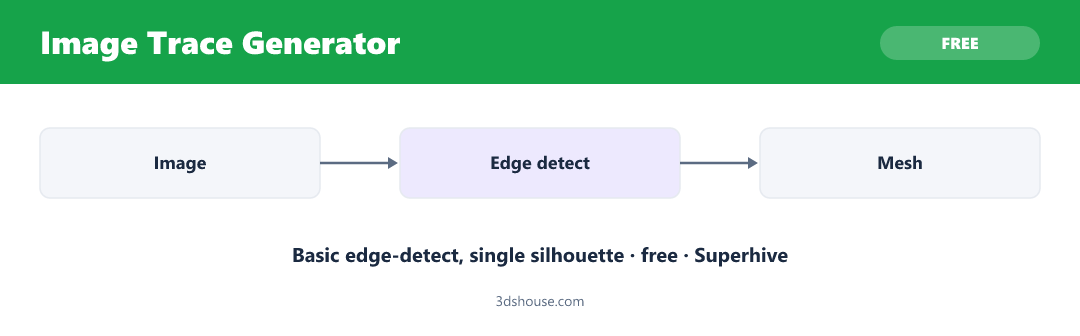
The free baseline: image to 3D shape with adjustable depth, smoothness and complexity. 8,800+ downloads, but listed for Blender 4.0–4.3 only: check it runs on your version. Free (optional support tier, Superhive).
Also worth a look
Quick Image Vectorizer Pro ($9, Superhive): mesh or curve, live threshold preview, batch mode, SVG export, and an experimental colour trace that splits the image into colour layers. Potrace is bundled for Windows only; on macOS and Linux you install it yourself. Built in: Trace Image to Grease Pencil gives black-and-white Grease Pencil strokes, not mesh; fine for quick outlines.
Comparison
| Add-on | Output | Colour | Price | Standout |
|---|---|---|---|---|
| TracePen | Mesh / Curve | One object per colour | Free daily limit + Pro $80 | Whole palette in one pass |
| Sketch N’ Trace | Mesh / Curve | Single shape | $10 | Edit + extrude in panel |
| TraceGenius Ultimate | Mesh / Curve | Colours you pick | $19 | Transparency / alpha |
| Logo Tracer | Mesh / Curve | B&W (+ alpha) | $1 / free version | Auto-unwrap |
| Image Trace Generator | Mesh | Single shape | Free | Blender 4.0–4.3 |
| Quick Image Vectorizer Pro | Mesh / Curve | Colour layers (experimental) | $9 | Batch, SVG export |
| Built in | Grease Pencil | B&W | Free | Outlines only |
Prices and versions from each product page, September 2026.
Which one should you choose?
Several colours as separate objects: TracePen (Quick Image Vectorizer Pro offers an experimental colour mode). One silhouette you want to touch up by hand: Sketch N’ Trace. Soft edges or transparency: TraceGenius Ultimate. Quick black-and-white logo with UVs: Logo Tracer. Zero budget on Blender 4.3 or older: Image Trace Generator. Just outlines: the built-in Grease Pencil trace.
