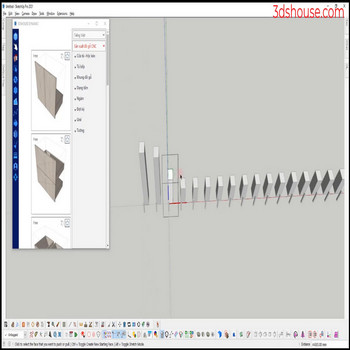
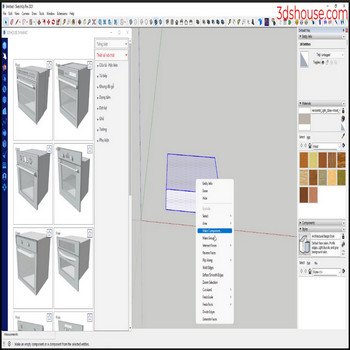
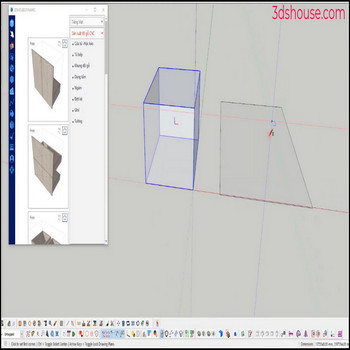
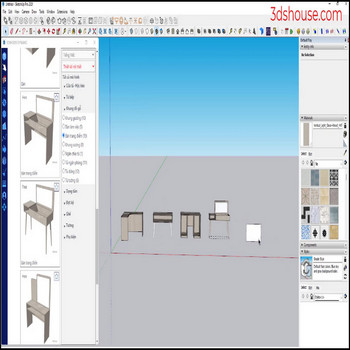
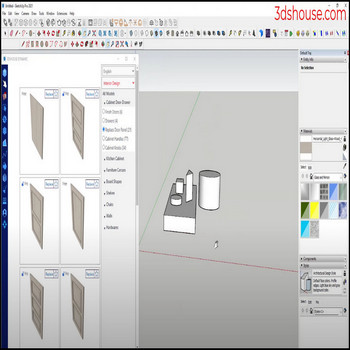
When an object has multiple groups or nests elements in multiple classes ,to explode the layers in the object, manually doing each layer takes a lot of time ,to explode these layers automatically and quickly use the Explode all tool . Tutorial video: Steps by steps: Click select object Click explode all tool The object […]
Author Archives: hoangmy.archi
When you want to delete all the attributes of all the dynamic component (dy_com),you have to go in and remove the attributes one by one, it’s wasted time, use the Delete Dynamic Deep Selection (DDDS) tool to do it automatically. Tutorial video: Steps by steps: Click the dynamic_component – click Delete Dynamic Deep Selection tool […]
This tool is only different from the Make Unique Multi Objects tool in selecting objects instead of selecting each component (com) to make unique or select all coms to make unique, you just need to choose 1 com to make unique Tutorial video: Steps by steps: You just need to choose 1 com Click make […]
When you want to select multiple similar objects in a group, or component, use select by similiar to automatically Tutorial video: Steps by steps: Click select the same object in the group or element Click select by similar All the same objects have been selected
When we need to change the original axis of a group or a component (com), we usually use it manually in sketchup, use the tool object axis move to do it quickly Tutorial video : Steps by steps: Select group – com to change the origin axis Click tool object axis move Select the position […]
After you create dynamic component models, to CNC cut and build products you have to convert from components to groups Tutorial video: Steps by steps: To convert from component to group you have to explode, then create the group again which is very time consuming Use tool component to group to make automation faster Select […]
When the model has many groups or elements are nested in many layers, you want to edit, you have to explode each layer, please use the tool Explode Deep Selected to automatically work faster. Tutorial video: Steps by steps : Click select model – click deep selection blaster – select group + component All groups […]
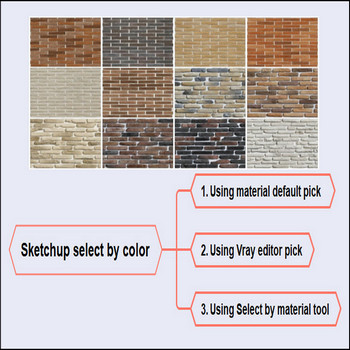
To change the material for many objects in Sketchup, use select by material tool Tutorial video: Steps by steps: The first way is to pick material for each object, the nd way is use vray to pick all similar material However the way 3rd, using select by material tool will make it faster and easier […]
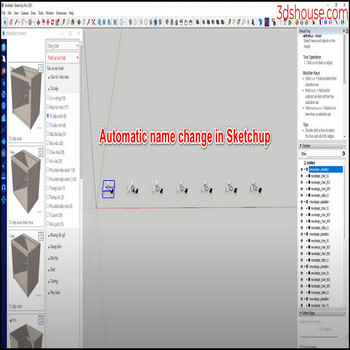
When you want to rename multiple same objects in a group or component, use rename selection to automatically Tutorial video: Steps by steps : Click select all objects with the same name – click on rename seletion Enter the name to replace and the name you want to change
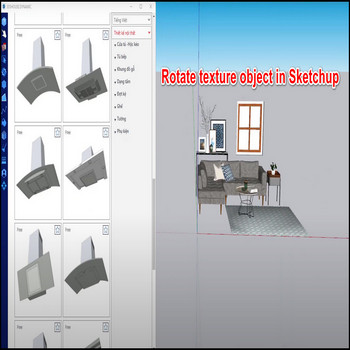
When you want to rotate the texture of object which the material is pick on the surface automatically , select the texture in surface you want to rotate – click texture tools select – rotate object Tutorial video: Steps by steps: Select the texture in surface you want to rotate – click texture tools select […]

Tiếng Việt