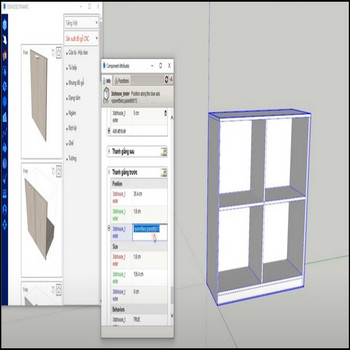
These dynamic component libraries ship with their authoring attributes personalized (renamed/obfuscated) for security, so the parametric behavior keeps working but the original editable labels no longer appear in the Component Attributes dialog. When you need to edit, study, or repurpose those parametric formulas, use the restore tool to put the original attribute names back. Restoring […]
Author Archives: hoangmy.archi
Attributes of dynamic component show their raw variable name by default in the Component Options window. For security, cleaner branding, or just a more user-friendly menu, use the override attribute labels tool to rename what your end users see. A useful detail most people miss: the override only changes the Display label, never the underlying […]
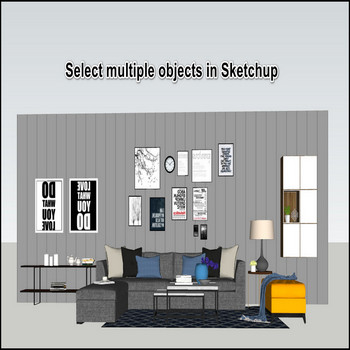
Selecting many objects in SketchUp is tedious — the native tools only get you part of the way, and a name-based selection tool fills the gaps. Tutorial videos: What SketchUp can already do (and where it stops): Right-click a component and choose Select > All with Same Component, or context-click the definition in the Components […]
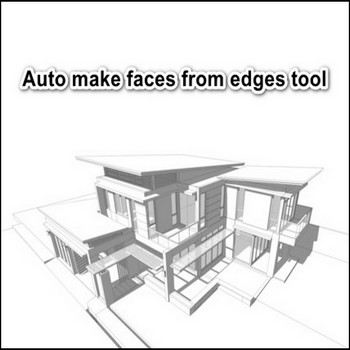
When you create a wall of a builiding, you draw line to make faces however it’s slow, auto create faces from edges tool in Sketchup will make it fastly. This is not a plugin you install — it is SketchUp’s built-in behavior, and it works the same way in every modern version through SketchUp 2026. […]
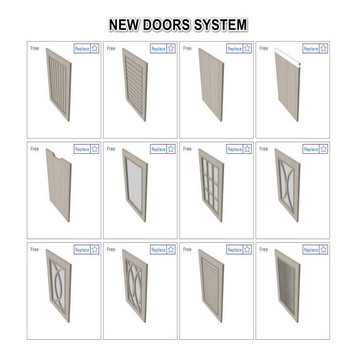
3dshouse’s new door system is divided finish doors and replace panel,When you want to replace the panel, select doors – replace panel table – replace panel click which you like Tutorial video: Steps by steps: The fastest way to change to your favorite panel type is to use replace panel In the table has many […]
You see a model with nice materials, you want to use it for your model, material colletion in Sketchup is so easy Tutorial video: Steps by steps: Material collection tool click All materials have been arranged for array, manage and access easily When you use for other models – import this model – pick materials […]
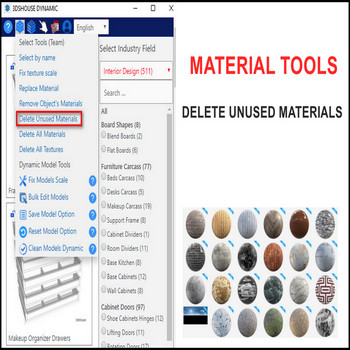
When your file has a lot of unused materials, use the delete materials tool Tutorial video : Steps by steps: To optimize your files, use delete unused materials tool by click on tool. Unused materials have been deleted, only default materials and textures is still saved For default materials and textures have not been deleted, […]
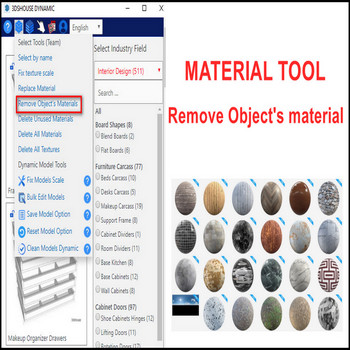
Removing an object’s material in SketchUp is awkward by default — there is no single “remove” button, so you normally have to repaint the geometry with the Default material by hand. The Remove object’s material tool from 3dshouse.com solves this in one click, working on faces, groups, and components alike (tested through SketchUp 2026, which […]
Replacing a material in SketchUp with the default tools is slow once a model has many materials, because the native workflow is scattered: you either Alt-sample with the Paint Bucket and repaint, or right-click a face and run Select > All with same material, or open the Materials panel and use Replace. The replace material […]
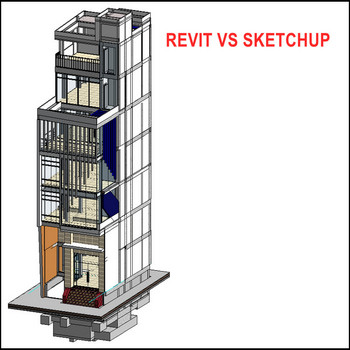
2 software very cool, Revit for exterior, Sketchup for interior, export Revit models to Sketchup Tutorial video: Steps by steps: Open Revit – file- export- cad formats – dwg click, chose solids – ACIS solids 2 options: ACIS solids (group for one component), polymesh (group for all model) Save file – remember where to save […]

Tiếng Việt