

 Tiếng Việt
SketchUp
SketchUp Door System — Replace Panel & Cabinet Hardware
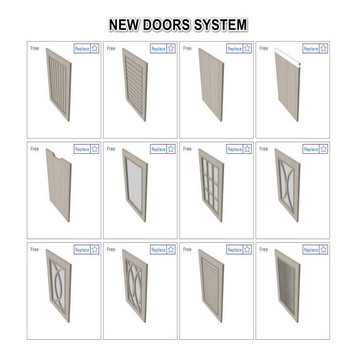
3dshouse’s SketchUp door system is divided into finish doors and replace panel — to swap any cabinet door panel, select doors, open the replace panel table, and click the panel style you like
SketchUp Door System & Replace Panel – Tutorial Video
Steps by steps:
- The fastest way to change to your favorite panel type is to use replace panel
- In the table has many types of panels from classic to modern, a lot of cabinet handles, cabinet knobs
- When you want to replace the panel, select doors – replace panel table – replace panel click which you like
- Similar to replace panel, you can change cabinet handles, cabinet Knobs by replace

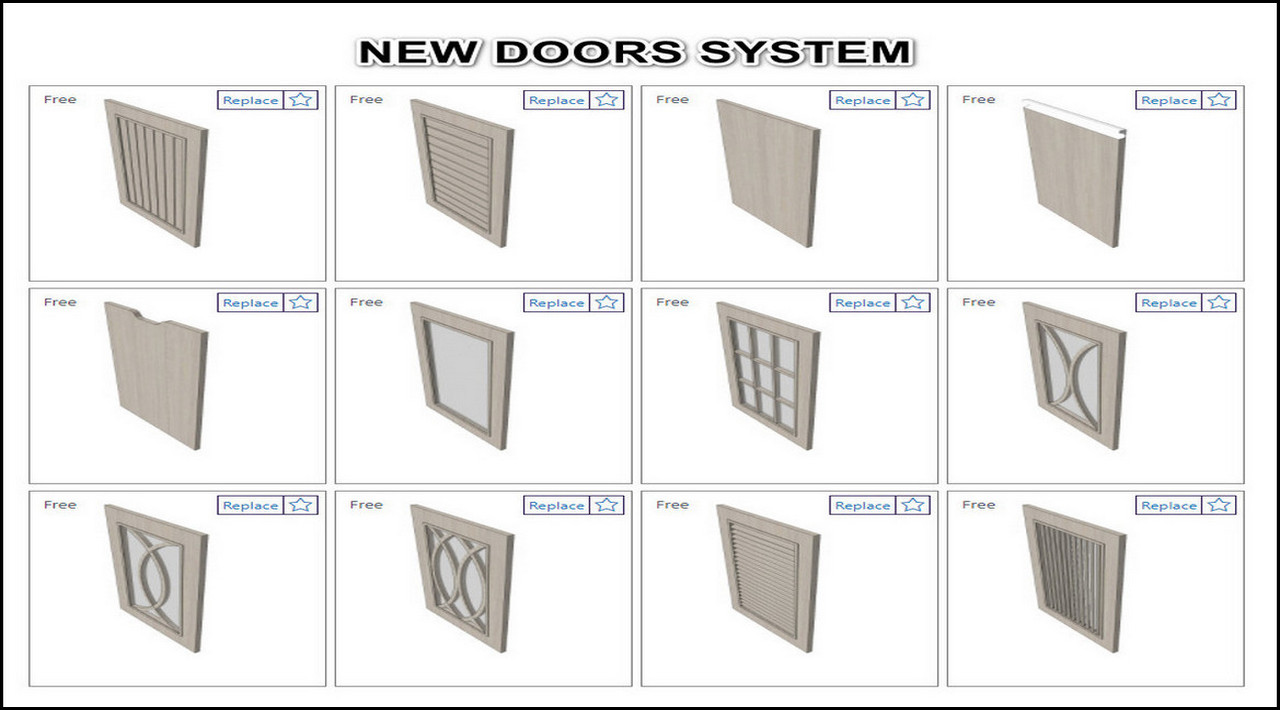
New doors by replace pannel
How SketchUp replace panel works under the hood:
The replace panel table works by swapping the Dynamic Component definition of the matching part inside your selection — the tool matches panel vs. handle vs. knob by a name-prefix convention, then reassigns that instance’s definition, so your door is not re-modeled. The new part is then resized to fit the existing opening: the tool saves the slot’s nominal size as a Dynamic Component formula and has SketchUp’s Dynamic Components engine redraw the swapped-in part to that size, so it lands at the opening’s real dimensions instead of being stretched by whatever scale the old part’s instance happened to have. If a replaced panel still looks wrong, the door assembly’s own Dynamic Component size values are off — fix those on the door, not the panel.
Tips for cleaner results:
- Position carries over the same way size does: before the swap, the tool copies the old part’s Dynamic Component position values onto the new part, which is why it lands in the same slot instead of at its own default placement.
- Select all matching cabinet doors at once before opening the replace panel table; one click then re-skins the whole run of cabinets in a single step instead of door by door.
- Because handles and knobs swap the same way, you can mix any panel style with any hardware — the two libraries are independent, so a modern shaker panel and a classic knob is one valid combination, not a fixed set.
