

 Tiếng Việt
SketchUp
Hide Attribute Labels in SketchUp Dynamic Component
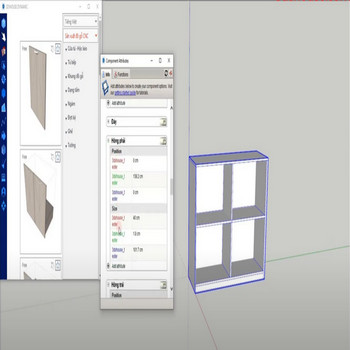
Attributes of dynamic component show their raw variable name by default in the Component Options window. For security, cleaner branding, or just a more user-friendly menu, use the override attribute labels tool to hide or rename what your end users see in Component Options.
A useful detail most people miss: the override only changes the Display label, never the underlying attribute (variable) name — so every formula, function, and reference inside the component keeps working untouched even after you rename the visible labels.
The real “hide” trick: in SketchUp 2026 an attribute with an empty Display label disappears entirely from the Component Options window (and from LayOut Auto-Text), yet it still drives the geometry behind the scenes. Clearing labels is therefore the cleanest way to lock down which fields a client can touch without deleting the logic.
How to Hide Attribute Labels in a SketchUp Dynamic Component — Tutorial
Steps by steps :
- Enter the display label name you want in the text box then press OK to rename the dynamic component attribute
- All attributes in dynamic component have been renamed
