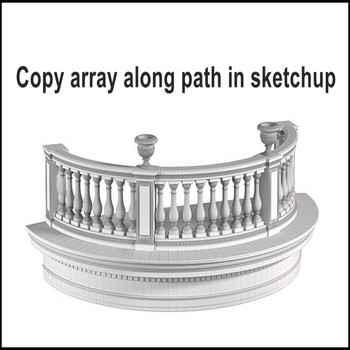
There is 2 extension for copy array long path in Sketchup, this video use JHS powerbar extension Tutorial video : Steps by steps: There is 2 extension for copy array long path. It’s 1001 bit pro extension , JHS powerbar extension Example: for railings round balcony, in this video use JHS powerbar extension to copy […]
Author Archives: hoangmy.archi
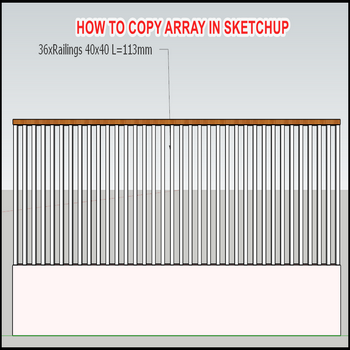
There are 2 ways to copy array in sketchup Tutorial video: Steps by steps: The first ways, copy model to end point, input “/number” example is “/35” The second ways, copy model by dimensions between 2 models example is 113mm , input “35x”, “x” is key “x” of keyboard
Only 3 steps to rotate a your models in sketchup Tutorial video : Steps by steps: Rotate in sketchup is very easy My screen is a house and a compass, i want rotate my house follow directions in compass Q key or shortcut, in the face models click 1st point – 2rd point ( line […]
Make a cone roof in Sketchup with only amazing 3 steps Tutorial video: Steps by steps: Only 3 steps you have been created a cone roof The first draw 1 circle with your radius, example input 4000 mm The second 1 triangle formed by radius line , height line to make a profile (must close) […]
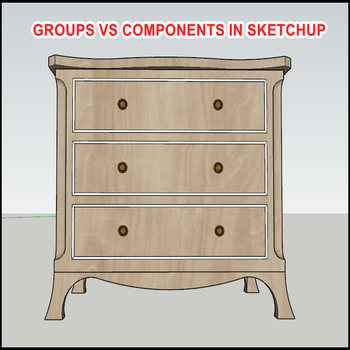
There are many different groups and components in sketchup ,in this video just show the basic difference in design Tutorial video: Steps by steps: The difference between groups and components in sketchup Make group models Make component models Copy multi groups and components Click on group, draw a model in this group Other groups not […]
Has 3 the select scale in sketchup, scale X axis, Y axis, Z axis. When you want scale from any axis, S key or click shorcut on your screen, click on green box, drag from axis Tutorial video : Steps by steps : Has 3 the select scale in Sketchup, scale X axis, Y axis, […]
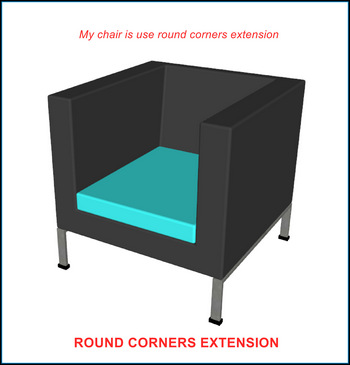
The easiest for make a rounded corner is using Roundcorner extension, take my chair is an example: Tutorial video: Step by step: When you design to round corner a model, let try round corner extension Now make a draft version, chose all model next click shortcut round corner extension Done, your model is finished, all […]
The follow me tool in sketchup is very useful ,draw sweep of balcony or sweep of wall fastly, this tool is created by 1 path and 1 profile Tutorial video: Steps by steps: The follow me tool in sketchup is very useful, this tool is performed by 1 path and 1 profile Example follow me […]
When using Sketchup, sometimes you want to change the background color for personal purposes.Let’s watch our tutorial video to customize a background color of model in Sketchup just easy steps. Tuorial video: To show Default Tray dialog box: Go to Window > Default Tray > Show Tray In the Default Tray dialog, select Styles Tab […]
SketchUp has the appearance of The Axes. The Axes make it easier for users to manipulate points by interpolating points, lines and objects. In this topic, 3dshouse would like to show you “How to change, reset Axis in Sketchup”. STEP: You can you can show or hide the Axes tool by choosing Tools – Axes. […]

Tiếng Việt