

 Tiếng Việt
SketchUp
Explode All SketchUp Groups in One Click — Deep Explode
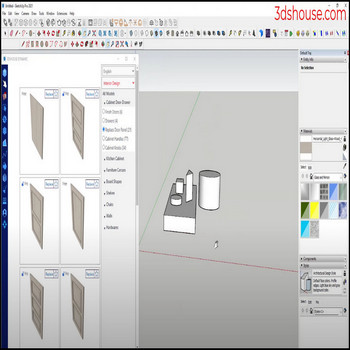
When the SketchUp model has many groups or components nested in many layers and you need to edit them, you have to explode each layer — use the Explode Deep Selected tool to automatically flatten all nested groups faster.
SketchUp’s built-in Explode command only breaks open one level of nesting per click — if a group holds groups that hold components, you have to keep entering and exploding container after container by hand. Explode Deep Selected walks the whole hierarchy in a single pass, so deeply nested imports (DWG/IFC/3D Warehouse models that often arrive 5–6 levels deep) flatten to raw geometry at once.
How to Explode All SketchUp Groups and Components in One Click (Tutorial Video)
Steps by steps :
- Click select model – click deep selection blaster – select group + component
- All groups + elements in classes have been exploded quickly

Explode by 1 click

Watch out for the tag (layer) trap
Before you mass-explode nested groups in SketchUp, know what SketchUp does with tags. When you explode a container that is assigned to a tag other than Untagged, every line and face inside inherits that container’s tag — even geometry that was correctly sitting on Tag 0 (Untagged) while nested. After a deep explode, your raw edges and faces can end up scattered across the wrong tags, which is the opposite of the recommended workflow (geometry on Untagged, only groups/components carry tags). The fix is to model with the containers on Untagged before exploding, or to select all and reassign the loose geometry back to Untagged afterward.
Two more things experienced users keep in mind: Explode is one-way — there is no “implode” to rebuild the original group/component tree, so undo (Ctrl+Z) is your only path back once you click off. And exploding component instances dissolves the link to their definition, so edits that used to ripple across all copies no longer do — flatten only when you truly want independent, editable geometry.
