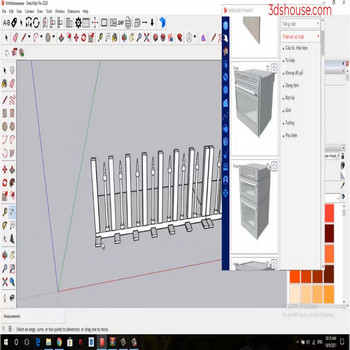
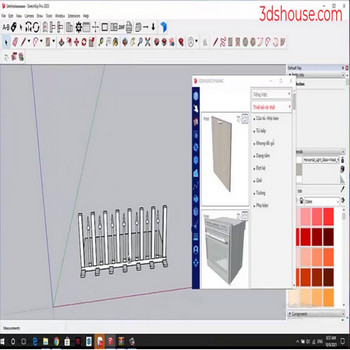
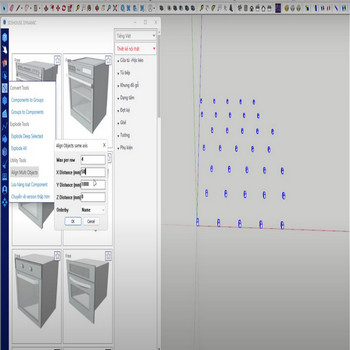
When you have to work with many objects, for tidy display, use the Align Multi Object tool to align and distribute multiple objects in SketchUp. This fills a genuine gap: even in SketchUp 2026 there is still no native align-and-distribute command — it has been one of the longest-running feature requests on the SketchUp forums, […]
Author Archives: Nguyen Huu Khanh
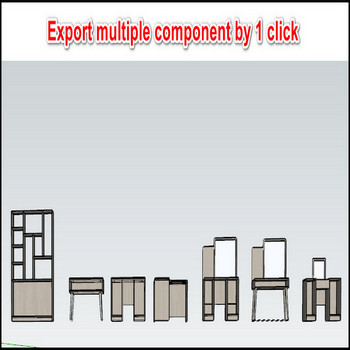
When working with multiple components (com), to reuse the components next time you have to manually save each one as a separate .skp file. In SketchUp 2026 the only native way to do this is to right-click a single component and pick Save As — there is still no built-in command to batch-export many selected […]
When an object has multiple groups or nests elements in multiple classes ,to explode the layers in the object, manually doing each layer takes a lot of time ,to explode all nested groups and components automatically in SketchUp, use the Explode All tool. The reason this matters: SketchUp’s native Explode command (Edit > Group/Component > […]
When you want to delete all the attributes of all the dynamic component (dy_com),you have to go in and remove the dynamic component attributes one by one, it’s wasted time. Use the Delete Dynamic Deep Selection (DDDS) tool to automatically delete all dynamic attributes in SketchUp. Most people assume exploding a dynamic component strips its […]
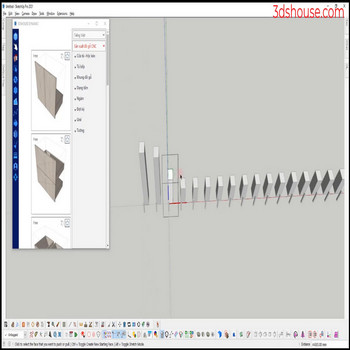
This tool is only different from the Make Unique Multi Objects tool in selecting objects instead of selecting each component (com) to make unique or select all coms to make unique, you just need to choose 1 com to make unique The point is the selection logic. SketchUp’s native Make Unique acts only on what […]
When you want to select all same objects in SketchUp — multiple similar components in a group or context — use SketchUp’s native “select similar” options so you don’t have to shift-click each copy by hand. In SketchUp 2026 these live in the right-click context menu under Select — there is no standalone tool literally […]
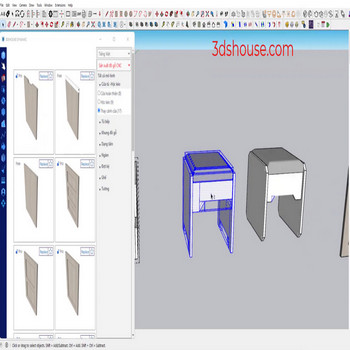
When we need to change the original axis of a group or a component (com), we usually do it manually in SketchUp, or use the “object axis move” tool to set the axis automatically and quickly. Every group and component carries its own axis origin, separate from the model axes — and that origin is […]
After you create dynamic component models, to CNC cut and build products you have to convert from components to groups — this component to group SketchUp conversion is a required step before exporting cut lists Convert Component to Group in SketchUp — Tutorial Video Steps by steps: To convert from component to group you have […]
When the SketchUp model has many groups or components nested in many layers and you need to edit them, you have to explode each layer — use the Explode Deep Selected tool to automatically flatten all nested groups faster. SketchUp’s built-in Explode command only breaks open one level of nesting per click — if a […]
To change the material on many objects at once in SketchUp, use the Select by Color or Select by Material workflow instead of repainting each face one by one. How to Select by Color or Material in SketchUp — Tutorial Video Steps by steps: The slow way is to pick the material on each object […]

Tiếng Việt