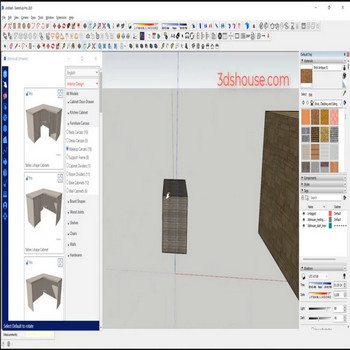
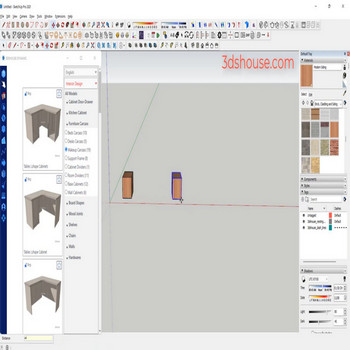
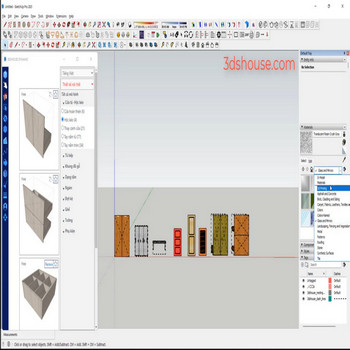
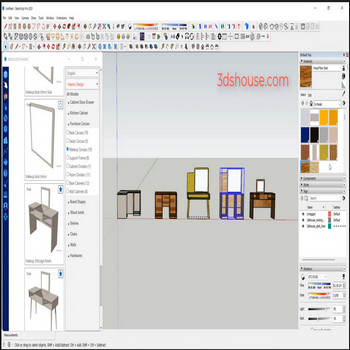
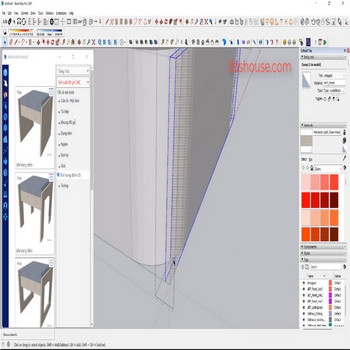
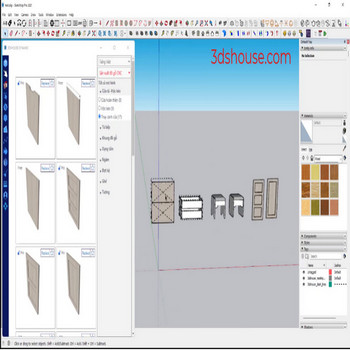
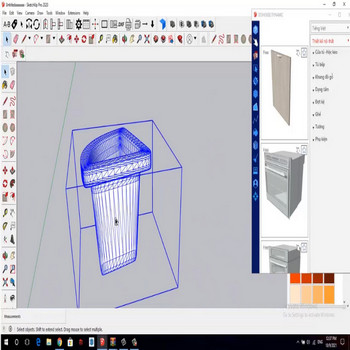
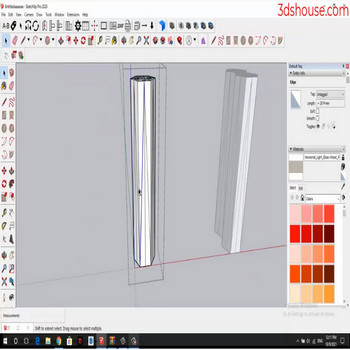
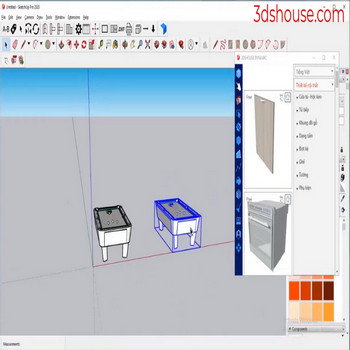
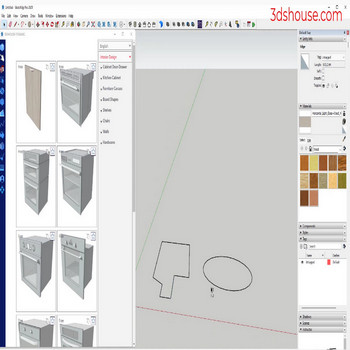
When you want to set the same material for multiple objects, you have to select each model to pick the material, use the material tool to apply material to multiple objects faster Video Tutorial: Paint Selected Objects in SketchUp Automatically Steps by steps : Select all objects – Material tool – Paint to Selected Objects […]
Author Archives: Nguyen Huu Khanh
Smoothing and softening edges in SketchUp normally works one object at a time — using the auto smooth plugin will process multiple objects simultaneously and much faster. How to Smooth and Soften Edges in SketchUp — Plugin Video Tutorial Steps by steps : Select object – choose Edges tools Edges are smoothed, faster than using […]
When you only want to hide edges in SketchUp but don’t want to delete them, use the auto-hide all edges plugin. In SketchUp itself, the equivalent native command is right-click > Hide (or the eraser with Shift held). Note the difference most users miss: Hide keeps the two faces on either side of the edge […]
To delete or hide edges, into the object, which is time consuming , Let’s use 3dshouse’s Remove Unused Edges cleanup tool to help us do it faster Manually cleaning a model means deciding, edge by edge, whether to erase, hide, or soften each line — and in SketchUp these are three different operations, not one. […]
How to join lines into a single polyline in SketchUp using Weld Edges. Since SketchUp 2021 you no longer need an extension for this: “Weld Edges” is built into SketchUp — select the connected edges, right‑click, and choose Weld Edges to join lines into one Curve entity (polyline) (SketchUp’s equivalent of a polyline). The older […]
It takes a long time to manually select edges by length in SketchUp — a dedicated edge selection tool to select edges by length will help you work very quickly One thing that trips up most users: SketchUp has no native “select by length” edge filter — the right-click menu only offers All Connected, Connected […]
To select each outer edge for an object we use default Sketchup,but choosing more edges or edges on different surfaces in SketchUp is very time consuming How to Select Outer Boundary Edges in SketchUp – Video Tutorial Steps by steps : Click to select one or more objects – Click the select outer edges tool […]
When many faces of the group are reversed in SketchUp, if you fix them manually, you have to reverse each side, so it takes a long time to do this, so use an automatic tool. In SketchUp, every face has two sides: the front (white) and back (blue), and the convention is to keep the […]
When working with multi face objects that need offset , for example, door systems, to offset each face in default sketchup takes a long time — use a multi face offset auto tool instead As of SketchUp 2026, the native Offset tool still works on only one face (or a single chain of connected coplanar […]
For models composed of many nested groups or components, selecting faces of an object is very difficult. Use the Face tool in SketchUp – Select Faces in Objects to do it faster. This command is part of the TP Face Tools SketchUp extension (by tak2hata, free on Extension Warehouse) — still installs and runs fine […]

Tiếng Việt