
 Tiếng Việt
Five architecture 3D programs compared on what they actually cost in September 2026, which run on a Mac, and where models break when you move them between Revit and SketchUp.

Five architecture 3D programs compared on what they actually cost in September 2026, which run on a Mac, and where models break when you move them between Revit and SketchUp.
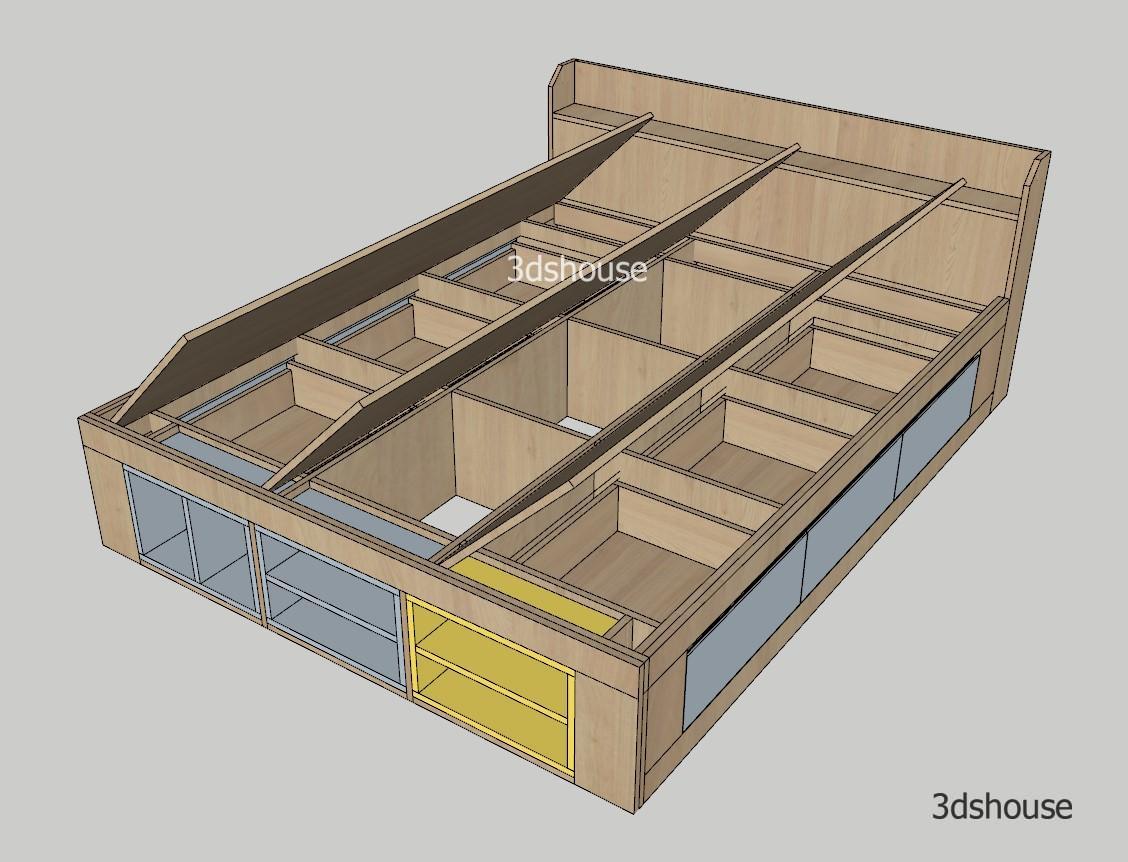
Highly customizable SketchUp dynamic component bed frame with drawer model following real furniture construction specs. Just drag the parameters in Component Options to quickly complete the parametric production design of a drawer bed. Works effectively with the ABF plugin. https://www.youtube.com/watch?v=oFD4mftu0oI Bed Frame SketchUp Dynamic Component – Parametric Component Options Thickness Mattress Length Mattress Width Hide […]

The SketchUp team plan lets one account purchase and manage seats for the whole team. Each member gets full Pro access without buying individually. Step 1: Set Up Your SketchUp Team Plan — Go to My Account → Team Tab After purchase, open My Account and click the Team tab in the sidebar. Step 2: […]
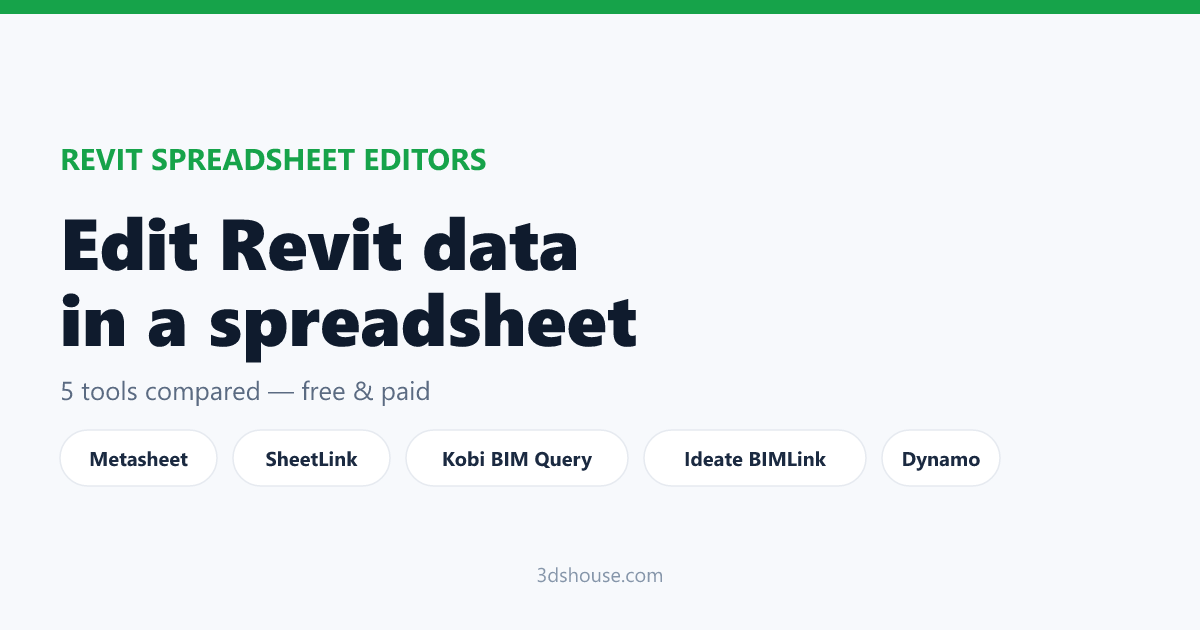
The 10 best Revit Excel plugins compared — Metasheet (free, in-Revit grid plus XLSX round-trip), SheetLink, BIMLink, Kobi, AutoExcel, MLabs, Schedule Plus, Dynamo, Revit’s own export and Ideate Sticky.
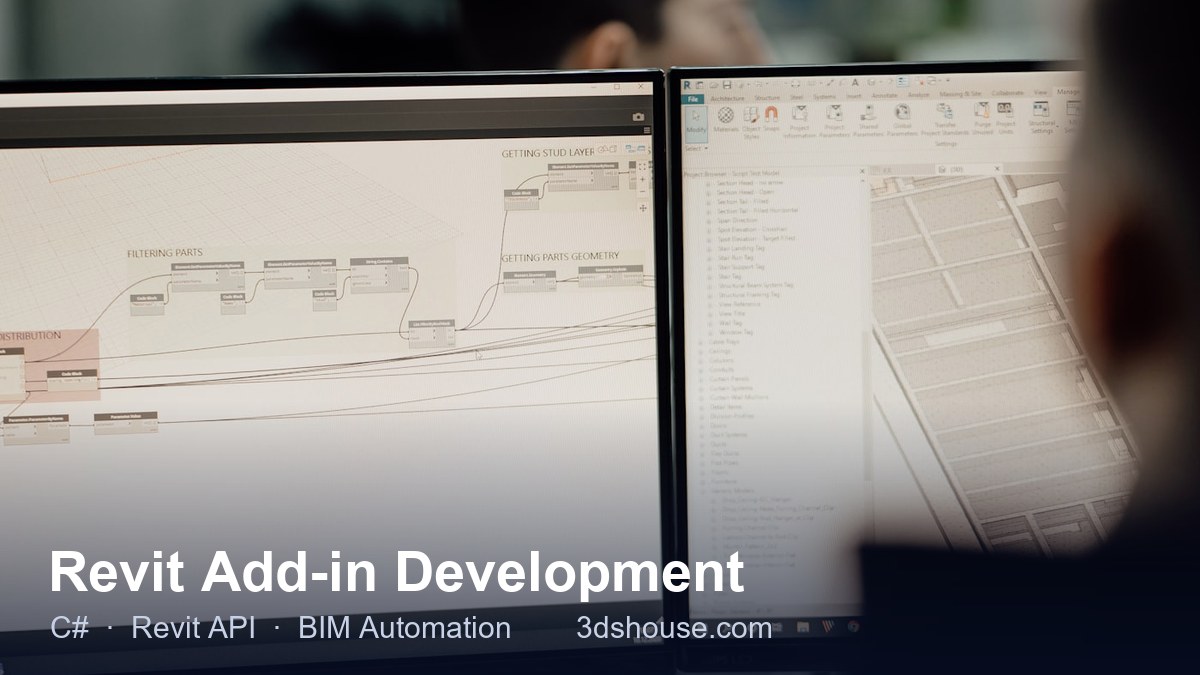
Custom Revit add-in development in C# on the Revit API — Revit 2022 to 2027, multi-version builds behind one installer, source code included.

3dshouse Dynamic is a free SketchUp plugin with a library of hundreds of ready-made dynamic components for parametric furniture design and production — doors, drawers, shelves, cabinet frames and more. Instead of modeling every part, you assemble accurate, highly customizable components and follow your own design ideas at full speed. The plugin and the free […]

Decimify reduces the real polygon count of a SketchUp Group or Component in place — progressive-mesh slider, instances stay linked, one undo step. Free at any reduction level with 3 commits or exports a day; Pro $40 one-time.
Reduce the polygon count of an STL or GLB mesh in your browser: real-time slider, UVs and materials kept, no upload. Free account = 3 exports a day.

A free Revit Excel plugin: export any collection of Revit objects to XLSX, edit it in Excel and import the file back, matched by Element ID — or edit the same data in a spreadsheet grid inside Revit. Revit 2022–2027.

Get BevelUp on Extension Warehouse (free) → SketchUp’s 3D modeler still has no fillet or chamfer command for rounding the edges of a solid, so softening a corner usually means fighting with Follow Me or buying a paid extension. (SketchUp 2026 did add Fillet and Chamfer tools — but only inside LayOut, for 2D vector […]