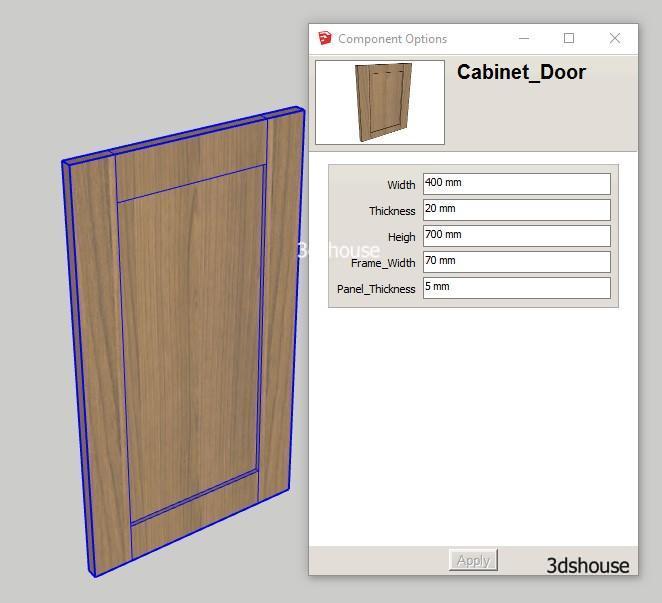
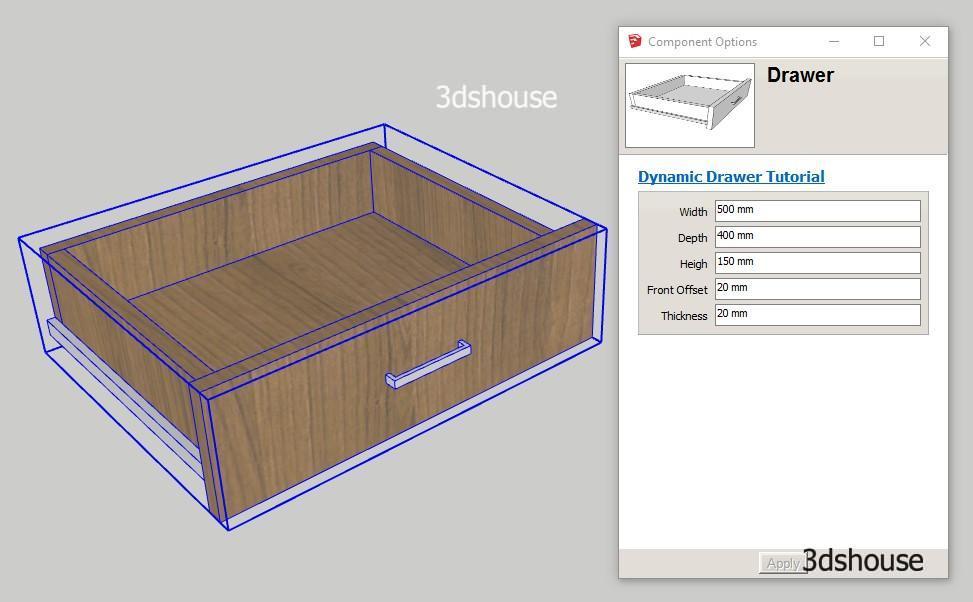
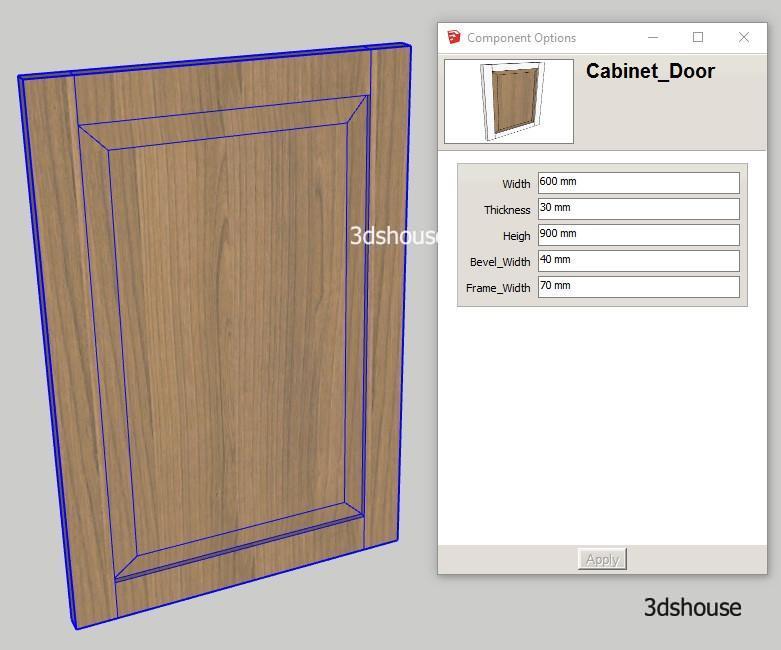
Dynamic size constraints of a flat square model are quite easy, but just a model with a chamfer or rounded edges is much harder. With the example of a neoclassical door with a beveled corner, the lesson will show the most optimal way to create a Dynamic Component Resize without changing the ratio.
Video Lesson:
Download Example Models:
Dynamic-Raised-Panel-Cabinet-Door.skp
Lesson objectives
- Create a Dynamic Beveled Object.
- Proficient setting of Size and Position properties.
- How to divide Models to Child Component
Steps to take
- The most important is to determine how much a Dynamic Con model is divided. For this example, the wooden panel in the middle of the beveled corner requires up to 9 child objects. 4 corners ,4 edges and 1 center.
- Create a beveled panel and put in the model of the Cabinet Door in the previous lesson in the direction of the Video
Note:
- In this lesson, you also learn how to hide edges between border components and corner components. This is a trick to make beautiful models complete.