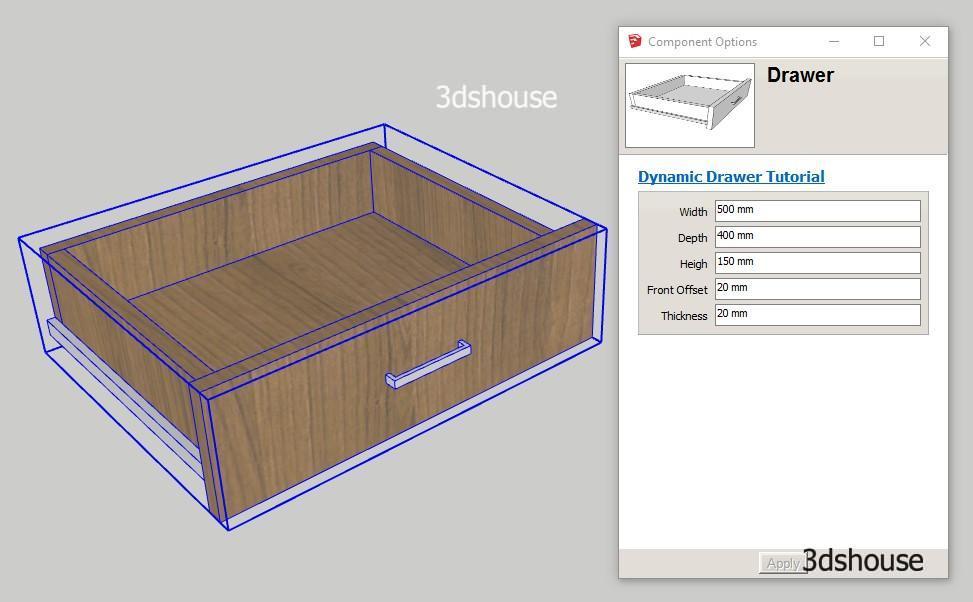
Openable, resizable Drawers are a useful and complete exercise, helping you see how Dynamic Sketchup works, the difficulty of the lesson is average. Through this lesson, you will have a better understanding of the size constraints and the Onclick Animate attribute and hone the skills of coordination of commands in Dynamic Sketchup.
Video Lesson:
Download Example Models:
Dyamic-Resizable-Movement-Drawer.skp
Lesson objectives:
- Draw drawers that can stretch still keep proportion.
- Drawers can be opened.
- Proficiency in size binding skills and Onclick Animate attributes
- Learned the Replace command instead of Component, this command is very dangerous.
Steps to follow:
- Step 1: Draw a size-adjustable drawer that retains the proportions.
- Step 2: Draw a fixed steel bar, the drawer will slide on this steel bar.
- Step 3: Create the parent Components from the 2 components above, set the drawer open.
- Step 4: Put the handle in the parent Components.
- Step 5: How to replace the handle.
Good tip:
- Animate function (Y, -30,0) will not work because it contains negative parameters, so simply put the attribute into the “” sign. Converted into animate (“Y”, – 30,0) will work.
- The handle is inserted at the end because the handle is not standard size and can always be replaced, the latter will not affect the size of the parent component.
- To Replace Command both component must be same Axe