How to Save Model Parameters in SketchUp with Parashape The default parameters of a model in the Parashape SketchUp plugin (3dshouse Dynamic) plugin let you set the starting values once without having to repeat the same editing every time you load a fresh copy of that model. This is one of the most useful Parashape […]
Author Archives: Nguyen Huu Khanh
During the SketchUp furniture design process you must edit the various dynamic component parameters in stages However, when you have completed the model, you want to change the same parameters for each component, instead of editing the component for each component, you use bulk edit models for multiple components. This way will save you time […]
The default unit of SketchUp is Inches, and before you start drawing you typically need to change the unit of measurement to mm, cm, or meters. Sketchup’s unit parameter table is simple, but you should also set it up correctly to draw accurately and conveniently in Sketchup. How to Change Units in SketchUp (mm, cm, […]
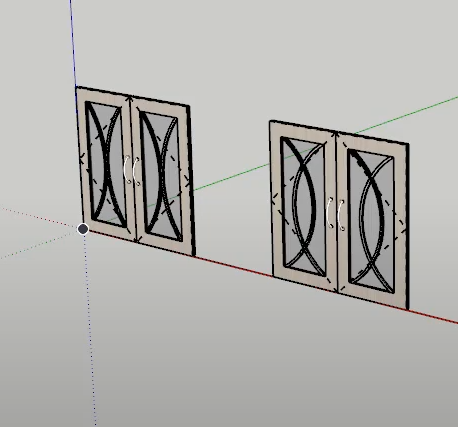
A glass-frame MDF cabinet door is hard to design and hard to manufacture in SketchUp: a single 17mm sheet routed on the CNC leaves a thin, wide frame that warps and is awkward to machine in one pass. Instead, the 3dshouse plugin splits the door into 2 panels of 9mm each that are CNC cut […]
How to Draw Wardrobe in SketchUp: Full-Option Closet in 10 Minutes Drawing a full-option wardrobe in SketchUp is difficult and time consuming, but with the Parashape (3dshouse) plugin you only need 10 minutes to model and export CNC drawings. This guide is current for SketchUp 2026, which is now a Trimble product sold only as […]
Drawing a makeup table in SketchUp takes a lot of time and effort. Using the Parashape (3dshouse) plugin you only take 10 minutes to design and export CNC drawings, Its model includes drawers, wings, cabinets, plates User manual You need to install the free plugin: 3dshouse dynamic sketchup (now called Parashape). It runs on SketchUp […]
The 3dshouse plugin SketchUp has many parametric models to quickly draw curved interlocking half joint shelves. The model library already has 2-way draw half joints , just need to manually draw more curves to create curved shelves assembled with half joints shelves Video tutorial: Step 1: Load the Curved Half Joint Shelf SketchUp Model The […]
3dshouse builds custom SketchUp plugin development services for companies in the furniture, interior and construction industry: material and equipment suppliers, design studios and construction companies that want their products and workflows inside SketchUp. All extensions are built by the developer of Parashape, BevelUp, Decimify and Tracepen — SketchUp extensions I built. BevelUp and Tracepen are […]
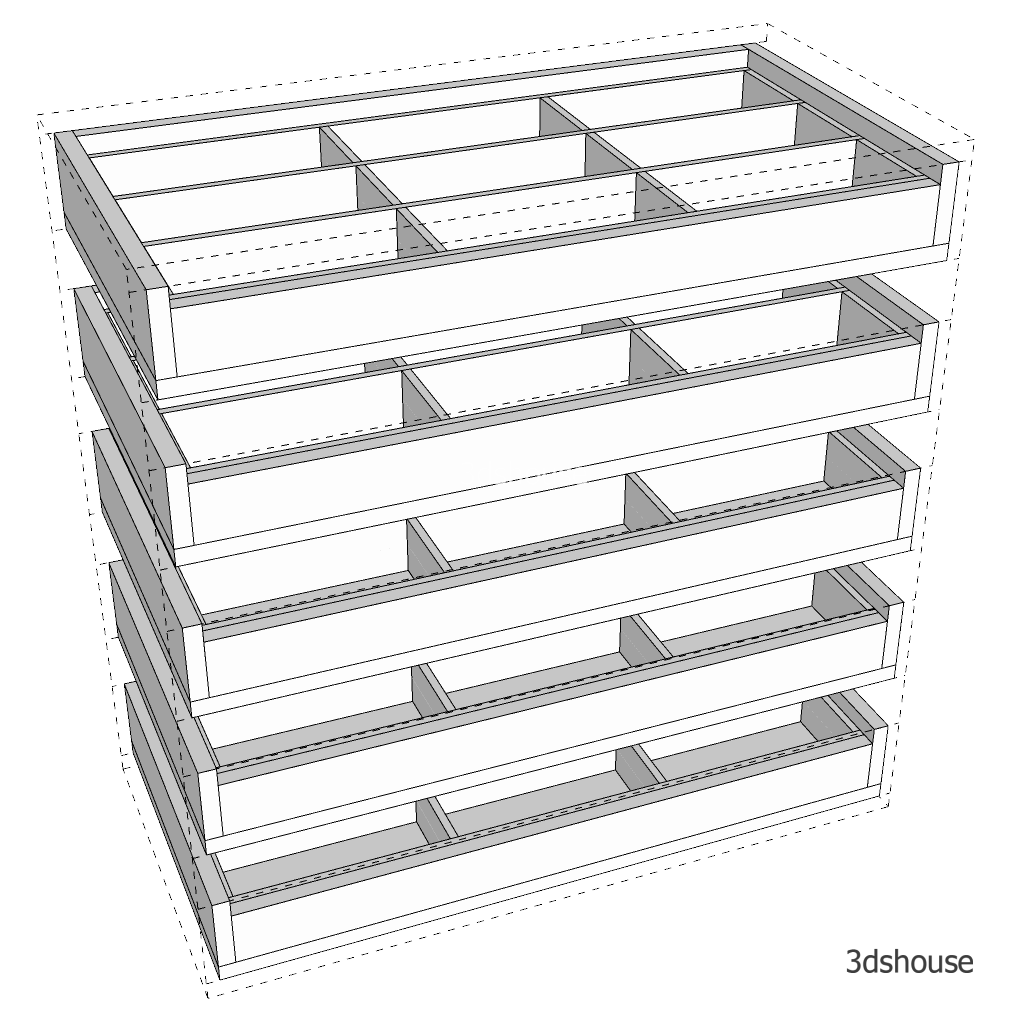
Drawing furniture drawers in SketchUp is very time consuming, especially when it is necessary to draw precisely to deploy a furniture production drawing. The fastest and most accurate way to draw cabinet drawers in SketchUp is to use Dynamic SketchUp. The 3dshouse Dynamic plugin already has a Dynamic drawer model library. It only takes a […]
Kitchen countertop SketchUp models from Dynamic Sketchup includes countertop with cooktop, with sink and clean surfaces. The models can resize without change appliance size. Cooktop, sinks and faucets can be replaced quickly. This is the most effective way to design a kitchen countertop in SketchUp with accurate appliance placement. All countertop models are free and […]

Tiếng Việt