The handles in these free SketchUp cabinet models have built-in coordinates for easy replacement and use. A special feature of these SketchUp models is that you can quickly batch-replace a series of cabinet door handles. All models are free and reside in the 3dshouse dynamic plugin. You need to install 3dshouse plugin to use it. […]
Author Archives: Nguyen Huu Khanh
T-Bone or Dog Bone Wood Joints in industrial wood furniture are most effective when cutting boards by CNC machine — and these SketchUp dynamic models make them parametric. Dynamic Sketchup TBone Wood Joints Models for use in batches, fully compatible with Abf Plugin . Helps draw Tbone wood joints very quickly. It will be very […]
Dovetail-Finger Wood joints for SketchUp include Pin Board, Tail Board, and Half Joints — fully parametric. Scale model does not change wood joints details. So you can use these models for any new projects without redrawing. These models only for pro user of 3dshouse dynamic plugin. Dovetail & Finger Box Joint SketchUp — Usage Dovetail […]
These tutorials cover the 3dshouse Dynamic extension (now part of Parashape) — a parametric furniture plugin for SketchUp. Everything here builds on SketchUp’s native Dynamic Components, so the techniques work on any SketchUp Pro subscription — Dynamic Components ship with SketchUp 2022 through 2026, but authoring (editing formulas) requires the Pro tier; the free web […]
Using ABF Plugin with SketchUp Dynamic Models for CNC Nesting How to nest using Abf or Oneclick plugin with 3dshouse dynamic model (Parashape) for CNC production is very simple, just select the model that needs nesting, Click Dynamic Option panel in 3dshouse plugin. This tool will clean files, delete hidden objects, process panels, delete dynamic […]
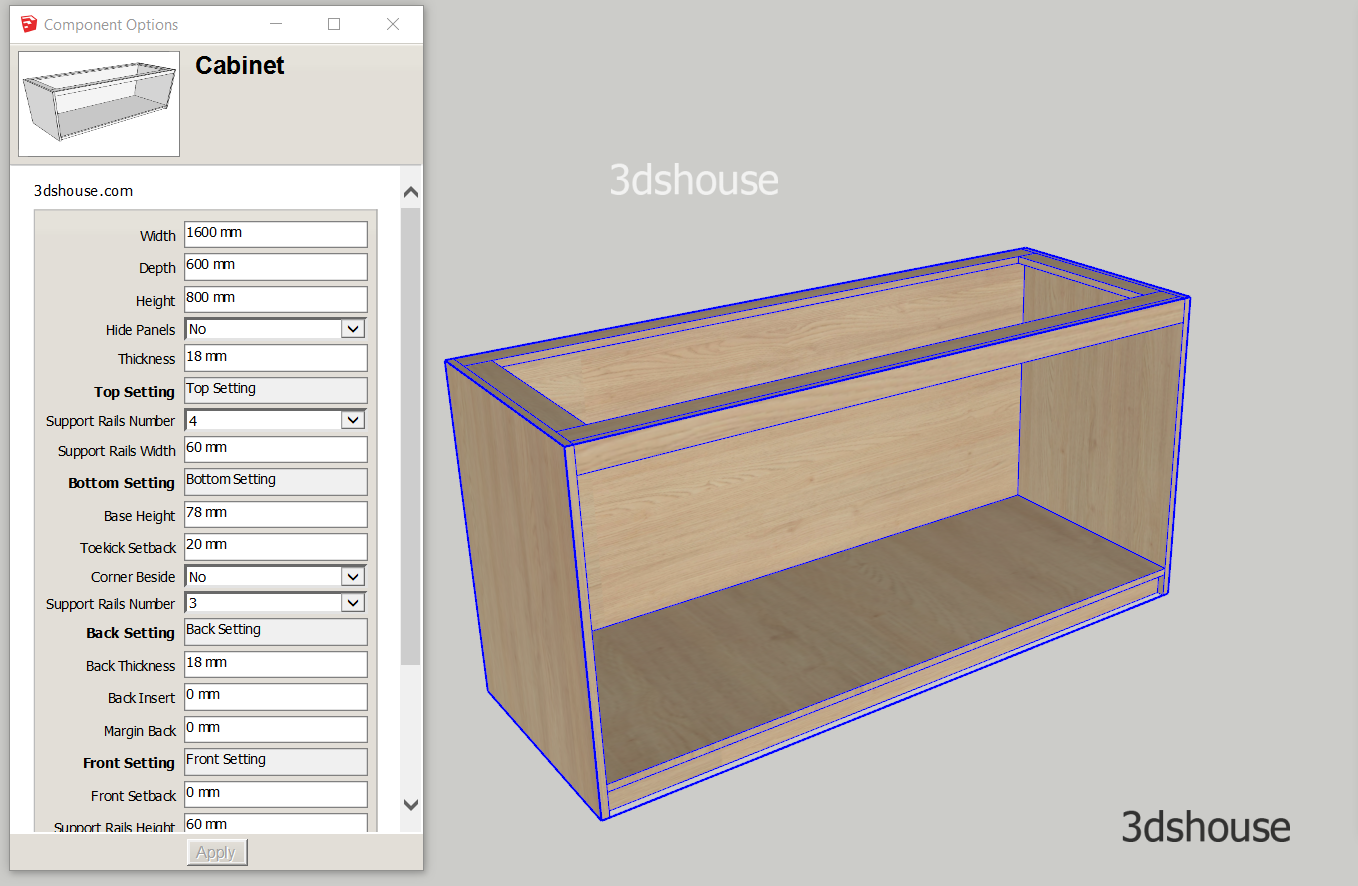
Dynamic Sketchup base kitchen cabinet models are fully parametric — customize width, depth, height and partition layout to match CNC production needs quickly, accurately, and with minimal waste. These models are available in the 3dshouse interior dynamic Sketchup plugin. This is a very special model, with a 1-year-old life, which is continuously edited through comments […]
Exporting SketchUp to a CNC router is not simple — it requires multiple steps through DXF and CAM software. This is a comprehensive guide to the full SketchUp-to-CNC workflow for woodworking and advertising. All CNC machines read data via G-code file so the article guides the steps to create a G-code file for a CNC […]
After you have programmed the Dynamic Component SketchUp functions, to remove all dynamic properties and attributes from objects, it is usually only possible to manually delete it in the Component Attribute table. If the file has many objects and properties, it will take a long time to delete. Delete Dynamic Tool is a tool available […]
SketchUp Dynamic Component often crashes on scale when you copy a Dynamic Component — a known bug still present in SketchUp 2026. The cause of the Scale error when copying a Dynamic object is that the child objects still mistakenly recognize the parameters of the original parent object. Especially if you use Groups located in […]
Faces To Groups helps to automatically batch-group loose faces in SketchUp, creating separate groups from loose shapes. This tool is used only in rare cases. Here 3dshouse provides this tool for nesting implementations with the Abf Plugin. In this example the Faces To Groups Tool will automatically create a series of Groups to export via […]

Tiếng Việt