

 Tiếng Việt
SketchUp
Delete All Textures in SketchUp Fast — Textures Tool
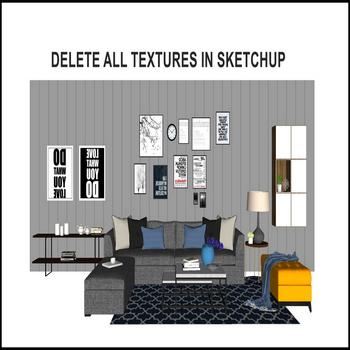
When a SketchUp model has a lot of textures you want gone, use the textures tool to delete all textures in one pass — first install the 3dshouse dynamic plugin (now rebranded Parashape, same Textures tool).
The important thing most users miss: SketchUp’s native cleanup (Window > Model Info > Statistics > Purge Unused, or Purge Unused in the Materials panel) only removes materials that are NOT assigned to any geometry. Any texture currently painted onto a face, group, or component is “in use” (marked with the small white triangle in the Materials panel) and Purge will simply skip it – so purging never gives you a truly clean, paint-free model. The textures tool is for exactly that case: it strips every material, applied or not, in one pass.
A related gotcha: deleting geometry does not delete its material. The definition stays in the file in case you reuse it, which is why a model that looks empty can still carry dozens of textures bloating the file size. And because purge cascades, removing unused components first frees the materials those components held – but applied materials still stay put until you clear them deliberately.
How to Delete All Textures in SketchUp Fast: Tutorial Video
Steps by steps:
- First install the 3dshouse dynamic plugin
- To delete all textures in SketchUp the manual way you would right-click face after face — don’t do that, use the textures tool to strip all textures at once
- 3dshouse dynamic plugin – textures tool – delete all textures
- All textures have been deleted from SketchUp (very fast), including applied textures that the native Purge Unused leaves behind

Delete all textures in sketchup

