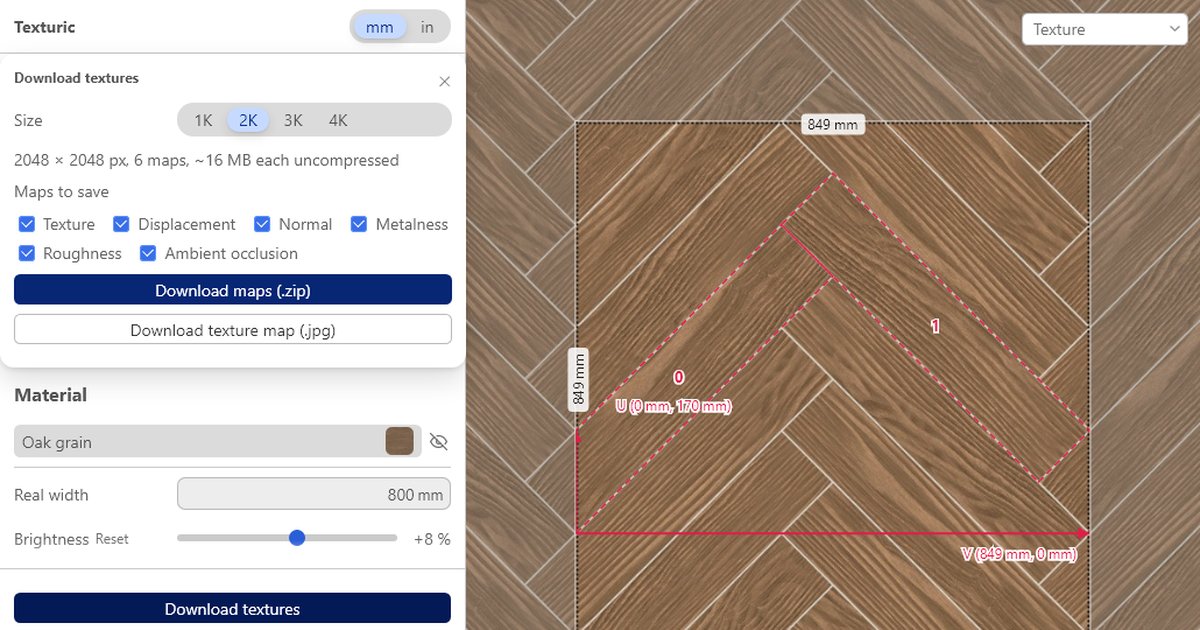
Texturic turns a pattern and a photo into a seamless texture with PBR maps: apply it to the selected faces, or save the maps on the web. Three free results a day.

Texturic turns a pattern and a photo into a seamless texture with PBR maps: apply it to the selected faces, or save the maps on the web. Three free results a day.
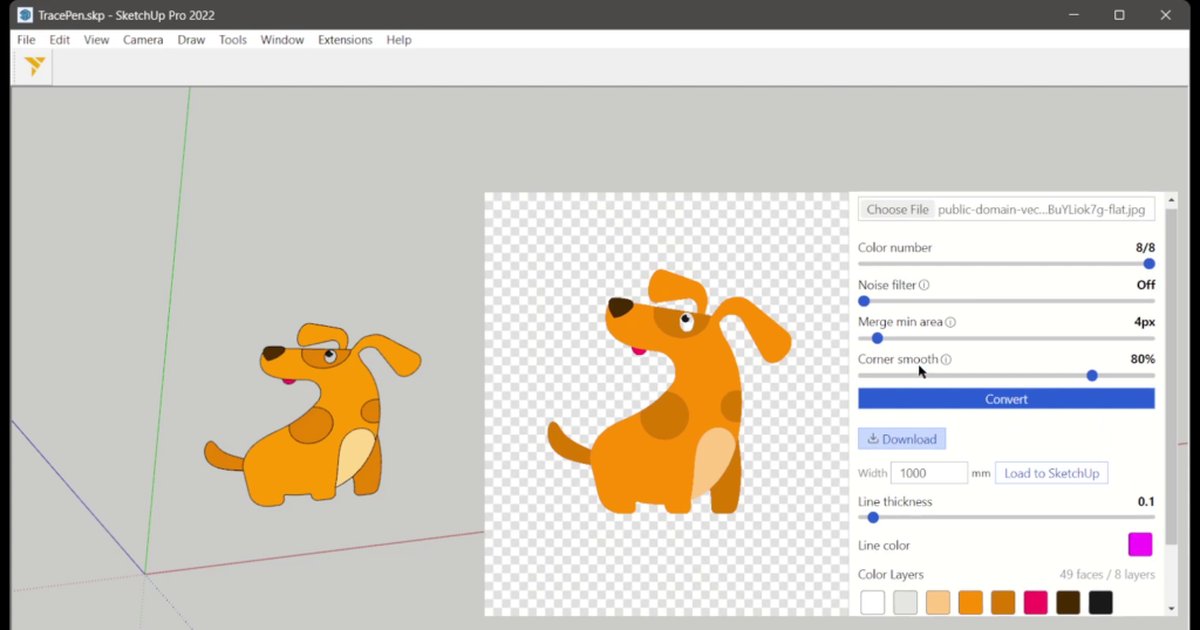
Image to SKP inside SketchUp: Tracepen traces a JPG or PNG into native faces, one group and one material per color, and the page says which routes suit a logo, a relief or a photo.
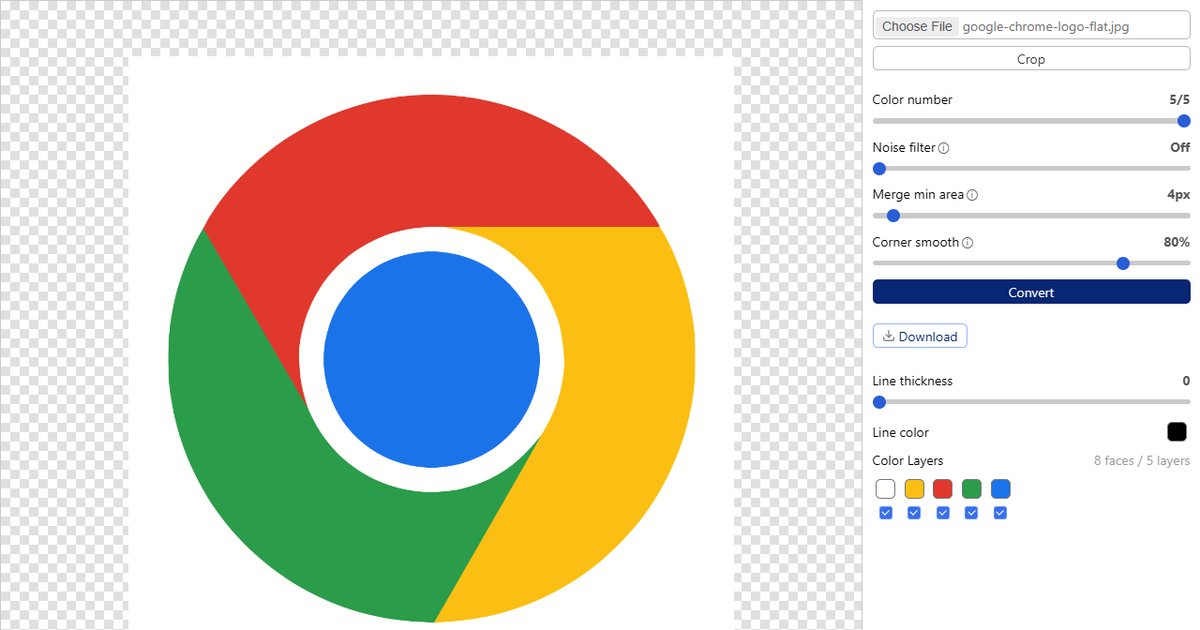
Online image tracer: drop a PNG, JPG or WebP into your browser, trace it into SVG, PDF or DXF (Lines, Hatch, Faces), and the picture never leaves your computer – every control, what each export contains, what to trace and what not to.
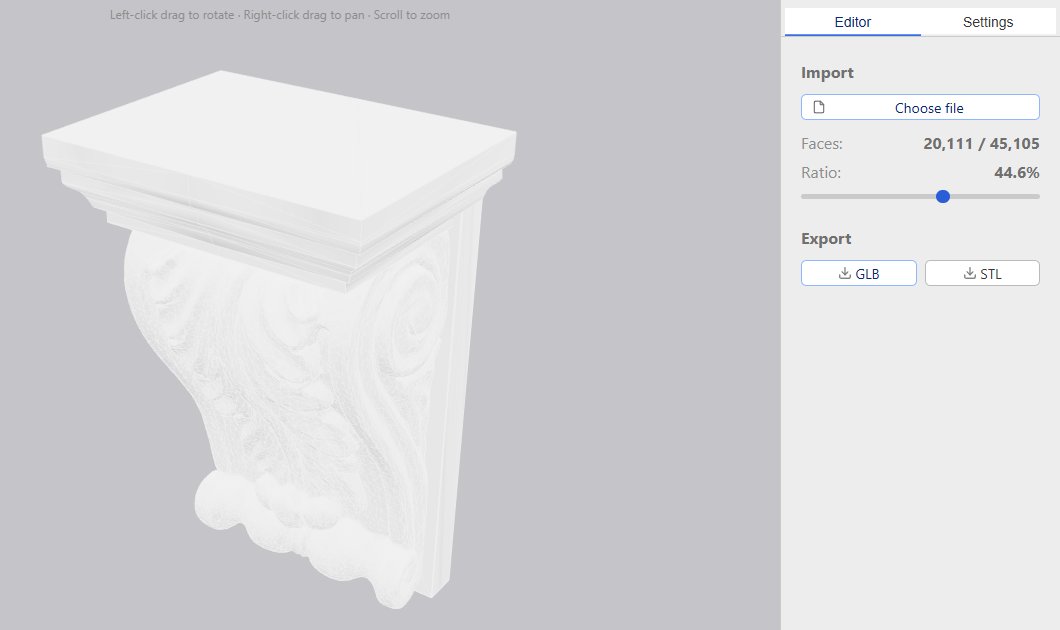
How to make an STL file smaller: why size equals triangle count, how to work out the result before you export, and how to reduce it in the browser.
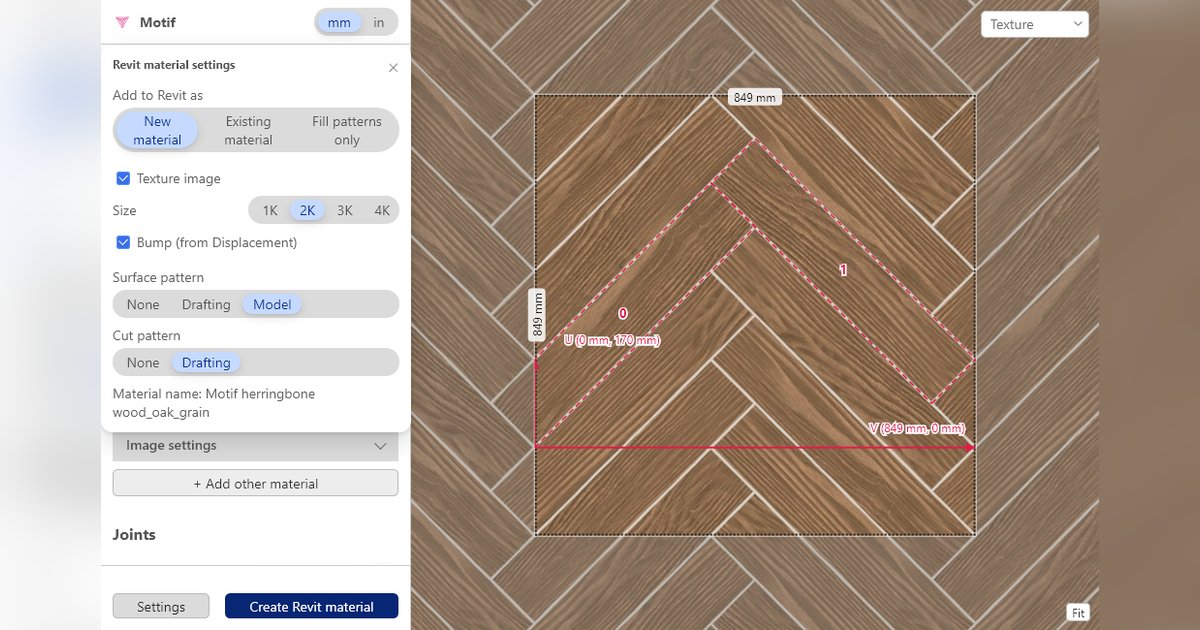
Which Revit plugin gives textures, which makes the Surface and Cut patterns, which does both: 14 compared, with price and Revit versions from their own pages.
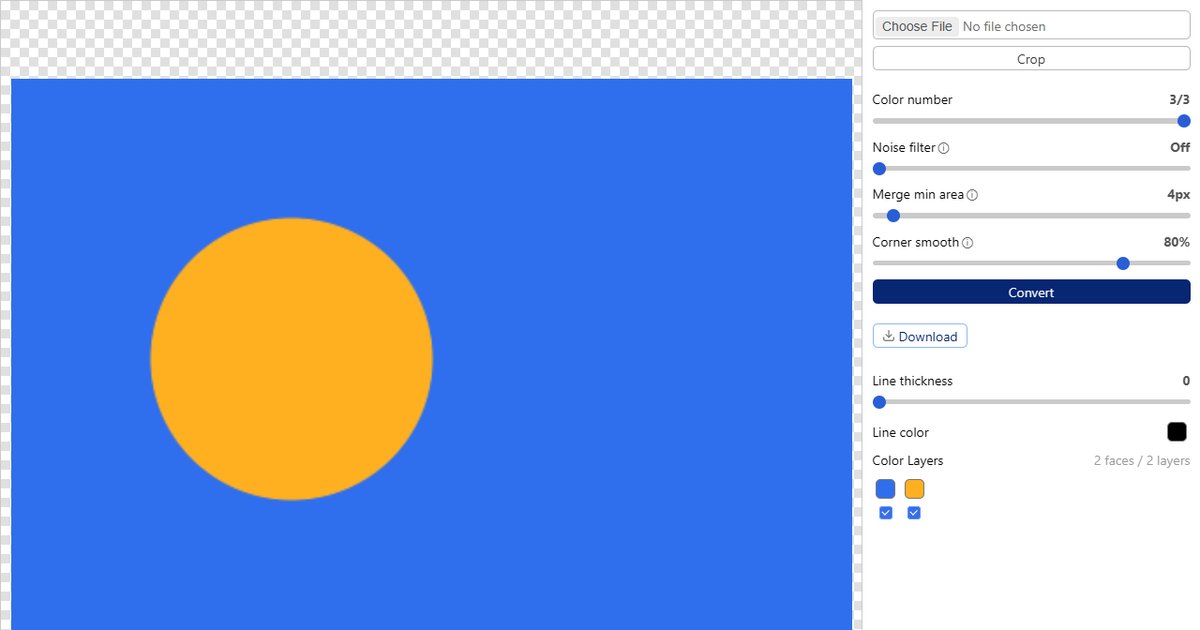
How to convert a PNG or JPG to a real SVG made of paths instead of an embedded bitmap, check the file, keep it small and send it to Cricut, Silhouette, the web or Figma.
How to turn a pixelated PNG or JPG logo into a clean vector with its exact colors, check the result and send it to print, vinyl, laser or 3D.
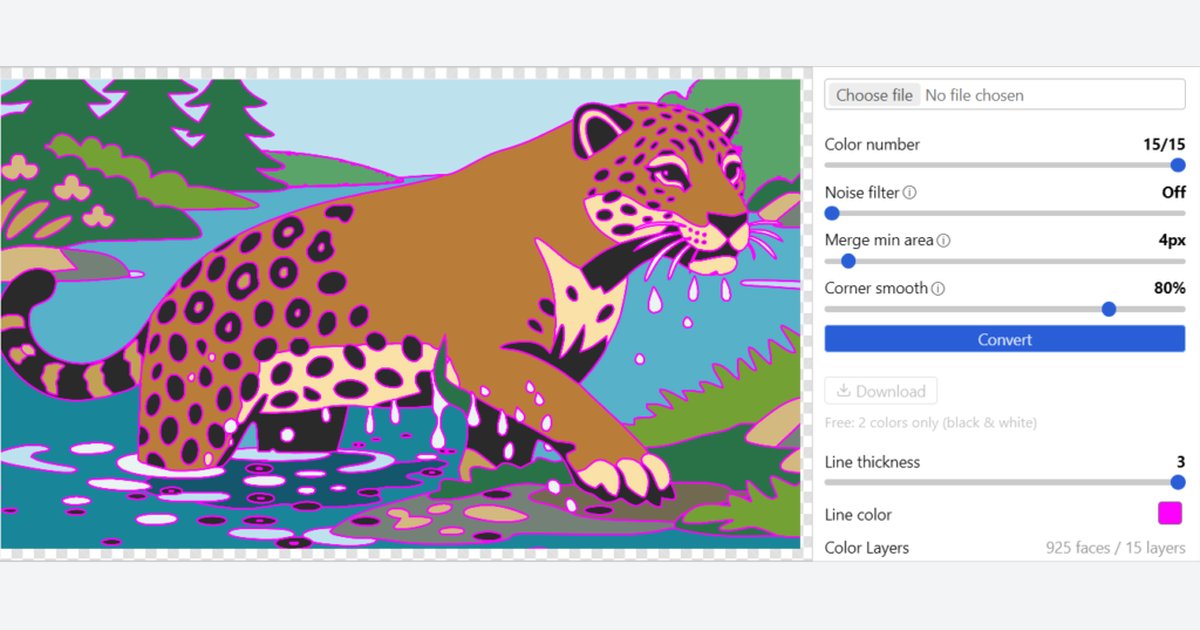
How to turn a PNG or JPG into a DXF that laser cutters, CNC routers and CAD accept: closed outlines, one layer per color, which DXF type to pick and how to fix the size.
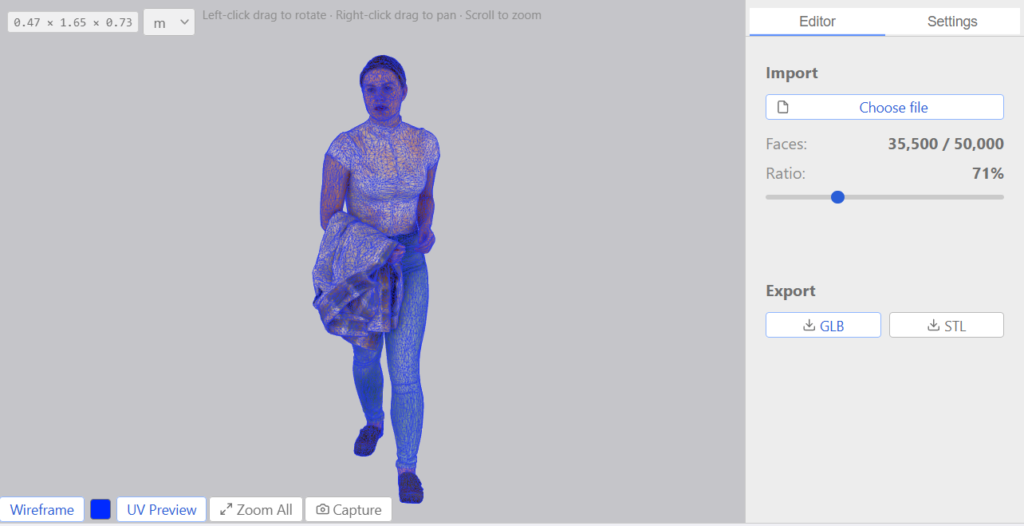
How to make a Meshy or Tripo model lighter after you download it: reduce the GLB you already have, with its textures and UVs kept.
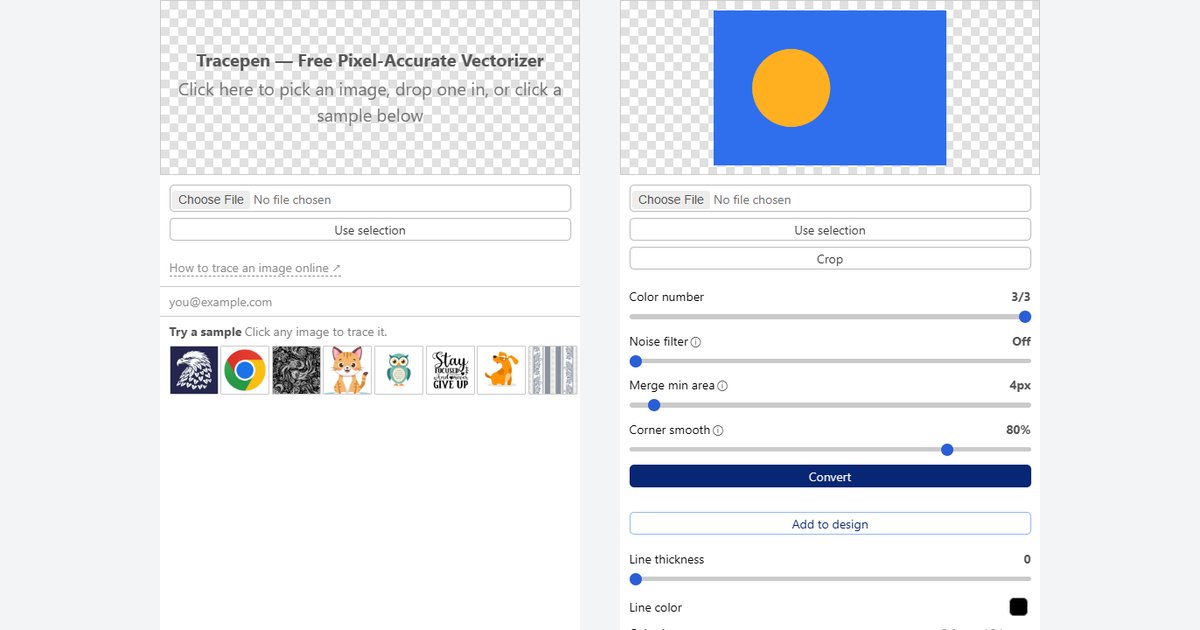
A Figma plugin that traces an image – or the layer you have selected – into editable vector paths, one path per color.