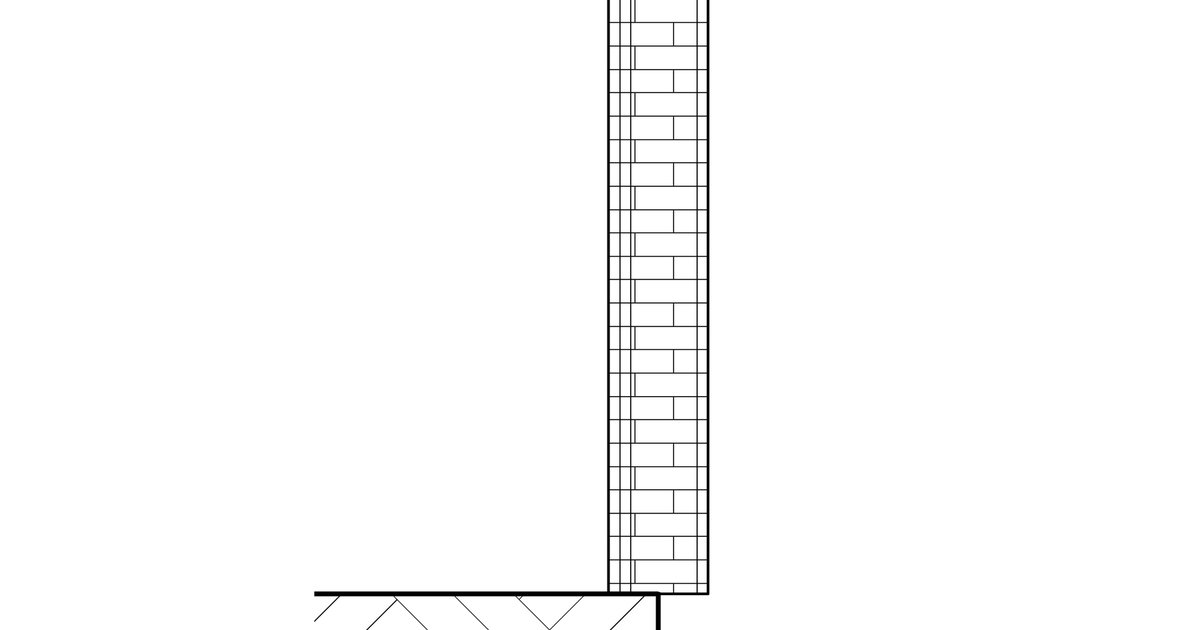
A Revit cut pattern that is missing, a dark mass or unreadable at another scale: 9 checks from Autodesk’s help, and what forum threads do about scale.

A Revit cut pattern that is missing, a dark mass or unreadable at another scale: 9 checks from Autodesk’s help, and what forum threads do about scale.
Draw a filled region, rotate its pattern, place it on a sheet, bring back a hatch that does not show, delete unused types, and add one layout in drafting and model kinds.
Add a hatch pattern to an existing Revit material: the Graphics tab steps, which pattern type each slot takes, why a new hatch may not show, and a way that keeps the texture.
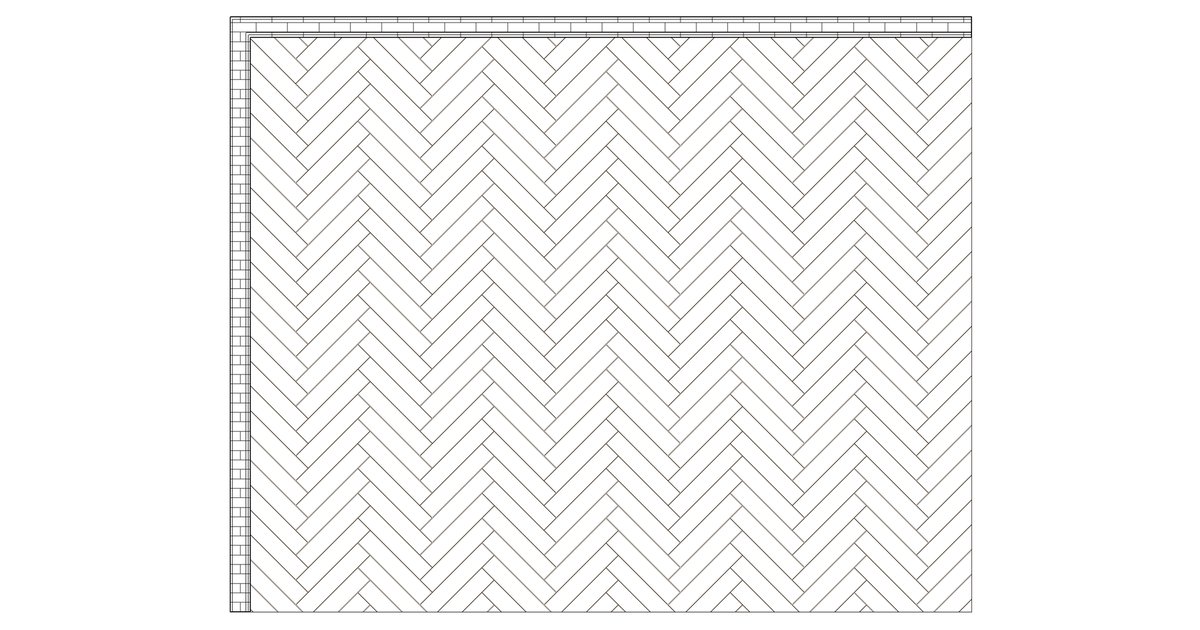
How to import a .pat fill pattern into Revit step by step, the messages that block an import, the inch default and why a drafting pattern at real size draws almost nothing.
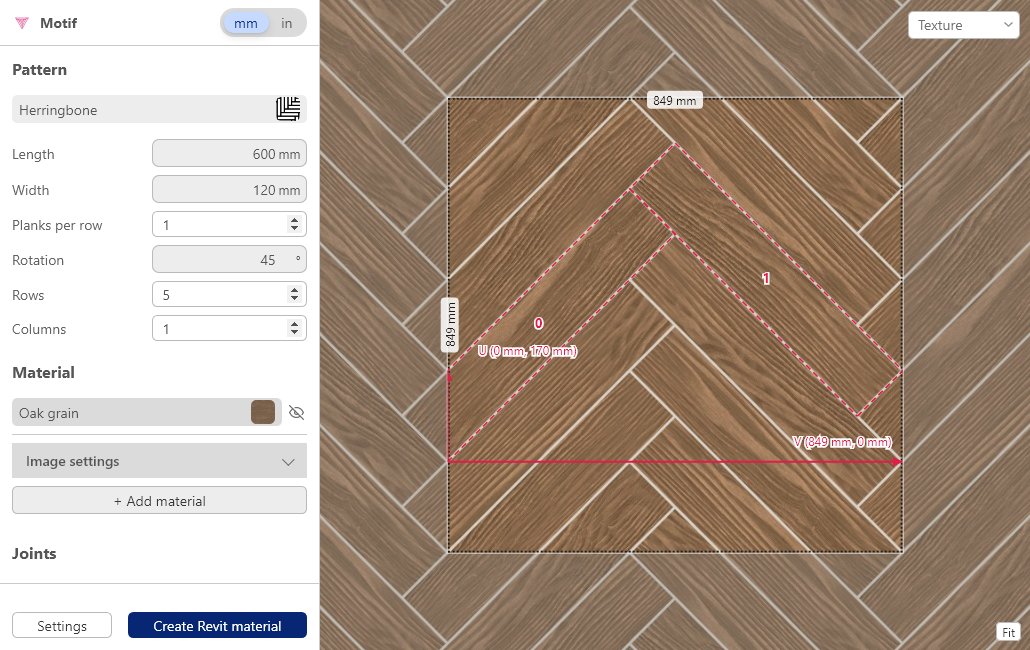
Create, edit and share a custom material in Revit: the Material Browser, the Appearance texture, Surface and Cut patterns and libraries, then a one-step route with Motif.
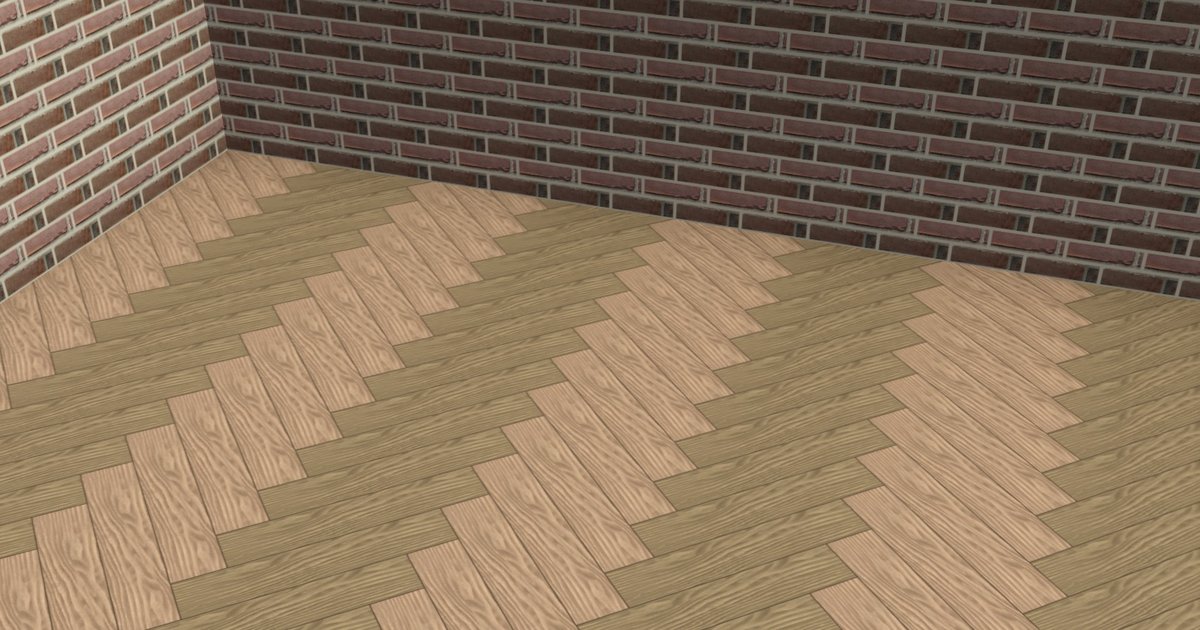
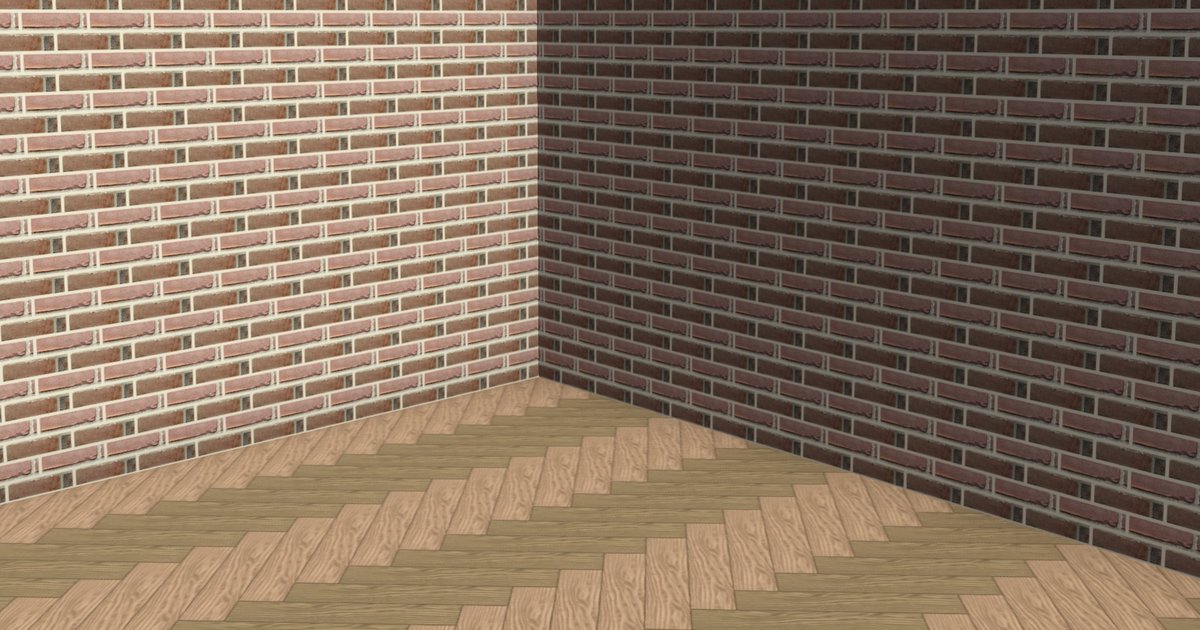
Why a Revit material texture and its surface pattern do not line up: model vs drafting patterns, Texture Alignment, sample size, units. 5 fixes with Autodesk steps.
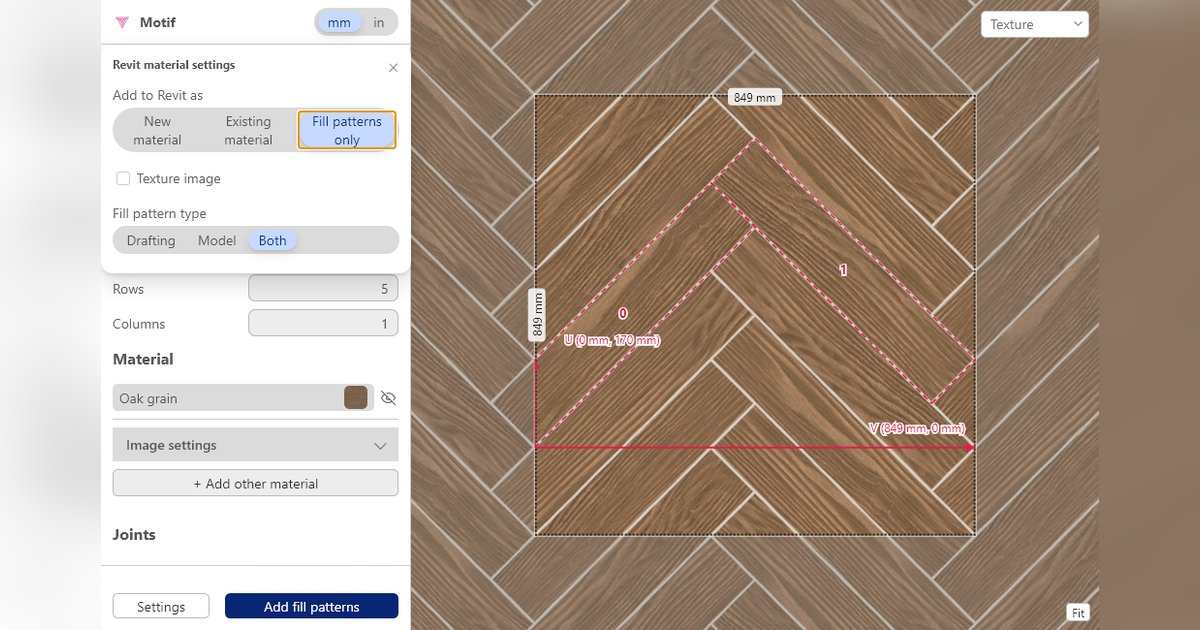
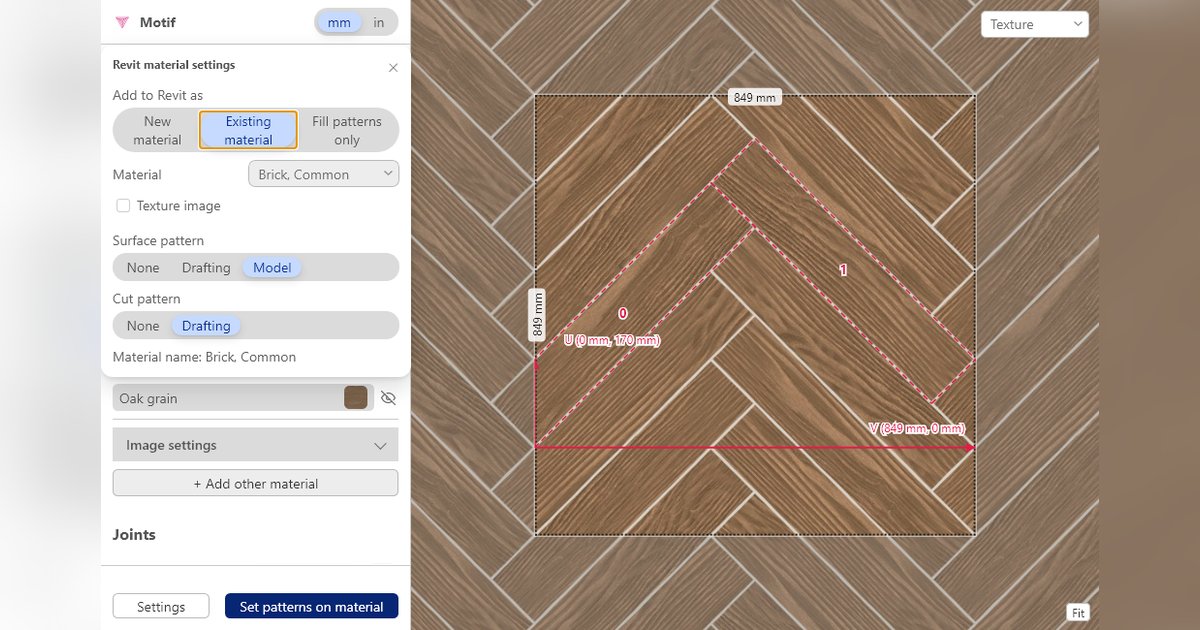
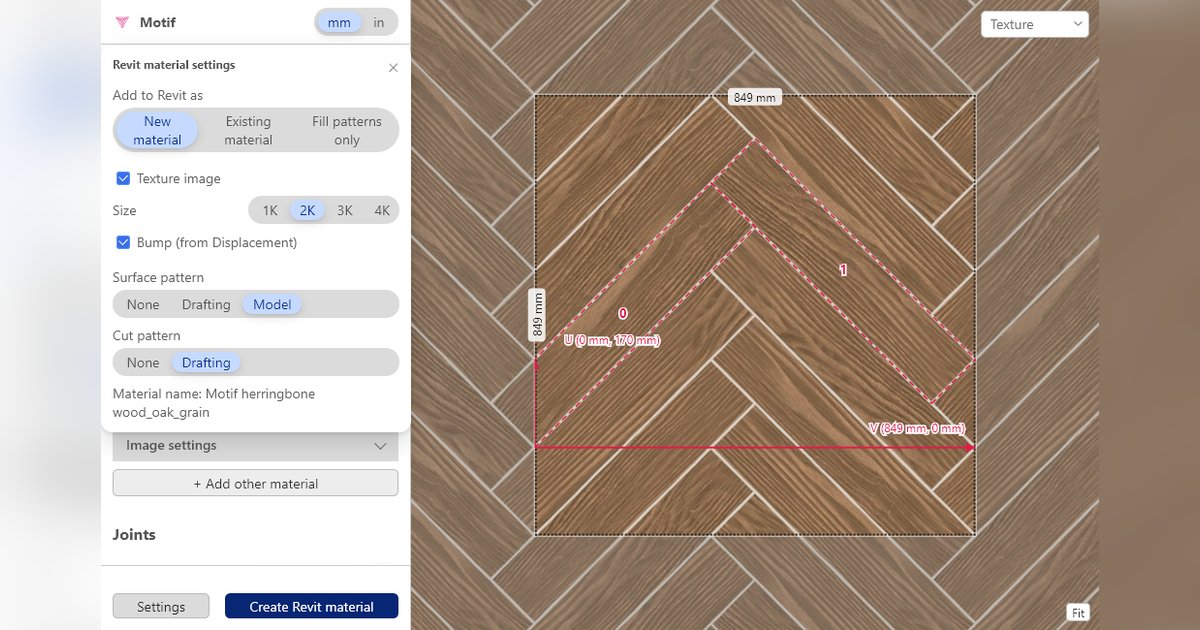
Motif for Revit: pick one of 300+ tile, brick and floor layouts and press once. It makes a material with a seamless texture, a Surface pattern and a Cut pattern, or sets the patterns on a material you have. 3 free uses a day.
Which Revit plugin gives textures, which makes the Surface and Cut patterns, which does both: 14 compared, with price and Revit versions from their own pages.