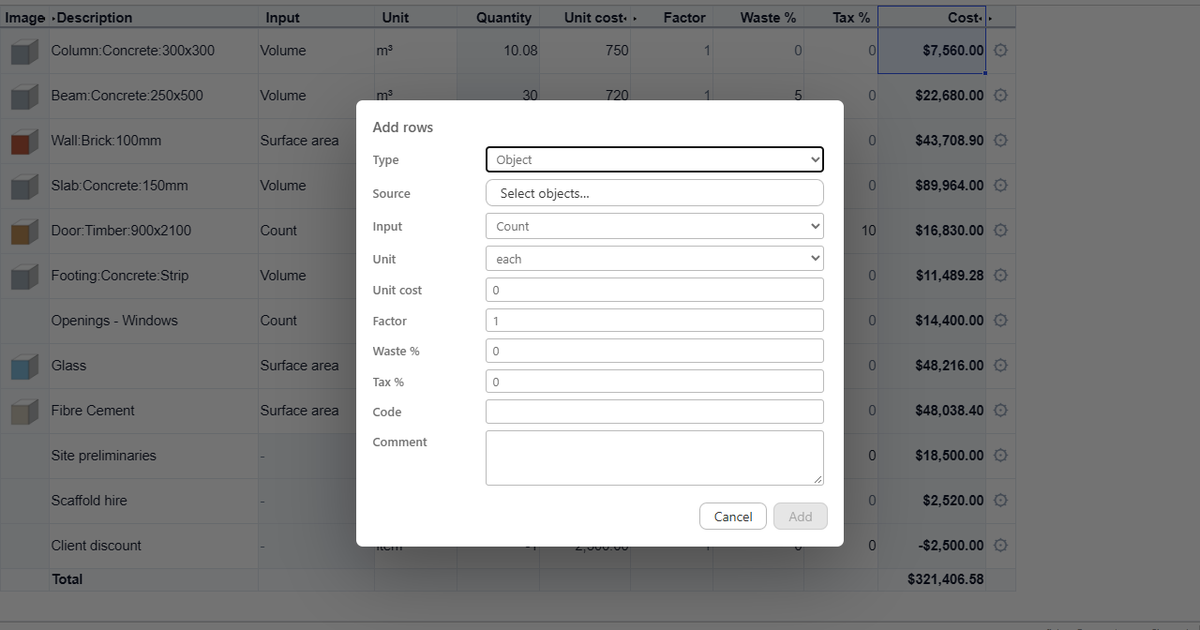
Eight SketchUp quantity takeoff tools compared on what they measure, how they handle cost, what they export, where they run and how they are licensed.

Eight SketchUp quantity takeoff tools compared on what they measure, how they handle cost, what they export, where they run and how they are licensed.
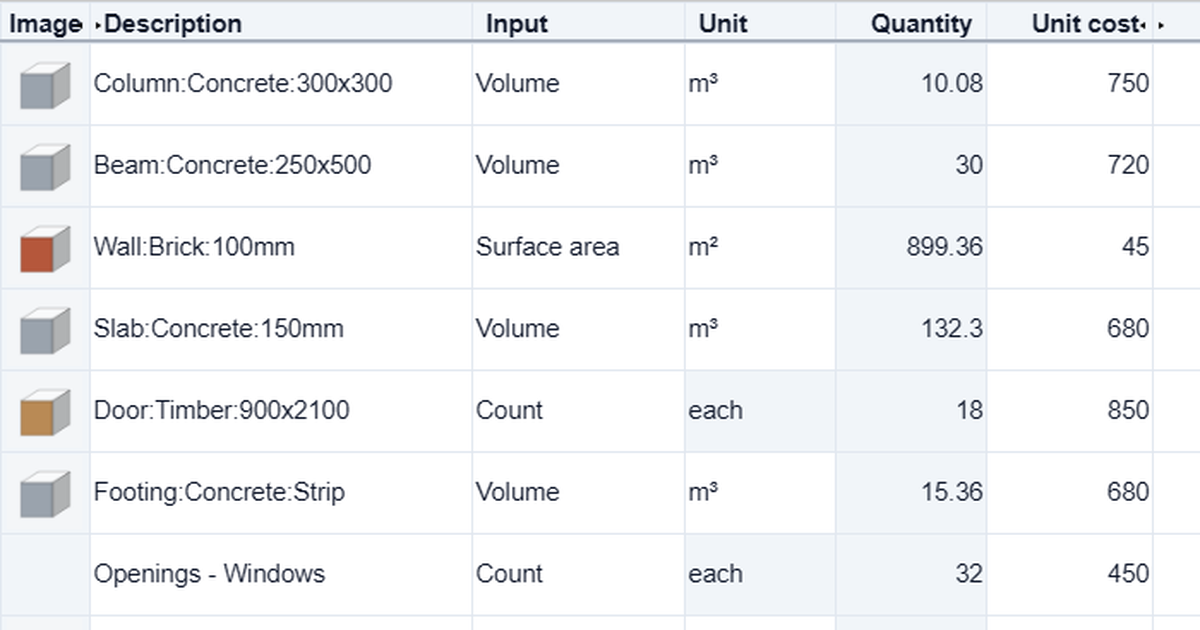
How SketchUp decides a volume, why Entity Info shows none or a wrong figure, how to find and repair the geometry, and how SheetUp treats solids, nested groups and estimates.
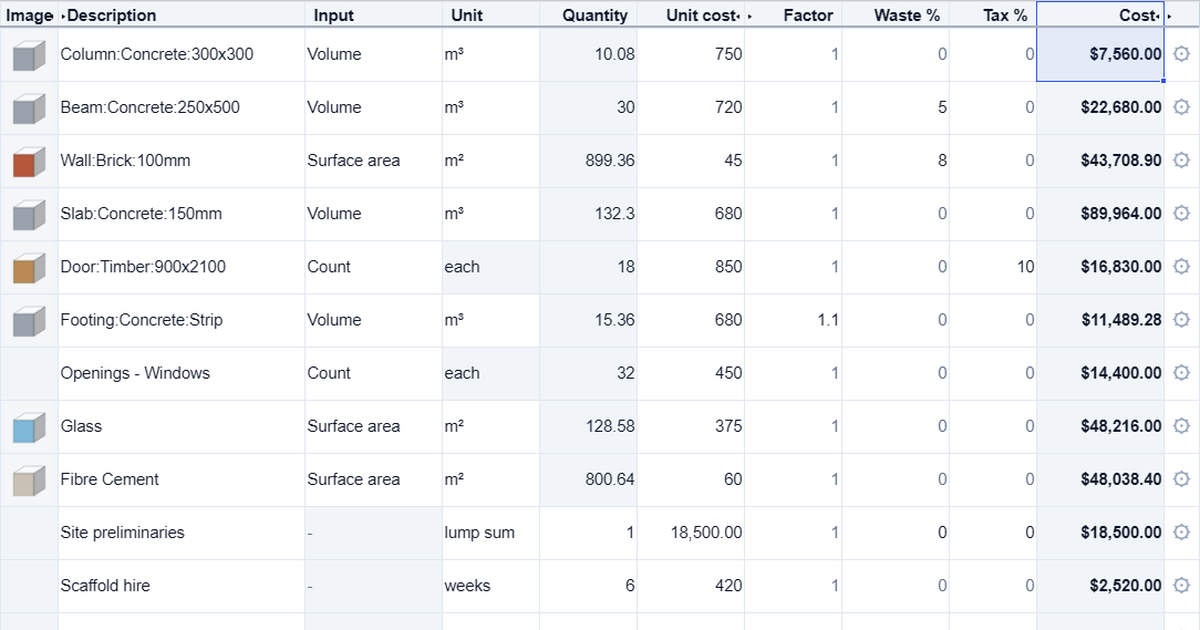
Face, surface, material, plan and cut area in SketchUp: how to read each one, and how SheetUp measures surface area, material area and the projected Area W×H as rows of an estimate.
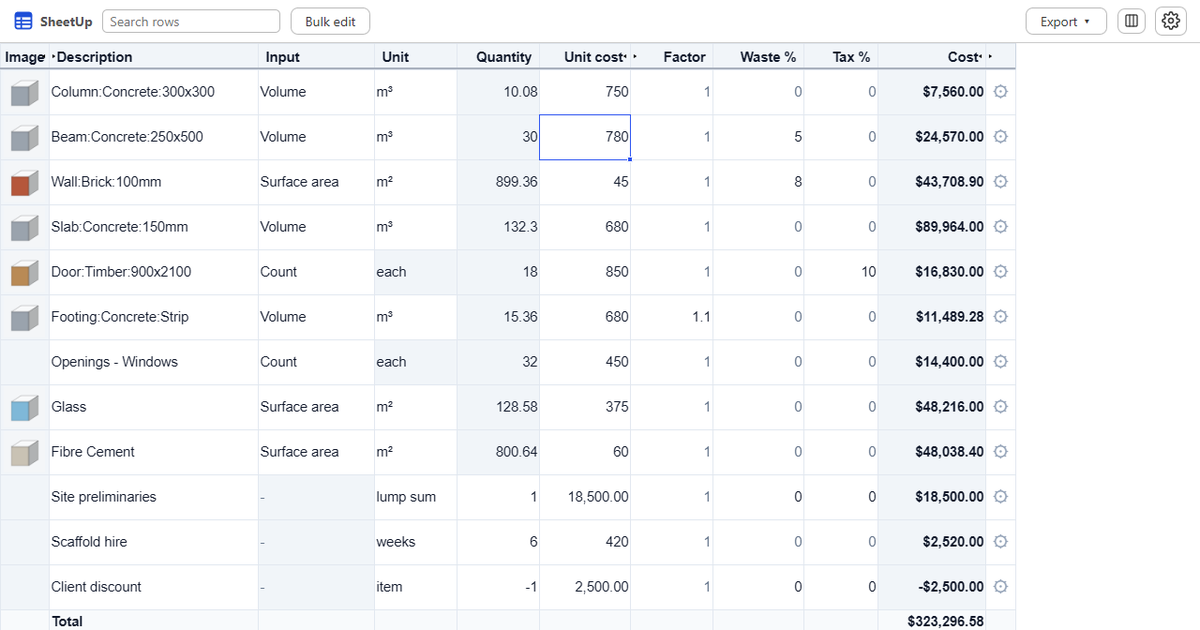
How a SketchUp cost estimate is built from rows that point at the model, with one fully worked example, the common mistakes and the limits of an estimate drawn from geometry.
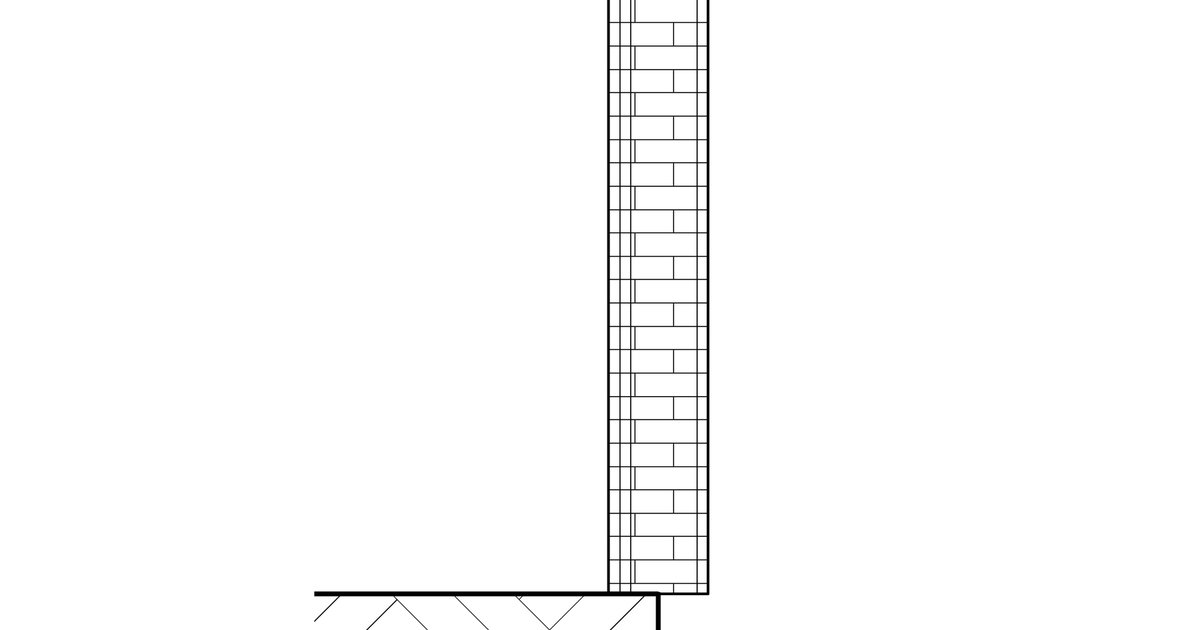
A Revit cut pattern that is missing, a dark mass or unreadable at another scale: 9 checks from Autodesk’s help, and what forum threads do about scale.
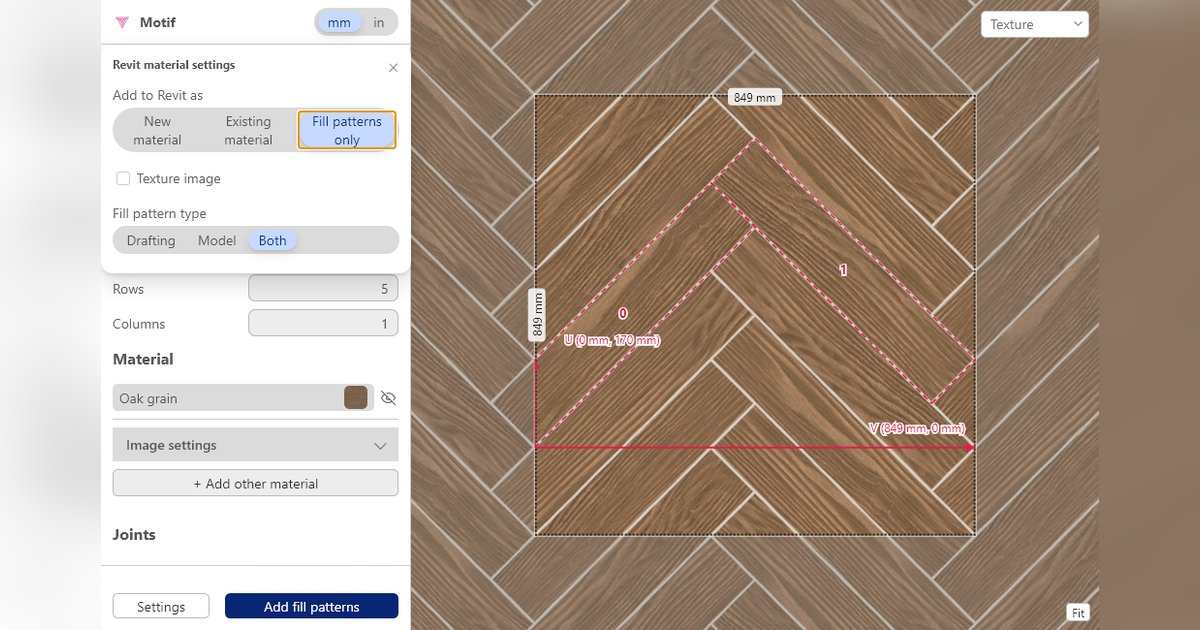
Draw a filled region, rotate its pattern, place it on a sheet, bring back a hatch that does not show, delete unused types, and add one layout in drafting and model kinds.
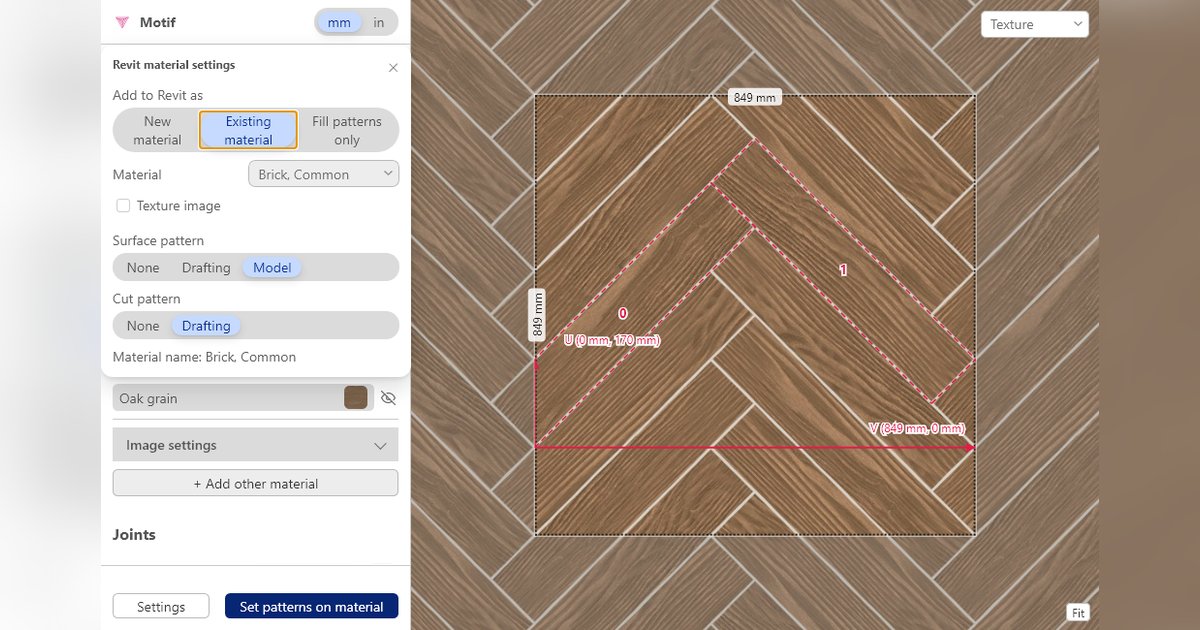
Add a hatch pattern to an existing Revit material: the Graphics tab steps, which pattern type each slot takes, why a new hatch may not show, and a way that keeps the texture.
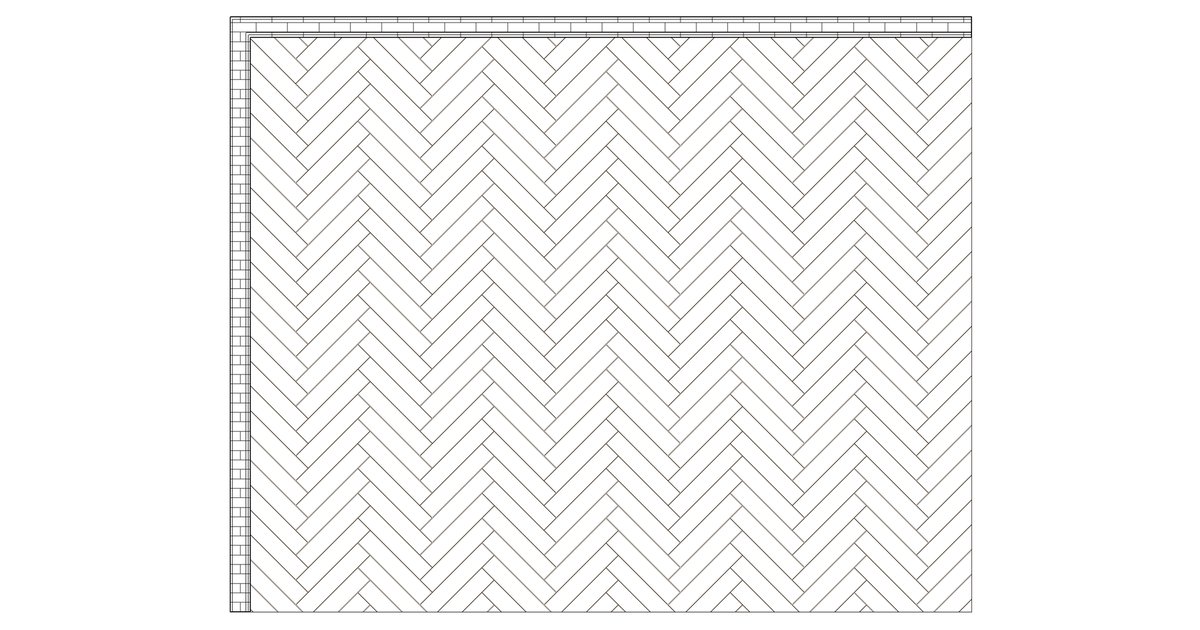
How to import a .pat fill pattern into Revit step by step, the messages that block an import, the inch default and why a drafting pattern at real size draws almost nothing.
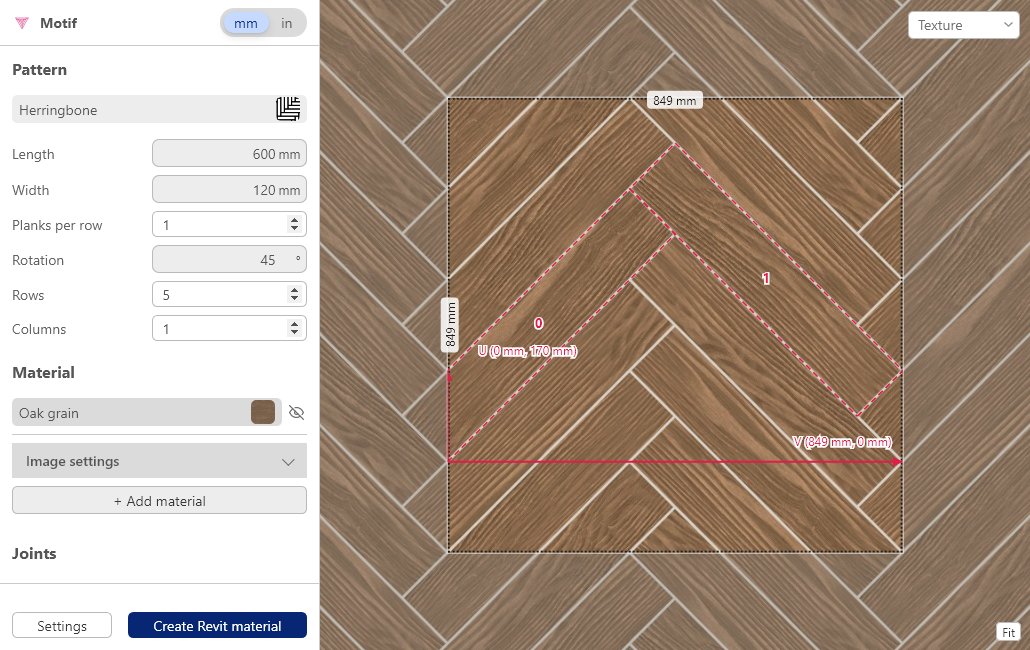
Create, edit and share a custom material in Revit: the Material Browser, the Appearance texture, Surface and Cut patterns and libraries, then a one-step route with Motif.
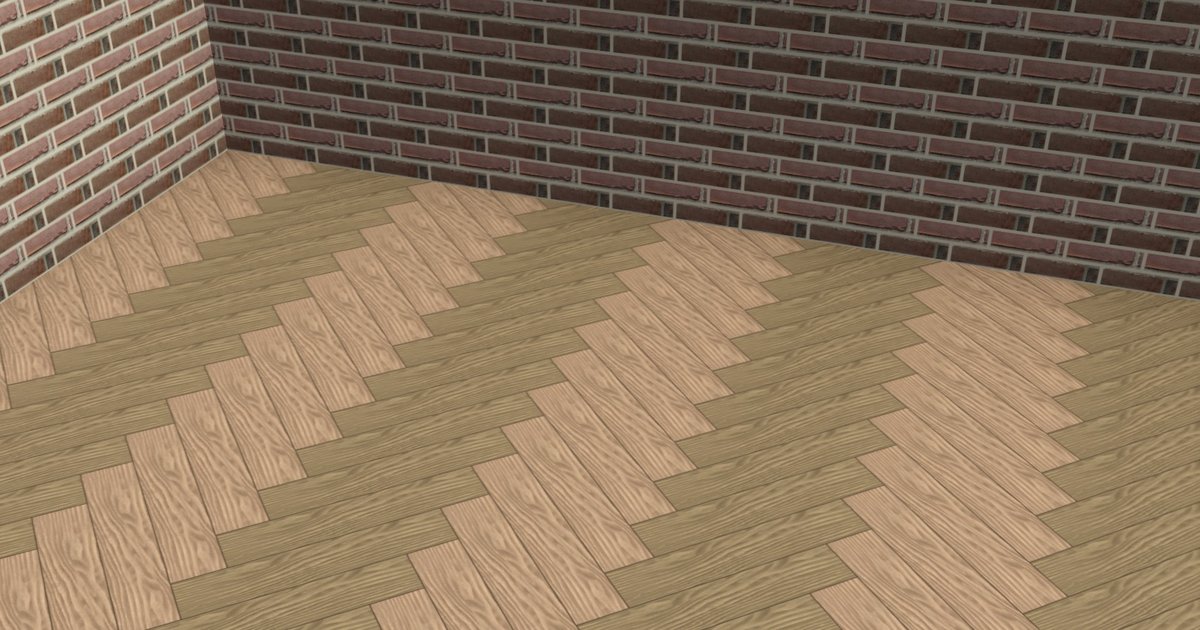
Why a Revit material texture and its surface pattern do not line up: model vs drafting patterns, Texture Alignment, sample size, units. 5 fixes with Autodesk steps.