Tiếng Việt
SketchUp
Select Outer Edges in SketchUp — Boundary Edge Selection Tool
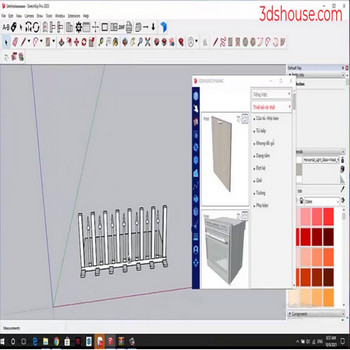
To select each outer edge for an object we use default Sketchup,but choosing more edges or edges on different surfaces in SketchUp is very time consuming
How to Select Outer Boundary Edges in SketchUp – Video Tutorial
Steps by steps :
- Click to select one or more objects – Click the select outer edges tool to select multiple boundary edges faster in SketchUp

Why native SketchUp makes this hard
SketchUp 2026 still ships no command for “select the outer profile of an object.” The two built-in shortcuts people reach for solve a different problem: right-clicking a single face gives you Bounding Edges, which grabs only that one face’s perimeter — including the inner ring of any hole in the face, not just the outside, while All Connected floods the selection across every edge welded to your starting geometry. Neither isolates the silhouette of a whole solid, which is why hand-picking edge by edge feels endless. A second non-obvious trap: shared edges between two coplanar faces are interior, not outer — so if your surface was triangulated or softened, the “outer” edge you want may not exist as one continuous line and a naive selection will miss segments or pick up diagonals.
A practical workaround in SketchUp when no plugin is installed: triple-click selects the whole connected set, then Shift-click to remove the inner faces, leaving the boundary; or hide the faces (so only edges remain) before selecting. For repeated work the dedicated tool above is far faster than either.