

 Tiếng Việt
SketchUp
Select Edges by Length in SketchUp — Filter & Extension
It takes a long time to manually select edges by length in SketchUp — a dedicated edge selection tool to select edges by length will help you work very quickly
One thing that trips up most users: SketchUp has no native “select by length” edge filter — the right-click menu only offers All Connected, Connected Faces, and Bounding Edges, none of which read an edge’s dimension. To filter strictly by length you need a Ruby-based tool that walks the geometry and tests edge.length, which is exactly what this kind of selector does.
How to Select Edges by Length in SketchUp — Video Tutorial
Steps by steps:
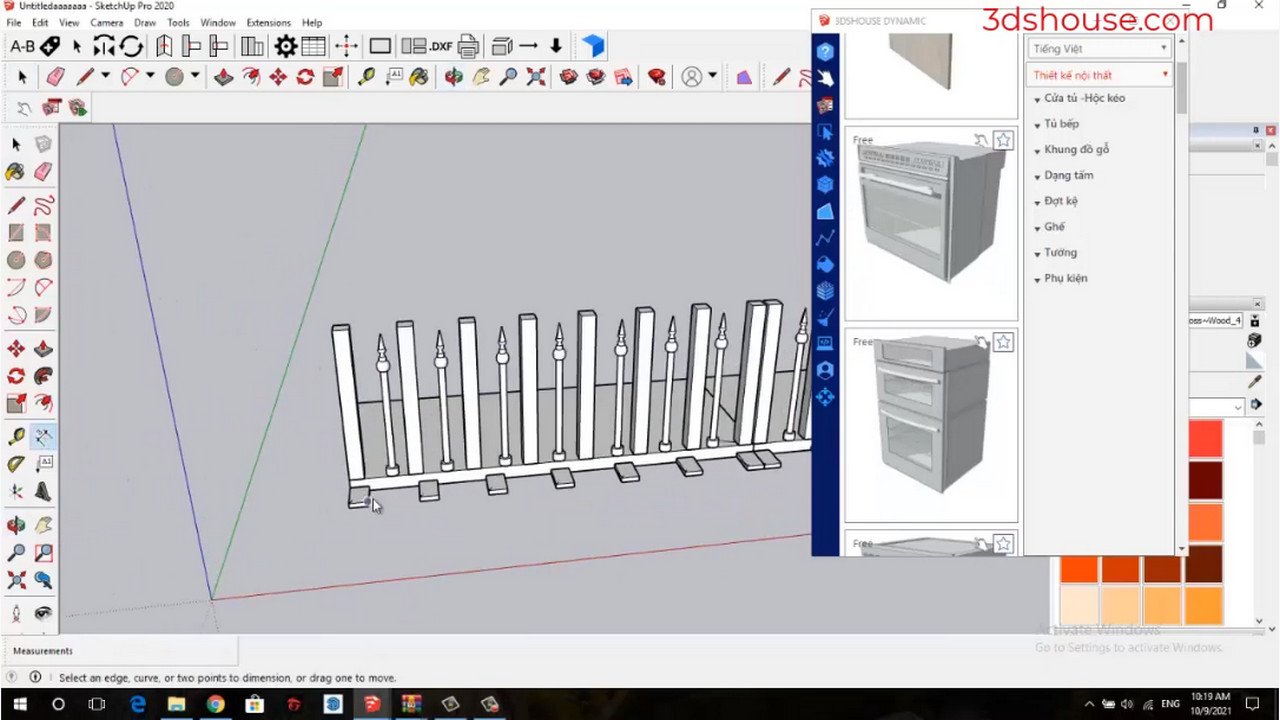
- Select object – enter the line size limit you want to select
- The lines have been selected
Good to know:
- The match is tested in model length, not display length. SketchUp rounds the value shown in Entity Info to your display precision, so two edges that both read “1′ 0″” can differ internally. If a length filter seems to “miss” an edge, raise your precision in Window > Model Info > Units, or filter on a small range rather than an exact value.
- An “edge” you see may secretly be several segments. Arcs, circles, and curves are stored as many short edges bound together; a length selector evaluates each segment individually, so a 36″ arc made of 12 segments is twelve ~3″ edges, not one long one. Explode curves first if you want the whole arc treated as a unit.
- Run the selection inside the right group or component context — edges hidden inside a closed component are not part of the active drawing context and will be skipped.
SketchUp is now a named-user subscription (no perpetual license has been sold since 2020) and the current line is SketchUp 2026. Length-based selection is still not built in, so a small edge selection extension remains the fastest route. Among Extension Warehouse options, s4u Select plugin supports SketchUp 2022 through 2026 and can grab “same length,” “same area,” parallel faces, or vertical/horizontal/sloped edges — handy when you want to clean up or restyle every edge of a given size in one pass.
