

 Tiếng Việt
Blender
Top 5 Blender Addons: Image to Mesh via Tracing (2026)
May
Turning a PNG or JPG into Blender mesh geometry no longer needs an Illustrator or Inkscape round-trip — these five image-to-mesh addons trace it directly inside Blender. They all use contour tracing, not AI depth reconstruction, so you get clean, editable per-colour geometry rather than a noisy scanned blob. First, the part that decides your result no matter which addon you pick:
What every Blender image-to-mesh tracer shares — and where they break
- The output is n-gon-filled. Each traced region becomes one big n-gon. It looks fine flat, but n-gons misbehave when you subdivide, sculpt, or export to a game engine — plan a quick retopo or triangulate-and-clean if the mesh goes downstream.
- Holes are the failure point. Nested contours — the inside of an “O”, a donut, the counter in a letter — are where tracers differ most; some fill the hole solid. Test your actual image before committing to a tool.
- Watch the Potrace lineage. Blender’s built-in trace, and any addon that merely wraps it, uses Potrace → black-and-white only, Grease Pencil strokes, not mesh. Colour or transparency needs a custom-engine addon.
- Scale is pixel-derived. The trace arrives at image-pixel size — set real-world dimensions before extruding for 3D print.
- Check Blender 5.x compatibility before buying. Blender 5.0 (released November 2025) shipped a breaking Python API change — mathutils types moved from float64 to float32, and some UI panels were removed. An addon that hasn’t updated will error out or vanish from the menu on Blender 5.x. Blender 4.5 LTS (supported through 2027) is the safest baseline for every current tracer addon.
1. TracePen — image to mesh & curves, per colour
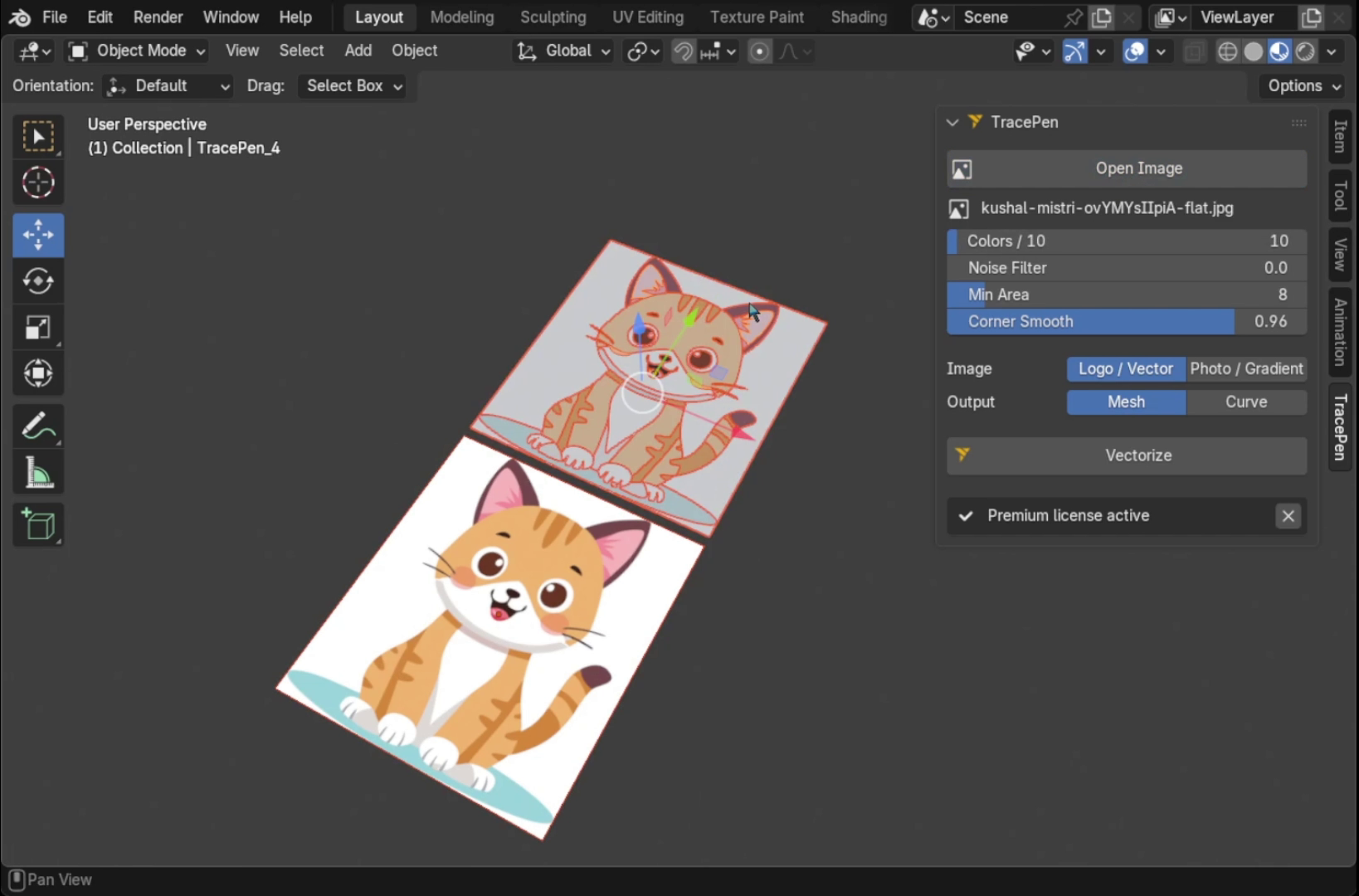
TracePen for Blender is the only image-to-mesh addon that splits an image into one mesh object per colour. Under the hood it reduces the palette with Wu quantisation and matches colours in OKLab — a perceptual space, not RGB — so shades your eye reads as the same merge correctly instead of fracturing into extra regions. Specks below a min-area are absorbed into the neighbour they share the longest border with, clearing JPEG noise and anti-alias fringe without erasing thin 1–2 px outlines. And it is deterministic: same image in, identical mesh out every run — AI image-to-3D is not.
2. Sketch N’ Trace
An edge-detection tracer whose real edge is editing the trace in the panel before you commit — invert, adjust the boundary, change mesh resolution, then extrude, bevel and add outline-thickness right there. Image to finished 3D object without a separate modelling pass. Requires Blender 4.2 or later (version 1.0.9h+ for 4.2; version 1.2.0b+ for 4.3+). Paid (Superhive).
3. TraceGenius Ultimate
A fully custom engine with colour picking, transparency/alpha control and pre-trace enhancement — good for logos with soft edges or subtle transparency. The thing few buyers realise: its cheaper sibling “TraceGenius Pro” just wraps Blender’s built-in Grease Pencil/Potrace tracer — same black-and-white limits as the free built-in. Only Ultimate has the custom engine. Currently at v1.7. $19 (Superhive).
4. Logo Tracer
Built for clean logos and flat graphics: one click, real-time preview of sample quality, threshold and smoothness. Two niceties most tracers skip — a “Use Alpha” mode for non-B&W images, and auto-unwrap at correct proportions, so a textured logo maps right without manual UV work. Free tier + paid (Superhive).
5. Image Trace Generator (free)
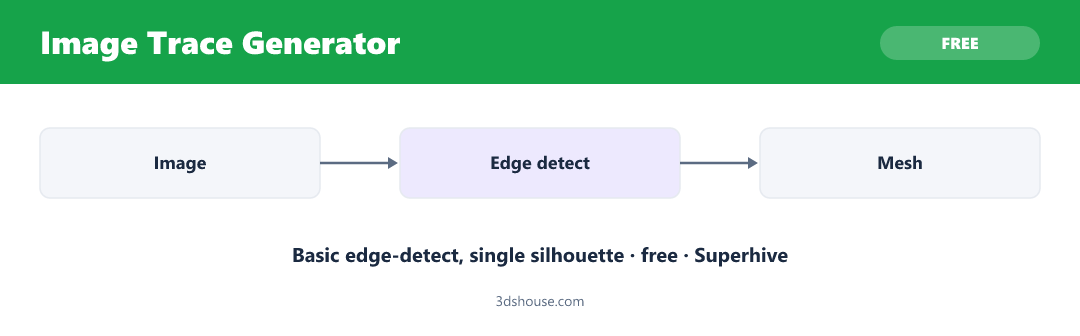
The free baseline: edge detection with adjustable sensitivity, threshold and resolution. Honest about its limits — single silhouette, n-gon-filled, no hole handling — so it is a fine starting point if you will retopo anyway. Free / pay-what-you-want (Superhive).
Built-in: Trace Image to Grease Pencil
Blender ships a Potrace-based tracer (Object Data > Trace Image to Grease Pencil). It outputs Grease Pencil strokes, not mesh, and works best on black-and-white images — fine for quick outlines, not coloured 3D geometry. Note that Blender 5.1 added genuine hole support to the Grease Pencil fill system, but the Trace Image tool still produces raw strokes, not filled regions — so the hole limitation for tracing remains unchanged; hole-aware fills only apply when you paint fills manually on top of those strokes.
Comparison
| Addon | Output | Colour | Price | Standout |
|---|---|---|---|---|
| TracePen | Mesh / Curve | Per-colour | Free + Pro | Multi-colour, deterministic |
| Sketch N’ Trace | Mesh / Curve | Single | Paid | Edit + extrude in-panel |
| TraceGenius Ultimate | Mesh / Curve | Custom engine | $19 | Transparency / alpha |
| Logo Tracer | Mesh / Curve | Single (+alpha) | Free / Paid | Auto-unwrap, logos |
| Image Trace Generator | Mesh | Single | Free | No-budget baseline |
| Blender built-in | Grease Pencil | B&W | Free | Outlines only |
Which Blender image-to-mesh addon should you choose?
Multi-colour — splitting an image into a separate object per colour — is otherwise found only in high-end tools (Illustrator, CorelDRAW, Vector Magic). In Blender, TracePen is the only addon that does it. For a single silhouette: Sketch N’ Trace to clean up the trace by hand; TraceGenius Ultimate for soft edges and transparency; Logo Tracer for quick hard-edged logos; Image Trace Generator if budget is zero; the built-in only if you need black-and-white Grease Pencil outlines.
