

 Tiếng Việt
SketchUp
Copy Array Along Path in SketchUp — JHS Powerbar & Alternatives
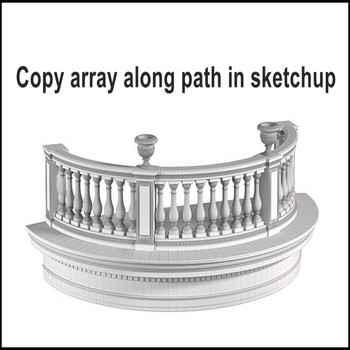
There are 2 extensions for copying an array along a path in SketchUp; this video uses the JHS Powerbar extension
Important 2026 update: JHS Powerbar has not been updated for SketchUp 2025 or 2026 and will not load on those versions, so the workflow in this video runs only up to SketchUp 2024. If you are on a newer release, use PathCopy / PathCopy Pro (Smustard) or 1001bit Pro instead — the steps below are nearly identical because every “copy along path” tool relies on the same component-axis trick.
Tutorial video :
How to Copy Array Along a Path in SketchUp (Railing, Fence, Balcony)
- There is 2 extension for copy array long path. It’s 1001 bit pro extension , JHS powerbar extension
- Example: for railings round balcony, in this video use JHS powerbar extension to copy array railings long path
- Notice: when copying a component array along a path in SketchUp, edit the axis origin of the railing to the correct contact point along the path. This single step decides whether the array works: the tool places each copy by snapping the component’s axis origin onto the path, so if the origin sits at a far corner instead of the contact point, every railing drifts off the curve. Open the component, right-click and use Change Axes to move the origin to where the railing actually meets the path before you start.
- The first click shorcut (red arrows), the 2nd input between of 2 railings (400mm), 3rd click on path and railing
- Edit distance between of 2 railings, if you want
- The path for a SketchUp array along curve must be a single connected curve, not loose segments — select the edges and Weld them into one curve first, or the array stops at the first vertex. A balcony arc drawn with the Arc tool is already one welded curve; an outline traced with Line is not.
- Copies are instances of the same component, so editing one railing updates the whole array at once — a fast way to fix spacing or profile after placement. The trade-off: on a tightly curved balcony the rigid copies leave small gaps at each bend, so model the railing slightly longer than the chord or accept the gap as a visible joint.

Copy array along path in Sketchup

More SketchUp tools by 3dshouse
