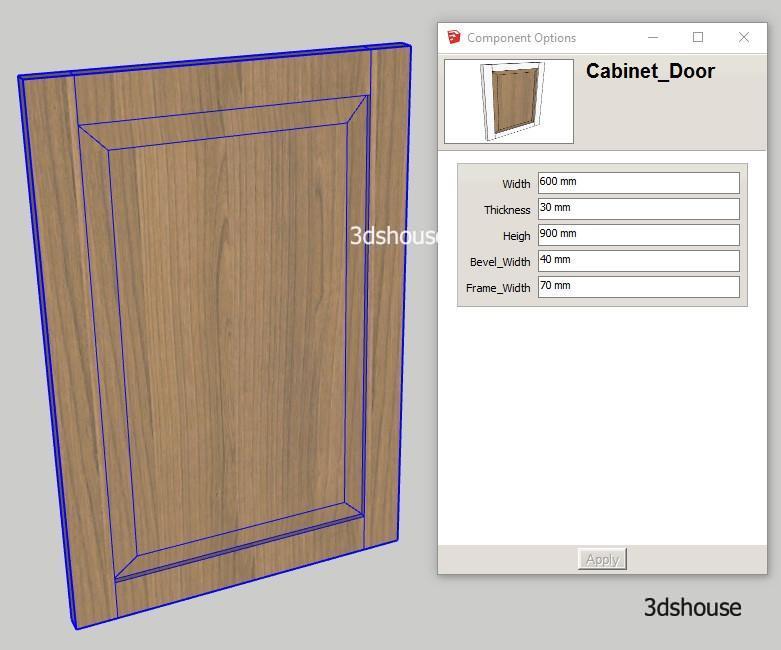
Dynamic size constraints of a flat square model are quite easy, but just a model with a chamfer or rounded edges is much harder. With the example of a neoclassical door with a beveled corner, the lesson will show the most optimal way to create a Dynamic Component Resize without changing the ratio. As of […]
Category Archives: Dynamic
If function in Sketchup Dynamic is used a lot and is quite simple, the structure is similar to Exel’s If function, this lesson will take practical examples to allow users to change the type of cabinet door. Flat styles, framed styles, glass doors, etc. Practical examples will help you quickly grasp the structure and use […]
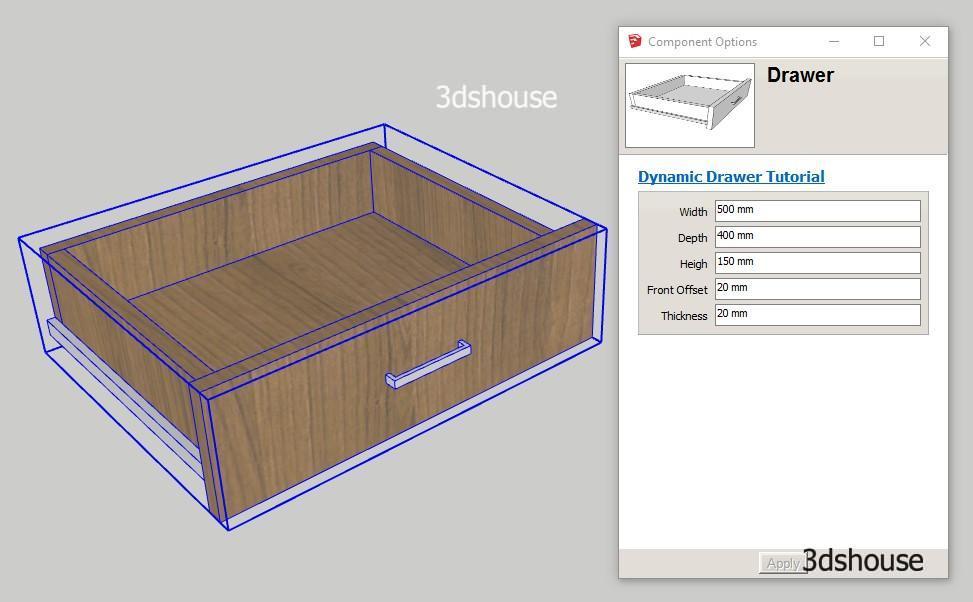
Openable, resizable Drawers are a useful and complete exercise, helping you see how Dynamic Sketchup works, the difficulty of the lesson is average. Through this lesson, you will have a better understanding of the size constraints and the Onclick Animate attribute and hone the skills of coordination of commands in Dynamic Sketchup. In SketchUp 2026, […]
The Select From List is a lot used when you want to have lots of options. This lesson will serve as an example for selecting a kitchen material. You will learn both the material usage and the Select From List feature. Also learn how to change materials when clicking (Interact Dynamic Component) This works the […]
Create a Dynamic Component object with the Copies Attribute that automatically copies the object, this attribute is often used when drawing Handrails, Fences, Multi-trays shelves, tiling … This is one of the most powerful features of Sketchup Dynamic that makes Models highly customizable. Dynamic Components run on the Dynamic Components extension, which ships with the […]
Doors appear constantly in interior architecture, so building a Dynamic Component door pays off fast: you change its size, swing it open, and punch the opening into the wall in a few clicks. This lesson walks you through a door with these more advanced behaviors. Note for 2026: Dynamic Components are still fully supported (SketchUp […]
Dynamic Component lesson with specific examples of simple wooden wall shelves, with the main feature of resizing without changing the proportion of the details, scaling correctly. This is the most basic lesson of Dynamic Components in SketchUp. It also shows how to reduce the number of anchor points (grips) for the Scale command. Video Lesson: […]
With Sketchup Dynamic Components, the first task is to work with Attributes. Object properties, simply understand what attributes of an object you want to manipulate, for example, you want to control the size, or control position, or control rotation, material control … Or you simply want to assign a parameter so all components can share […]
Sketchup 1-dimensional Copy is quite easy to understand, but copying the same object across many dimensions at once is much harder. SketchUp has built-in Dynamic Component templates, but their built-in method is complicated and the copy formulas are confusing. This lesson gives a simpler idea while still achieving a multi-dimensional copy. Note that as of […]
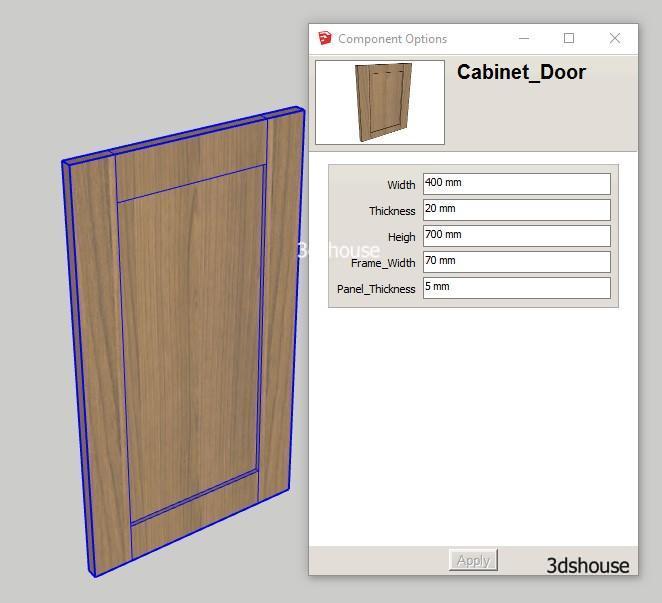
Resizable and Rotatable are two of the most impressive and most-used features of SketchUp Dynamic Components. This lesson will help you make a framed, rotating cabinet door. These techniques still work in SketchUp 2026, but a couple of details have changed since this tutorial first went up — Dynamic Components is no longer bundled by […]
- 1
- 2

Tiếng Việt