

 Tiếng Việt
SketchUp
Bending MDF SketchUp — Auto Kerf Groove Layout for CNC
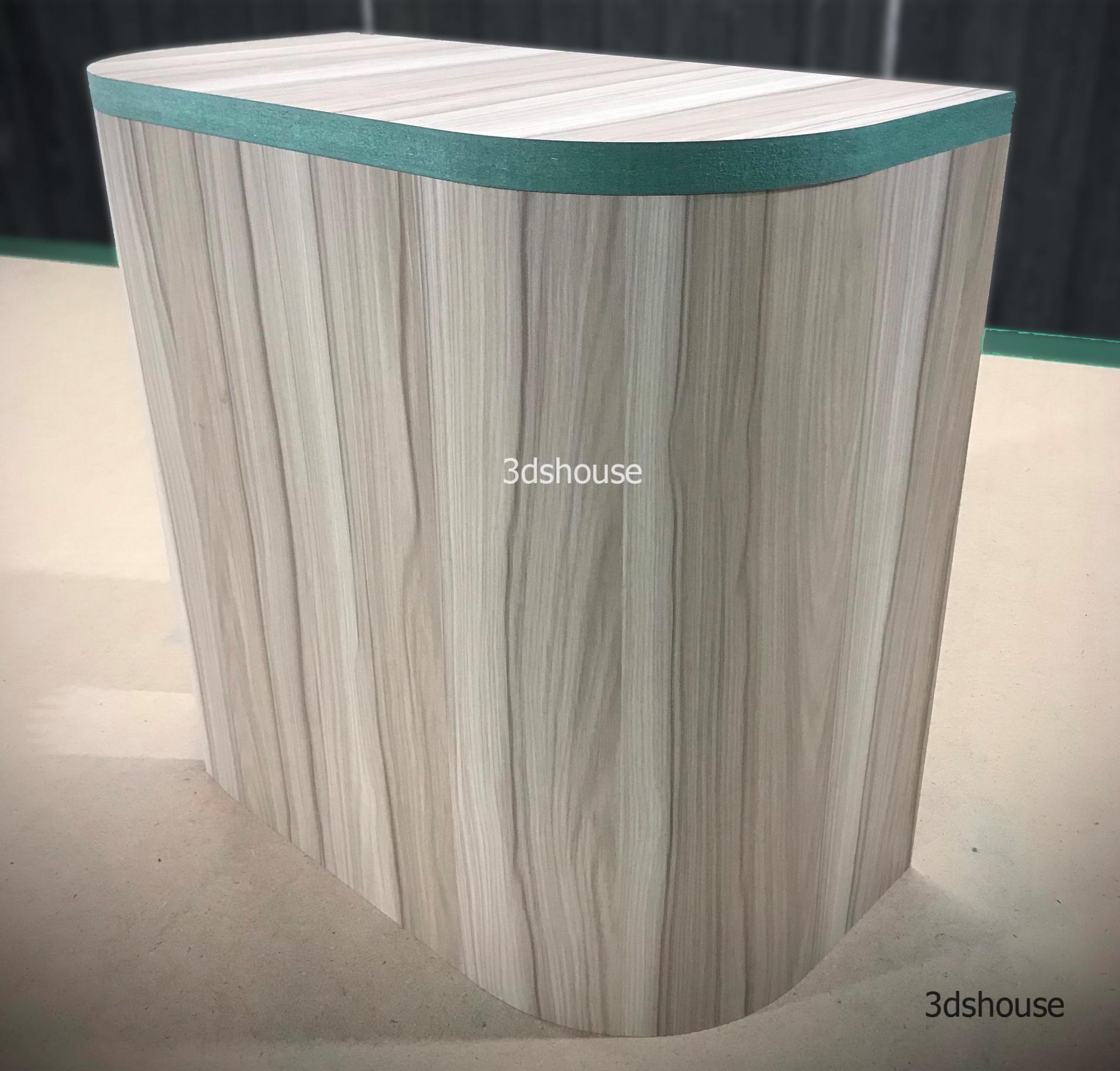
Slotted MDF board (kerf bending) is a popular CNC technique to bend MDF board. A series of grooves (kerfs) is cut across the back face, leaving a thin web of material — usually about 3 mm — so the board can bend without snapping. Because Mdf has no grain direction, the kerfs do not need to be aligned to any fibre, so Mdf kerf-bends more reliably than plywood or solid wood, where cuts have to run across the grain or the web cracks. These models do the layout math for you.
The model auto calculates the total length of the curved board when spread flat. It also auto calculates the number and spacing of the grooves. After flattening you can cut the grooves by hand or on a CNC machine.
One thing worth understanding: the flat length is measured along the neutral axis (roughly the back face that keeps the kerfs), not the outer convex face — so the developed strip is shorter than the visible outside of the curve, and measuring the wrong face is the usual reason a hand-laid kerf board ends up too long. The tighter the radius you set, the more grooves the model adds and the closer it spaces them; a smaller residual web bends to a sharper radius but is more fragile to handle before it is glued into shape.
3dshouse Dynamic SketchUp Pro
Bending MDF in SketchUp — Kerf Groove Parameters
- Set width, height and thickness of board.
- Set of double or single bend board.
- Model includes illustrated curved board and groove board.
- You can hide the panels depending on the purpose of use.
- Number of curved drink corners, 1 or 2 curved corners.
- Curved drink corner radius.
- Set number and distance of the grooves.
Spread the Curved MDF Board Flat — Groove Layout for CNC
- You hide the curved board to show the groove board only.
- Click Clean Dynamic before nesting with Abf.
- Nesting with Abf and exporting the Dxf file.
- The grooved lines has set another layer.
- When entering Cam software such as Aspire, Mastercam …
- You set the drill bit by layer in Cam Software
Two practical notes for the CNC step. Run Clean Dynamic first before nesting in ABF, because a dynamic component stores nested copies and attribute data that ABF and the DXF exporter will otherwise carry through as duplicate or stray geometry — cleaning it leaves only the flat outline and groove lines. And the grooves live on their own layer for a reason: in CAM you assign the through-cut profile to your cut-out bit and the groove layer to a separate, shallower (often V-shaped) tool that machines only the partial-depth kerfs, all in one job — so the layer split is what lets the post-processor cut two different depths from a single DXF.
The model is built for the current named-user subscription releases of SketchUp (2020 and later, up to SketchUp 2026); SketchUp has not sold a perpetual licence since 2020.
