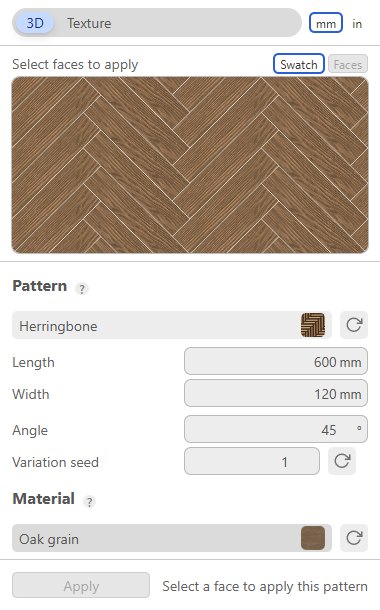
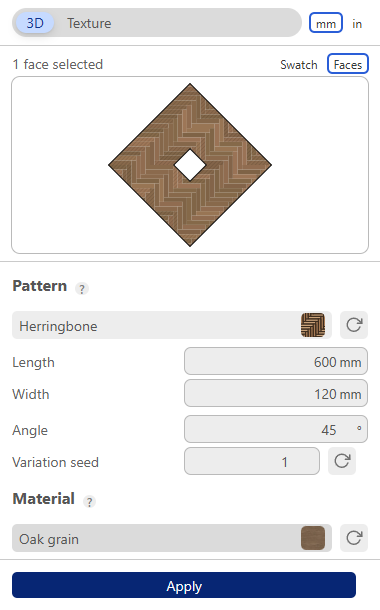
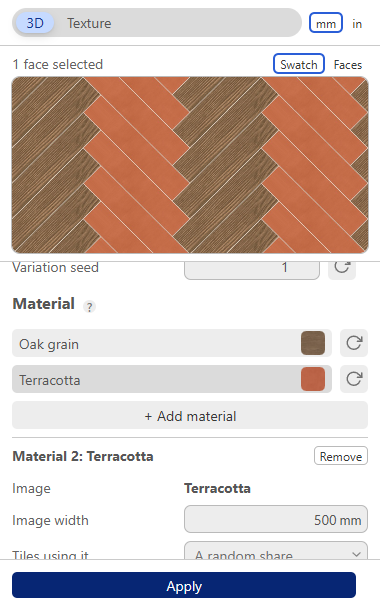


TileUp turns the faces you select in SketchUp 2022 or newer into real 3D tiles. Choose one of 168 laying patterns (herringbone, chevron, basketweave, brick bonds, hexagon, fish scale and more) in the tile size you set. Tiles are cut at the edge of the face, on flat and on curved surfaces; each tile takes its own crop of your photo, and a take-off lists the full and cut tiles with CSV export.
Why TileUp
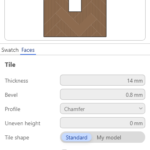
- Real geometry, not a picture. Each tile is a box with the Width, Height and Thickness you type. Edge Bevel rounds its top edge: a Radius (0 keeps the edges square) and the number of Segments across the curve.
- 168 laying patterns: herringbone and its variants, chevron, basketweave, running and stack bonds, hit-and-miss bonds, hexagon, honeycomb, fish scale, interlocking pavers, grass pavers, parquet weaves, shingles and siding, tongue-and-groove boards and more.
- Cut at the edge of the face. Trim cuts a tile the edge runs through so the tiling fills the face, Inside builds only whole tiles, Overlap keeps a tile whole and lets it hang over. Faces with holes and faces inside nested groups work.
- Curved surfaces. Select a smooth patch of faces such as a cylinder, a cone or a gentle dome: either flat tiles resting on the surface or tiles that bend with it. Several other SketchUp tile tools are documented for flat faces; TileUp also tiles curved selections.
- A takeoff. Quantities lists full and cut tiles per tile size, net area, order area and waste %, and Export CSV saves them. Change the pattern, the unit or the joints and the numbers follow the layout.
- One editable result. The result is one component that stores its settings. Select it, open TileUp, change anything and press Update: the tiles are regenerated in place as one undo step.
Free: limited to 3 uses a day
Pro: unlimited, guaranteed to work, priority support
14-day money-back


