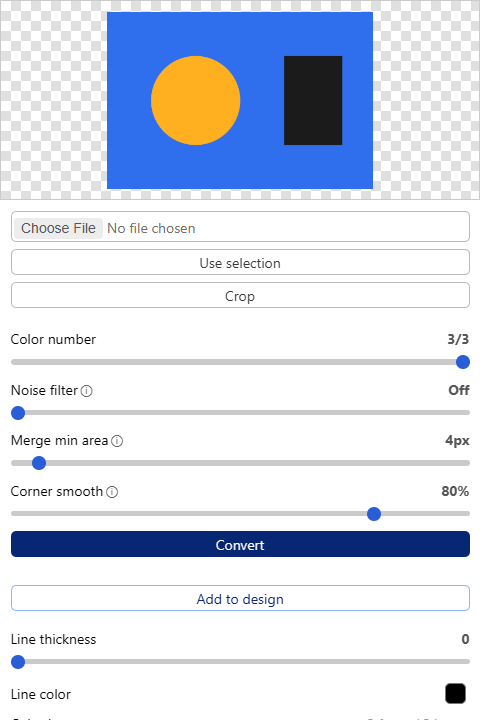
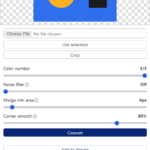
The Tracepen plugin traces a picture into colour-separated vector paths without leaving Figma. Pick an image file (PNG, JPG, WebP, GIF or BMP, up to 50 MB) or press Use selection, then Add to design: the trace lands on the page as a frame of vector paths, centred in your view.
Why Tracepen
- Many colours, each one exact: Tracepen finds every colour in the image, so a five-colour logo comes back as five sets of paths, not one silhouette.
- Colours meet exactly: neighbouring colours share one boundary, with no gaps or overlaps.
- Use selection: trace an element that is already on the canvas.
- Recolour or untick a colour in Color Layers before you add the trace.
Install
Open the Tracepen plugin on Figma Community. The same Pro also unlocks Tracepen in its other apps on your 3dshouse account.
Free: limited to 3 exports a day
Pro: unlimited, guaranteed to work, priority support
14-day money-back