
SheetUp Pro

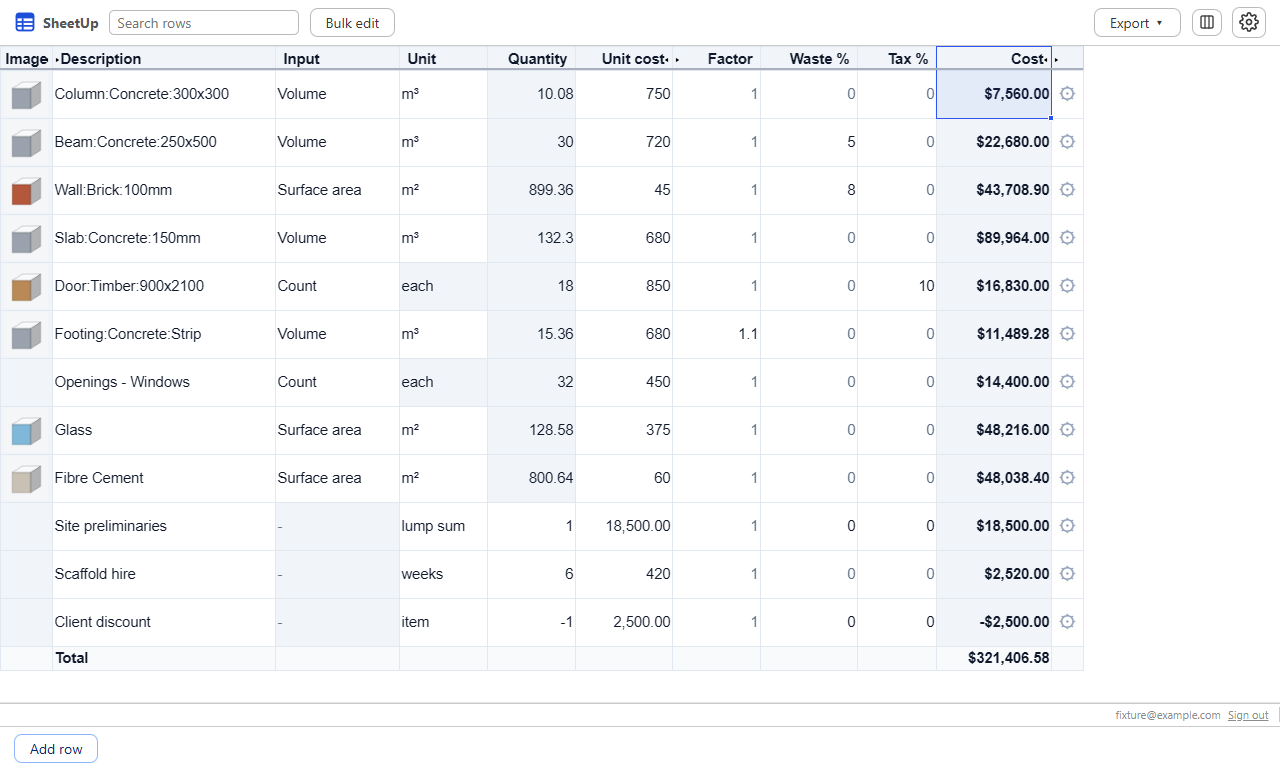
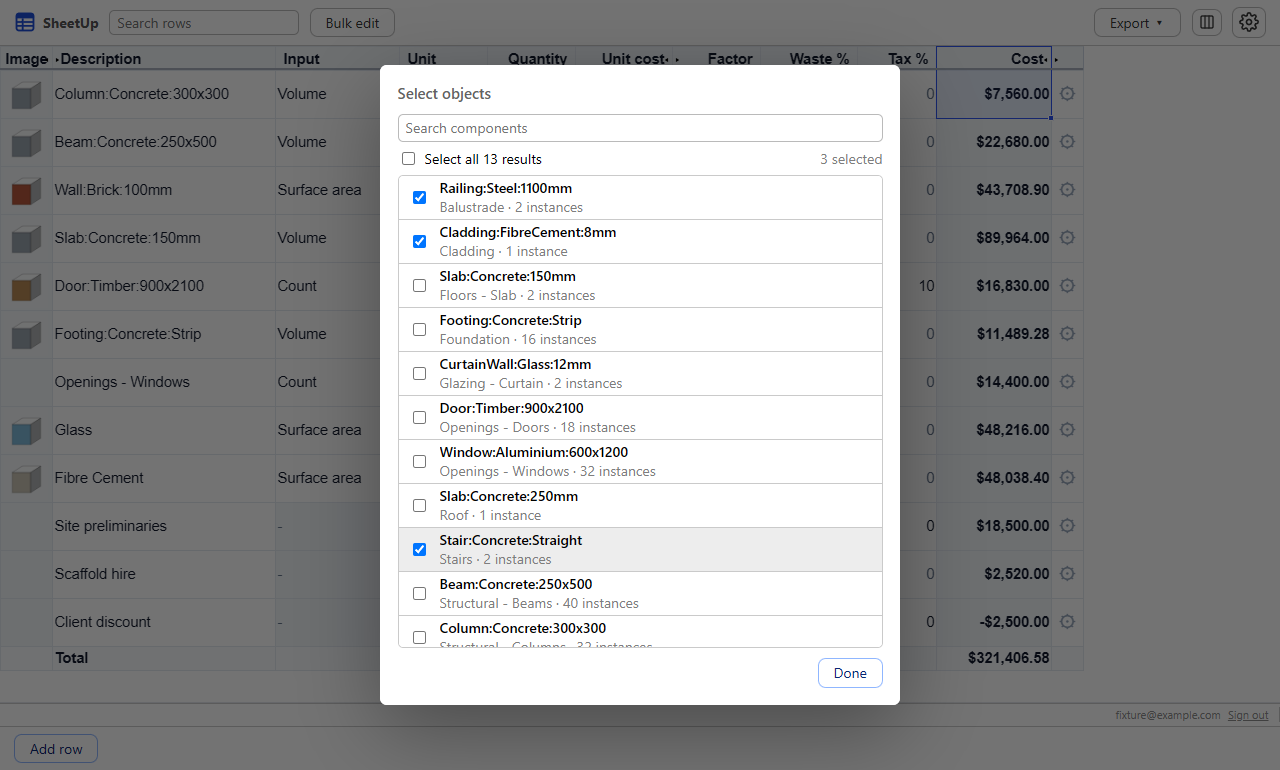
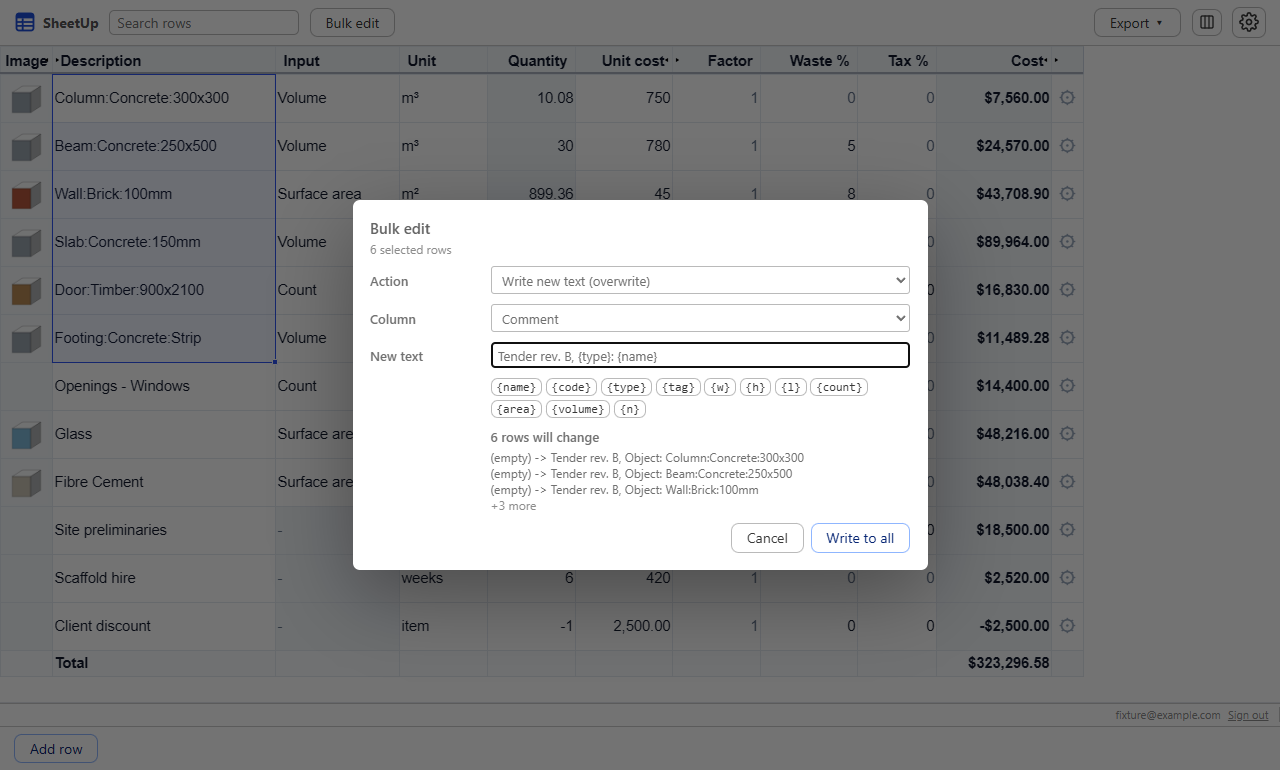
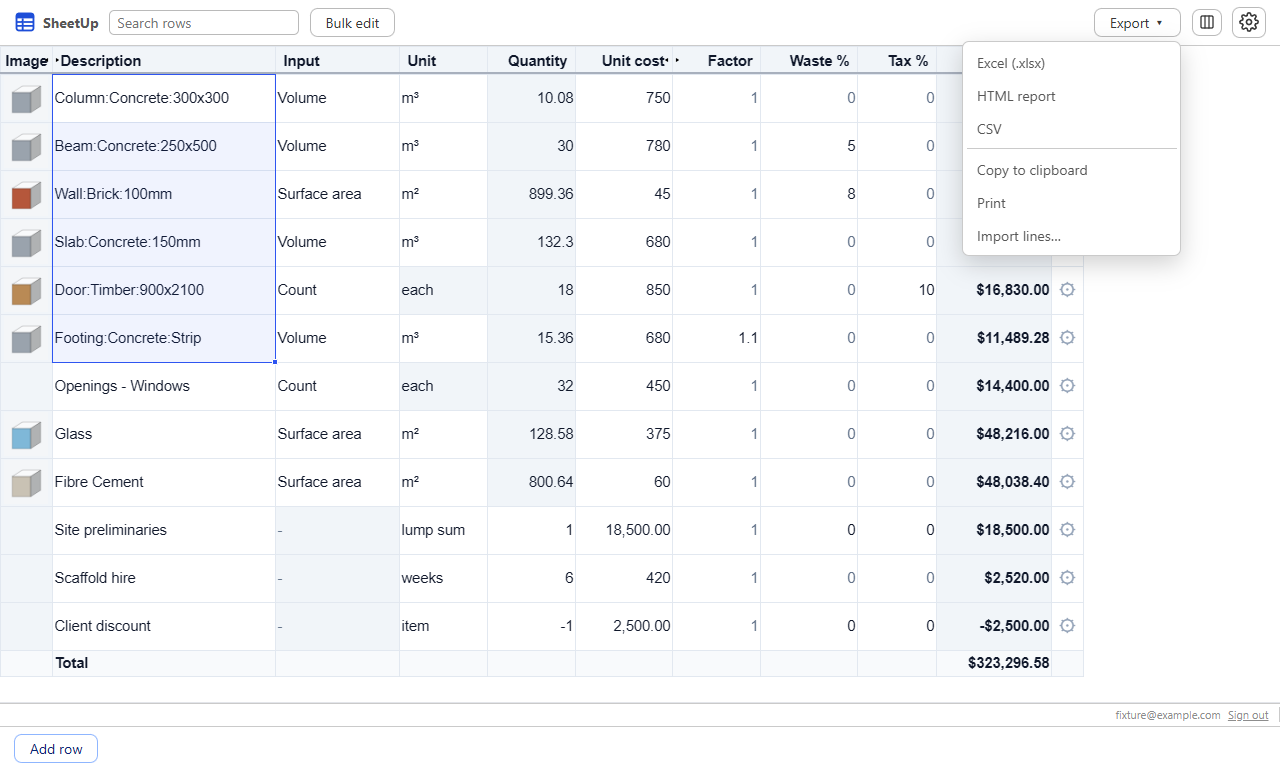

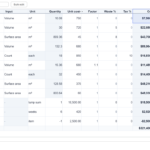
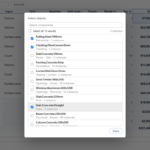
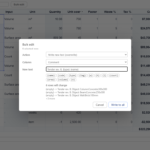
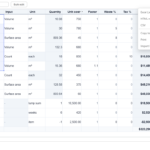
SheetUp is the simplest and most flexible way to price a SketchUp model: one table. Add what you want to price: objects, tags or materials of the model, or items of your own. Choose how each row is measured and in which unit, enter a unit cost, and SheetUp reads the quantity from the model and totals the cost. Export the table to Excel, CSV or HTML.
Why it is the simplest and most flexible
- One table, nothing to set up first. Other takeoff tools ask for a template, a report service or cost rules before the first number appears. In SheetUp you add a row, pick a source and type a unit cost.
- Every row is its own decision. Each row has its own Type, Input, Unit, unit cost, factor, waste and tax. A slab priced per cubic metre, a finish per square metre, timber per metre, doors each and steel by the tonne sit in the same table.
- Change the unit and the money follows. 120 per m³ becomes 91.7466 per yd³, and the total does not move.
- Rows stay linked to the model. Quantities are re-measured from the model, and renaming a row renames the real object, tag or material in the scene.
- Not limited to what can be measured. Custom rows carry lump sums, hire by the week or a client discount as a negative quantity.
What it handles: Type, Input and Unit
Each row has a Type (what it points at), an Input (which measure of it is the quantity) and a Unit.
- Object (a component or group, nested parts included): Count (each); Length, Width and Height (m, mm, cm, in, ft, yd); Surface area and Area W×H, the projected outline area (m², ft², yd²); Volume (m³, ft³, yd³); Weight (kg, t, lb, ton), the volume times the density you enter on the row.
- Tag: the same Inputs and Units, summed over the components on the tag.
- Material: Surface area (m², ft², yd²) or Count of faces.
- Custom: a quantity you type, negative for a credit, and a unit label you write: lump sum, weeks, item, bags.
A factor covers conversions and unit weights: a steel section measured by Length with a factor of 2 (kg per metre) and priced per kg. Waste and tax are set per row, with defaults in Settings. Metric or imperial, any ISO 4217 currency, and your choice of number format.
What Pro changes
Free has every feature and a daily allowance of exports to Excel, CSV and HTML. Pro removes that limit. One payment, tied to your 3dshouse account, so it works on every computer you sign in on. Nothing to reinstall and no licence key.
Limits to know before you buy
A quantity is only as good as the model it is read from, so treat the estimate as a starting point to check, not a substitute for your own takeoff. Volume is computed for closed solids; other geometry gets a volume estimated from its mesh, and a Quantity read from it turns amber with a tooltip saying it is an estimate, so check the model for closed solids. Weight is the volume times a density you enter. Geometry that is not modelled is not counted. SheetUp does not support Profile Builder and does not export PDF.
Install
SketchUp 2022 or newer, Windows. Download and install steps: SheetUp for SketchUp.
Free: limited to 3 exports a day
Pro: unlimited, guaranteed to work, priority support
14-day money-back