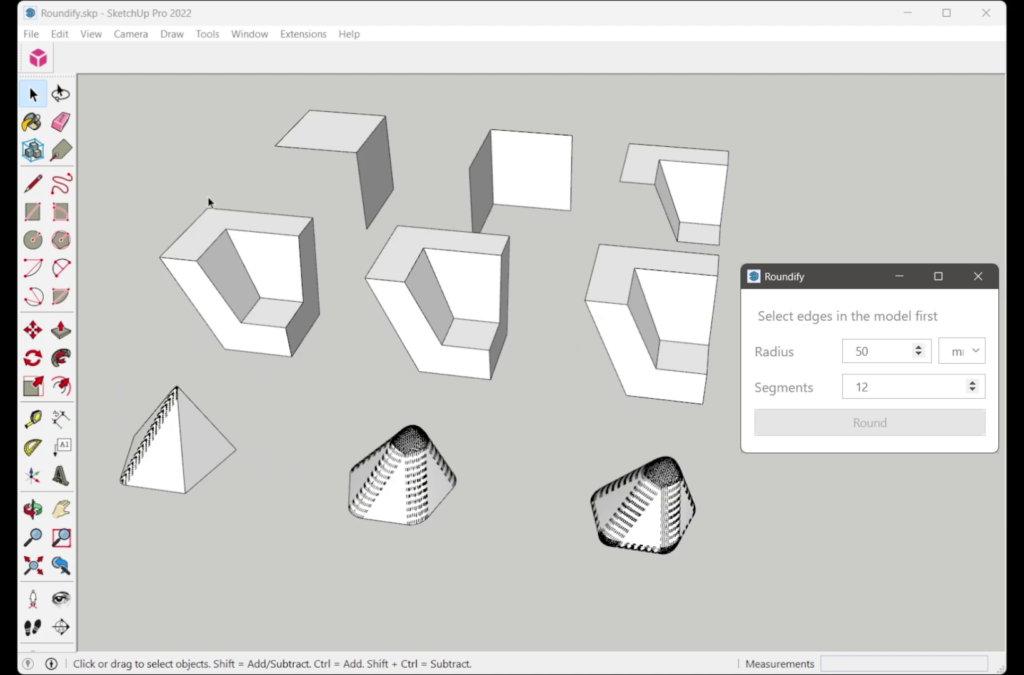
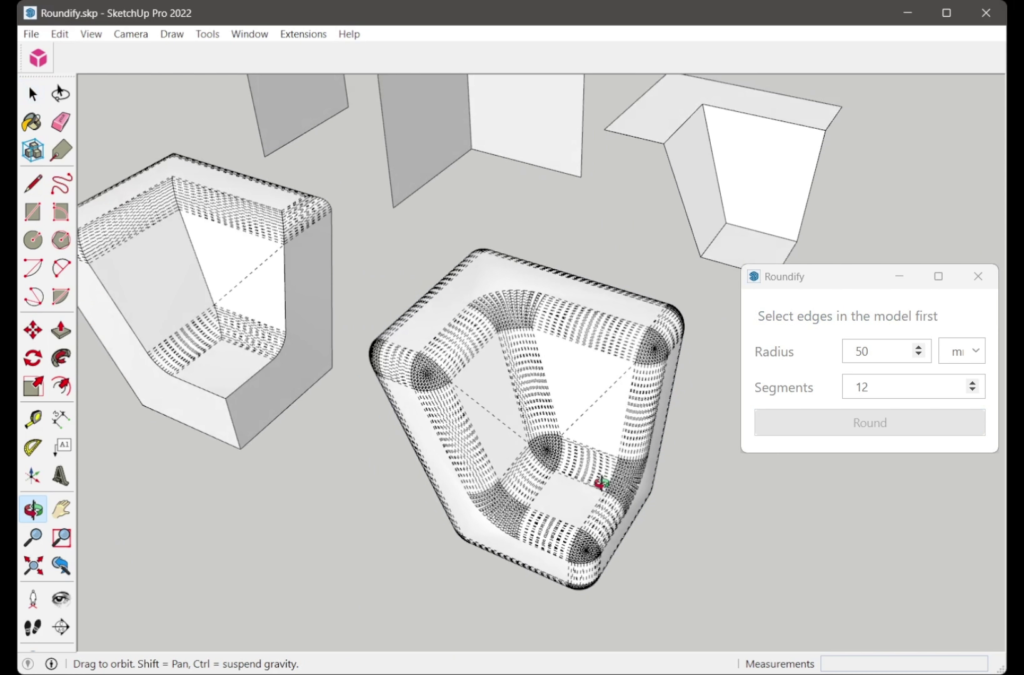
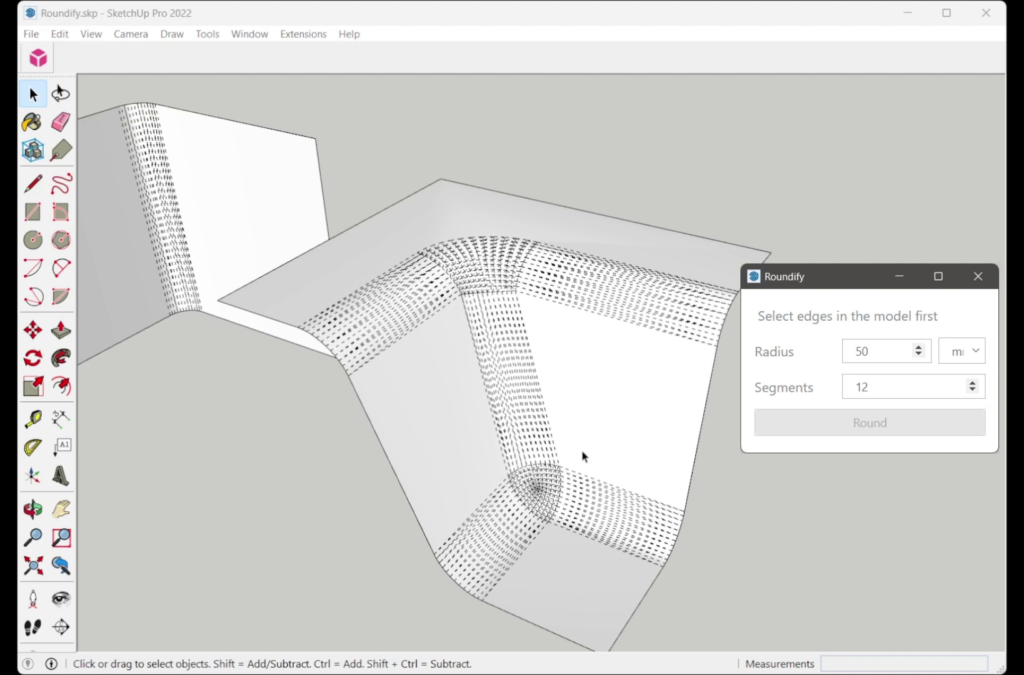

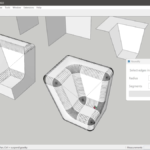
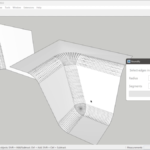

BevelUp rounds or chamfers the edges you select in SketchUp 2022 or newer. Pick the edges, set the radius and the number of segments (one segment is a chamfer, more segments give a smoother fillet) and BevelUp builds native SketchUp faces and keeps your materials. Closed edge loops, open edge chains and corners where several edges meet are handled in one operation.
Why BevelUp
- Any number of edges at a corner — 3 (a plain box corner), 4, 5 or more: the apex of a pyramid or a cone, or any hub where many edges meet. Every corner in the selection is rounded in the same pass.
- Open corners — corners with more edges than faces: a single sheet, a box with its lid removed, or an edge chain that stops at the model boundary. The open side rounds like a closed one.
- Concave corners — the inside corners of L- and U-shaped extrusions, notches and pockets round as cleanly as outward ones.
- Other SketchUp rounding plugins do not handle every one of these corner types in a general way; BevelUp covers all of them with the same two controls.
- Materials preserved — original face textures and materials transfer to the new filleted faces automatically. No re-painting.
- Same tool, same radius control — you choose whether the edge ends up curved or flat. In BevelUp you get a chamfer simply by setting Segments = 1.
Free: limited to 3 rounds a day
Pro: unlimited, guaranteed to work, priority support
14-day money-back


