When programming Dynamic Components (dy_com) we often name properties and objects , normally we will create a new dy_com, re-enter all the parameters , use the Replace Attribute Selection tool to do it automatically and avoid errors.
Video tutorial:
Steps by steps:
- Select dynamic component – click Replace Attribute Selection tool – select attribute to replace
- Enter the new attribute of dy_com
- The old attribute is replaced, the whole dy_com still works
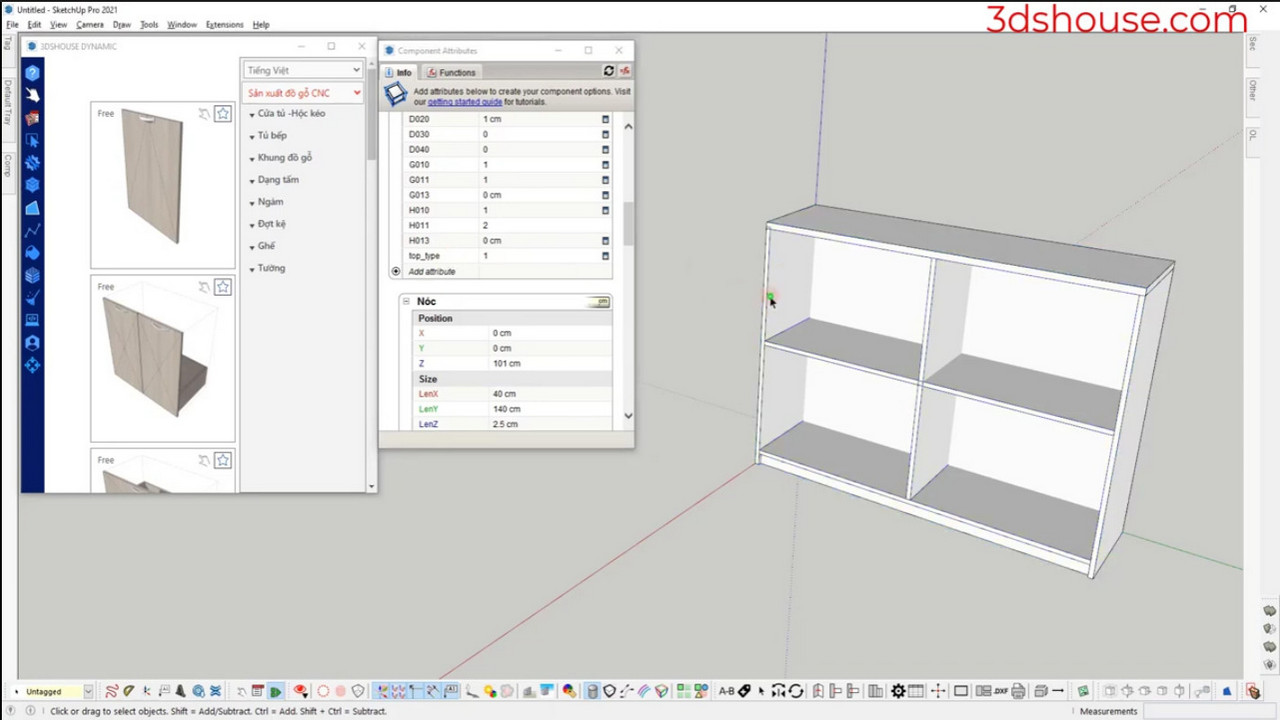
Replace Attribute Selection