When working with multiple components(com), to reuse the coms next time you have to manually save each com, don’t do it, use the save as multiple component tool to do it automatically.
Tutorial video:
Steps by steps:
- Click to select the com you want to export-click tool save as multi component- choose the export folder
- Com you choose has been exported to each file, very convenient for reuse
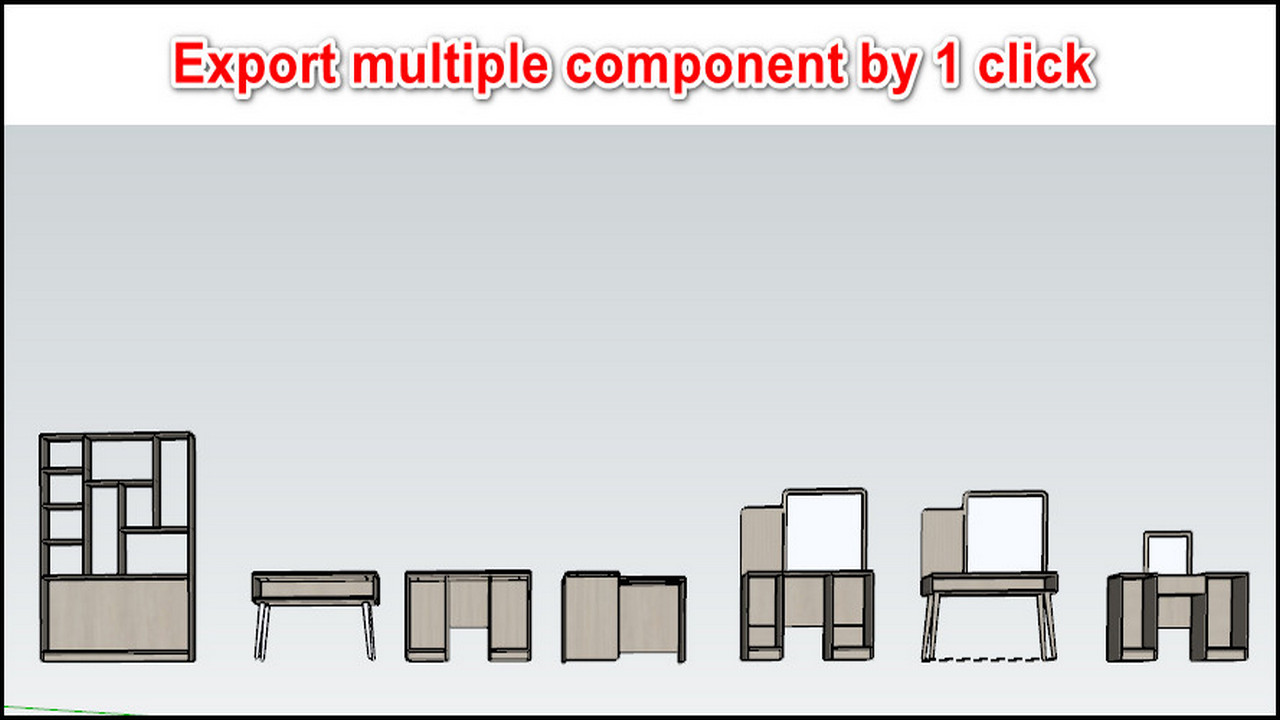
Export multiple component by 1 click