I’m an architect who transitioned into software development years ago. I often get requests to build simple plugins, but I usually focus only on the more complex ones. So in this post, I’ll walk you through how to use AI so that anyone can build a Revit plugin themselves.
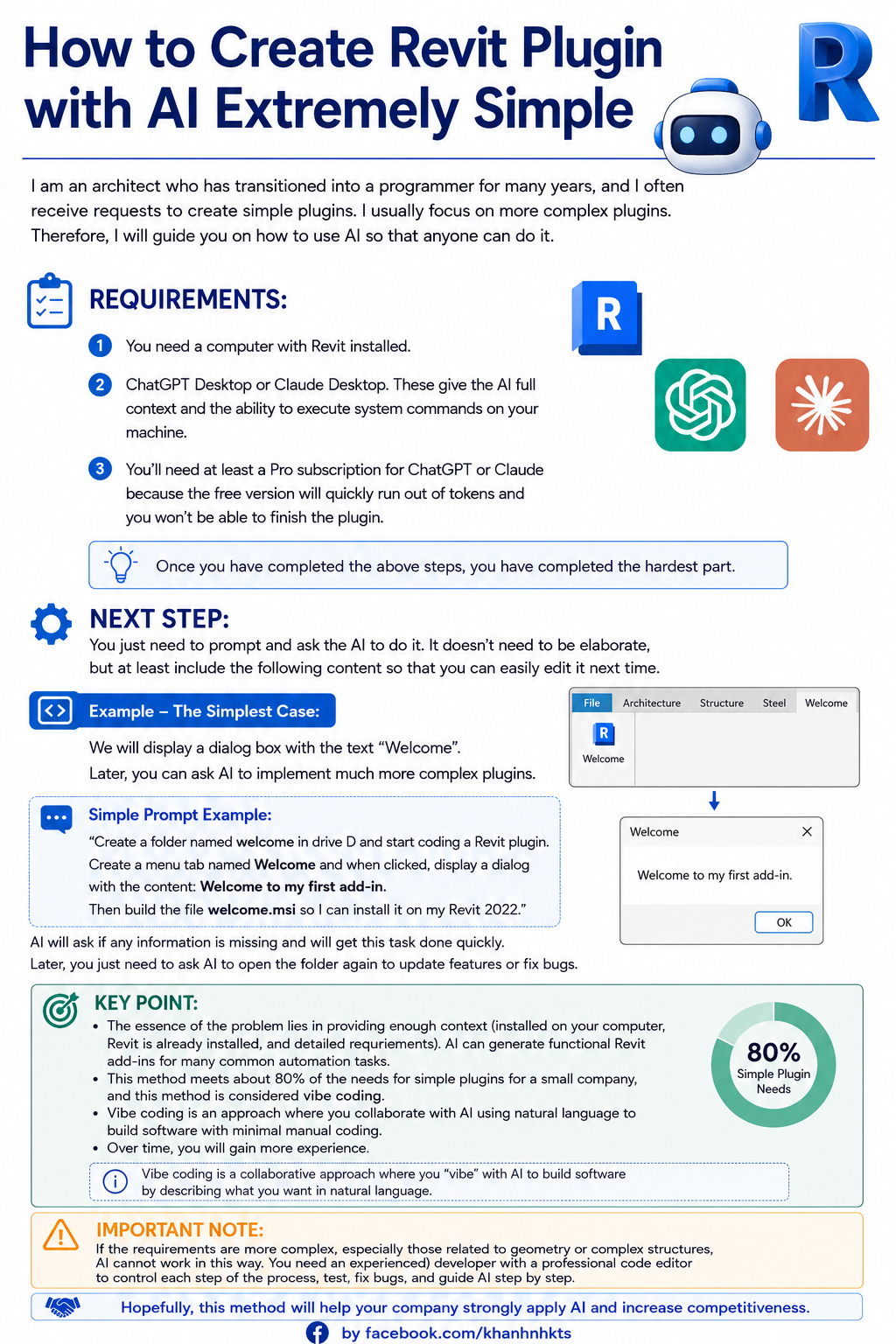
Requirements:
- A computer with Revit installed.
- ChatGPT Desktop or Claude Desktop. This matters because it gives the AI full context and execution tools — the AI can easily run system-level commands on your machine.
- At minimum a Pro subscription for ChatGPT or Claude. With the free tier you’ll burn through tokens fast and won’t be able to finish the plugin.
Once you’ve got those three things sorted, you’ve already done the hardest part.
The next step is just prompting the AI and letting it do the work. It doesn’t have to be fancy, but your prompt should at least include the following so you can easily modify things later.
Let me show you the simplest possible example: a plugin that pops up a dialog saying “Welcome to my first addin.” Once you’ve got this down, you can ask the AI to build far more complex plugins.
Just prompt something like this:
“Create a folder named welcome on drive D and build a Revit plugin in it. Add a menu tab called Welcome, and when clicked, show a dialog with the text ‘Welcome to my first addin.’ Then build a welcome.msi installer so I can install it onto my Revit 2022.”
The AI will ask follow-up questions if anything is missing, and it’ll finish the job quickly and cleanly.
Later on, just ask the AI to go back into the same folder to add features or fix bugs.
Key Point
The core insight here is simple: as long as you give the AI enough context (it runs on your machine, Revit is already installed, and your requirements are described in detail), the AI can build Revit add-ins.
A few notes:
- This approach covers about 80% of the simple plugin needs of a small company. This is what people call vibe coding. Over time you’ll build up intuition for it.
- For more complex work — especially anything involving geometry or complex data structures — AI can’t operate this way on its own. You’ll need a professional developer using a proper code editor, controlling every step of the process, testing, debugging, and guiding the AI step by step.
Hope this helps your company tap into AI and stay competitive.