

 Tiếng Việt
Image to vector
Image to Vector: Illustrator vs CorelDRAW vs Vector Magic vs TracePen
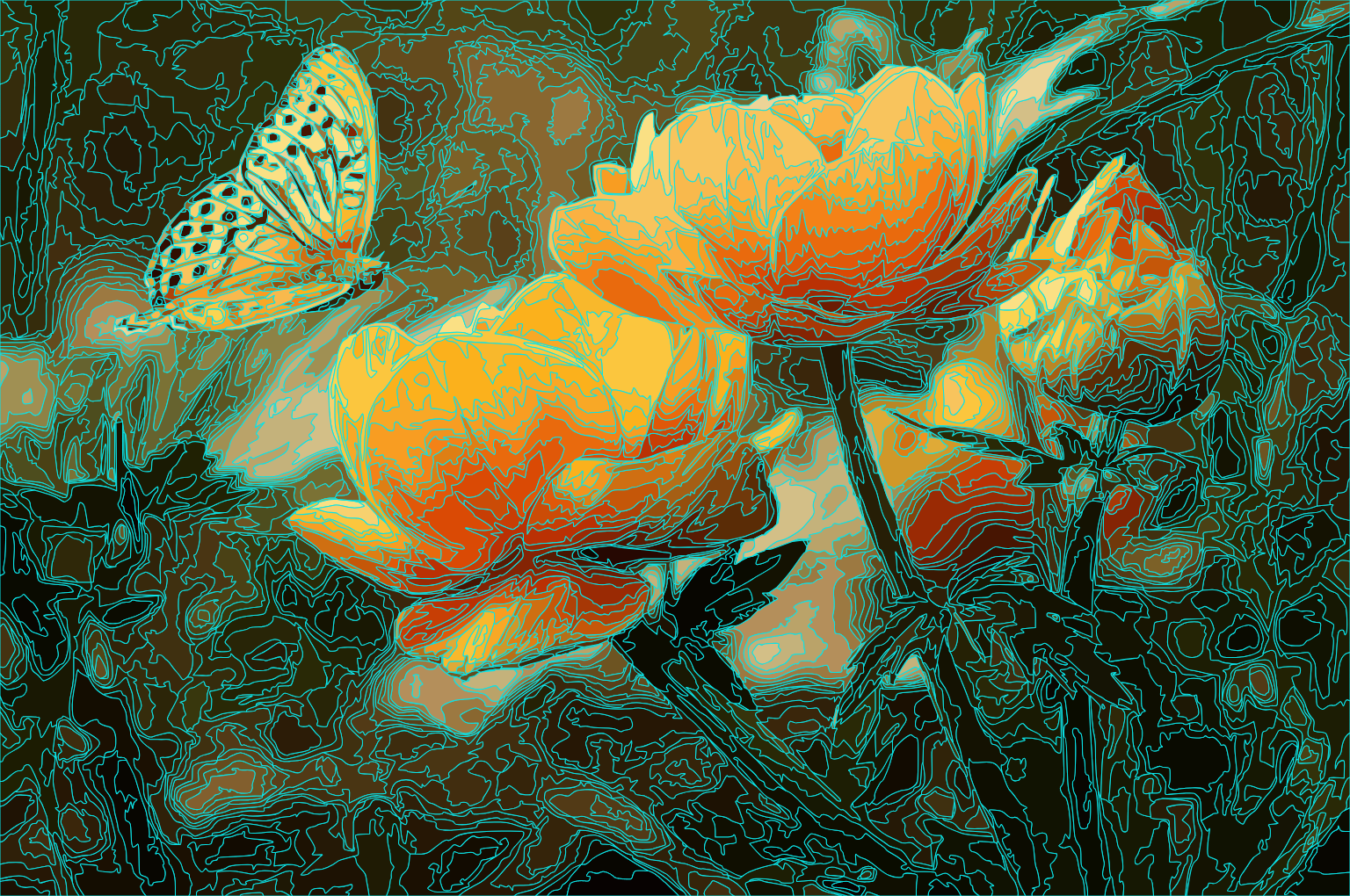
Disclosure up front: I’m the author of TracePen, one of the four tools here. I ran one photo through Illustrator, CorelDRAW, Vector Magic and TracePen with the settings shown in the screenshots. Where a vendor’s own documentation says something different from what most people assume, I quote it below. The runs are from April 2026 and TracePen’s interface has changed since, so read this as a snapshot of one image, not a benchmark.

How I tested each image to vector tool
- Input: a single butterfly photo. I only tested a photo, not logos or flat graphics: gradients and subtle colour transitions are where the settings matter most.
- Colour count: the highest colour count each app allows, kept close to each other. Vector Magic’s Unlimited colors setting has no number, so I pushed the other three as high as they go to match.
- Stroke colour: every outline view uses cyan. I found no colour setting for Vector Magic’s outline view, so I matched the other three to it.
- No post-editing. Raw trace output, exported as SVG, rasterised back to PNG at the same resolution.
- What I compared per tool: the filled output, the settings panel, and the cyan outline view (it shows the path structure underneath).
- The TracePen run predates today’s interface. Its Noise filter slider showed a decimal (1.7) then; in the current app it is a whole number from 0 to 5, so that exact setting can’t be reproduced. Re-trace your own image before you decide.
Out of scope
Two categories I did not test:
1. AI-based vectorisers
Vectorizer.AI, Recraft, Kittl, SVG Genie and similar web services are a different category. Vectorizer.AI describes its own method as converting “from pixels to geometric shapes”, with deep-learning models inside the pipeline. I have no primary source on whether two runs of the same image give an identical SVG for any of them. If your job needs the same file every time (cutting, engraving, a measured layout), run the image twice and compare the two SVG files before you commit to a service.
2. Black-and-white tracers
Potrace takes a black-and-white bitmap and traces its outlines. Inkscape’s Trace Bitmap is built on Potrace and adds colour: it quantizes or splits the image and traces each pass separately (a Multiple scans trace makes a separate object per scan, from 2 to 256 scans, per the Inkscape manual). It is free and worth a try on your own image, but it is not in the runs below.
All four tools below are tracing apps: they work from the pixels of your image.
Adobe Illustrator — Image Trace
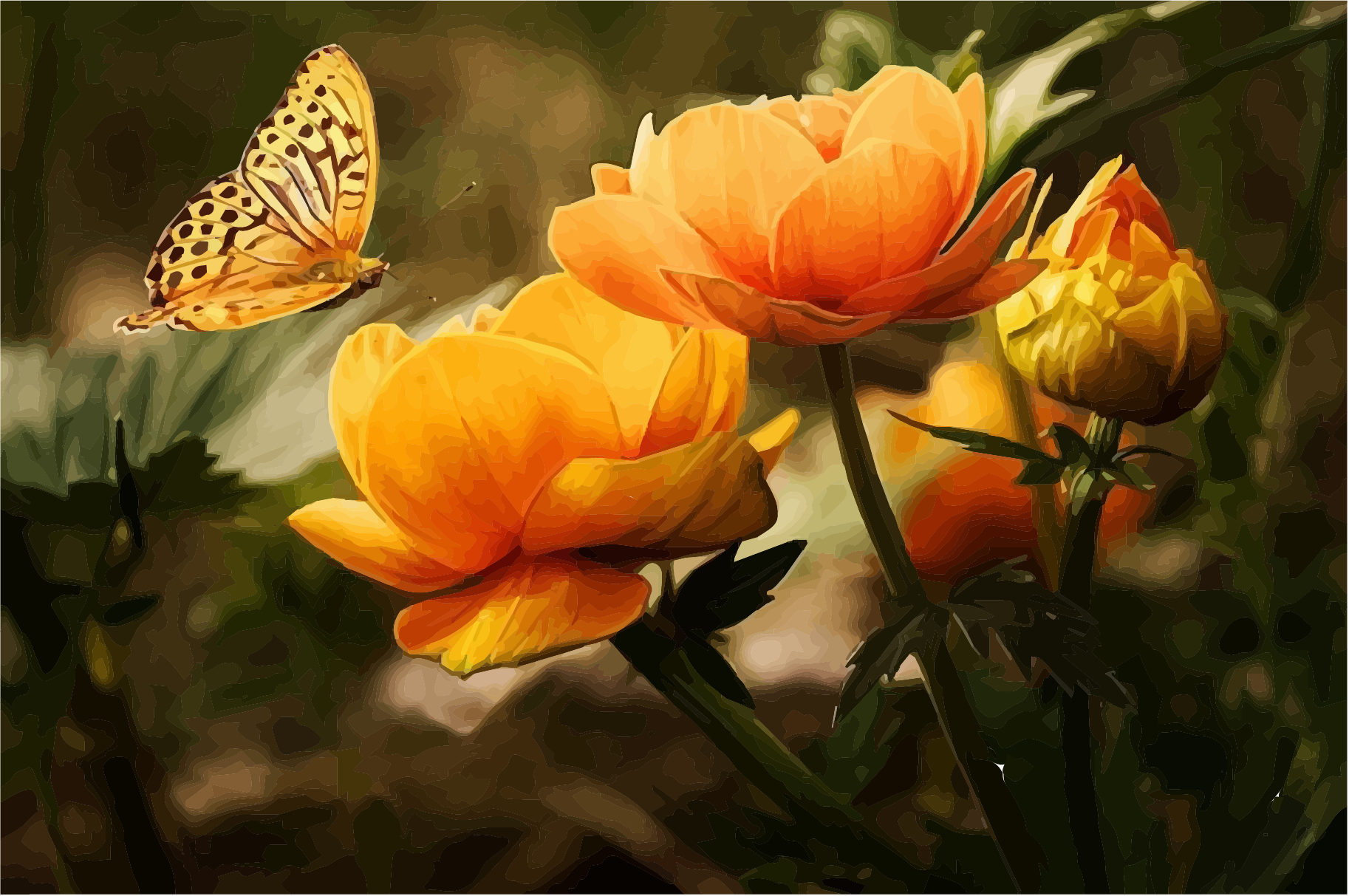
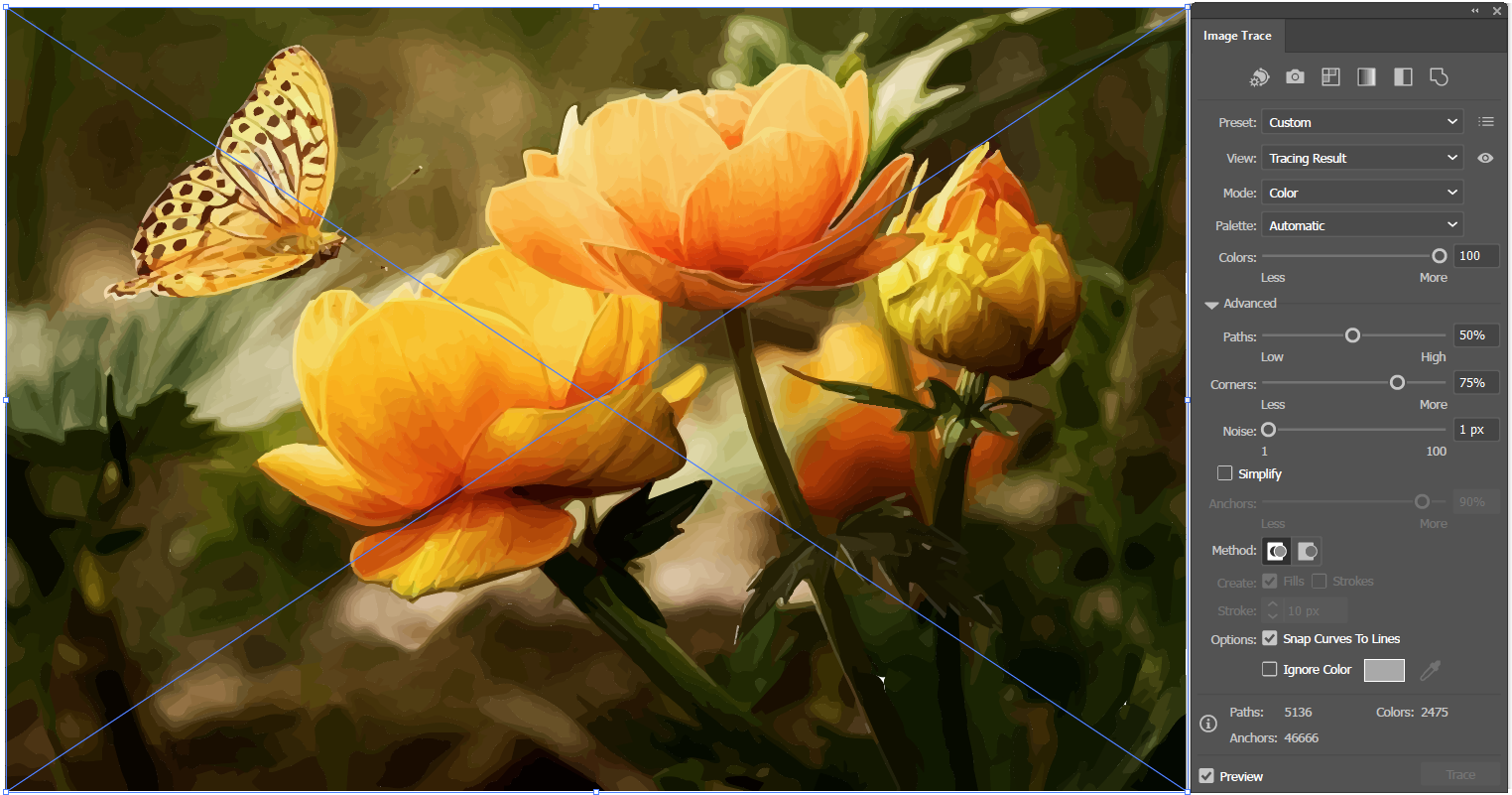
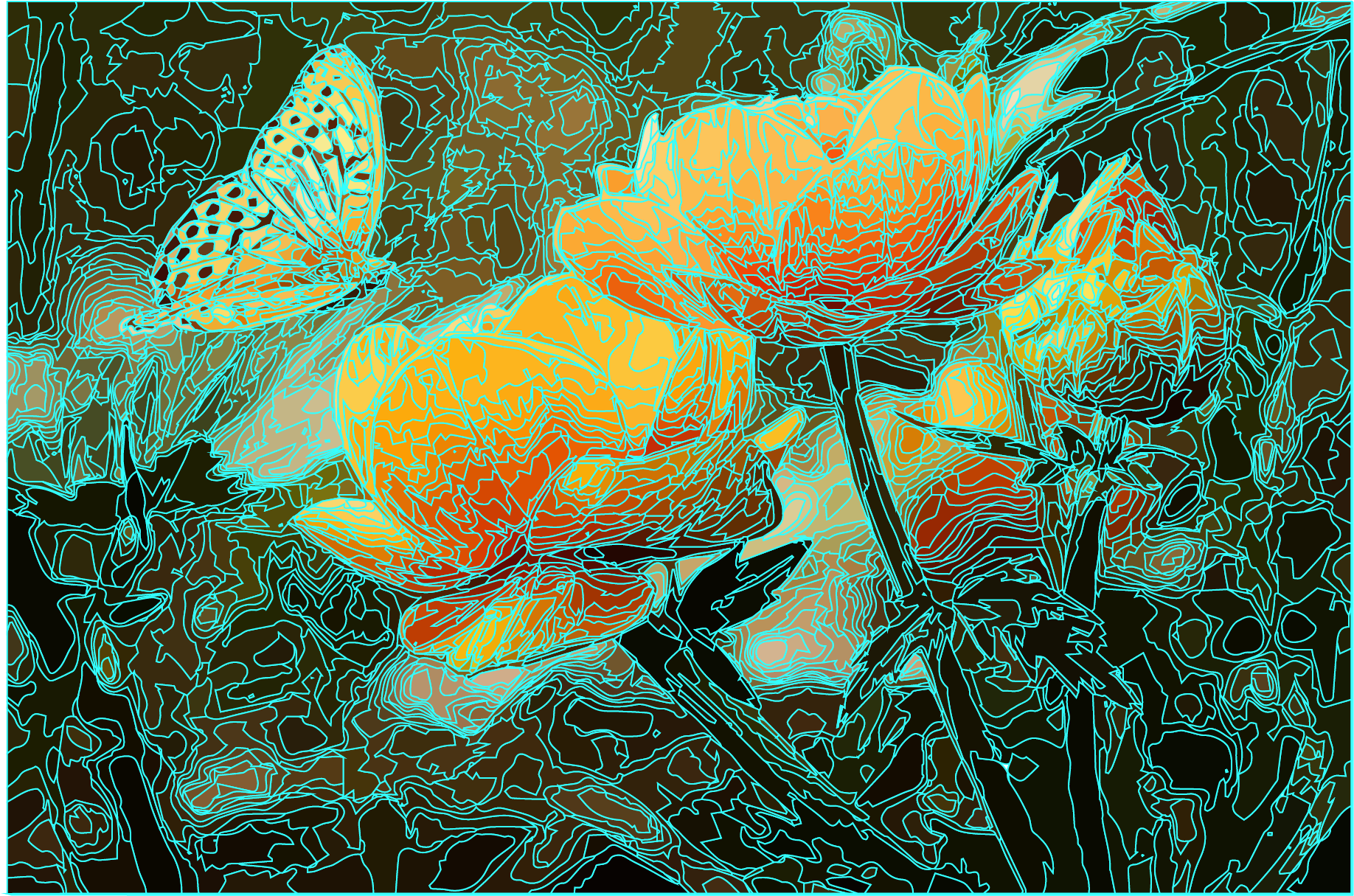
- Config: preset High Fidelity Photo, Mode Color, Palette Automatic, sliders maxed for detail.
- Fill output: in this run it is close to the original at thumbnail size, with strong colour separation across the petals.
- Stroke view: a high path count, especially in the background bokeh, where every subtle colour variation became its own closed region.
- Check before you expand. Image Trace stays a live trace object until you choose Expand, which converts it into editable paths. The Image Trace panel shows the number of Paths, Anchors and Colors in the result (Adobe help): the Paths and Anchors numbers tell you how heavy the expanded artwork will be, the colour count does not.
- Licence: Adobe’s plans page lists only subscription plans for Illustrator, no one-time purchase.
CorelDRAW PowerTRACE
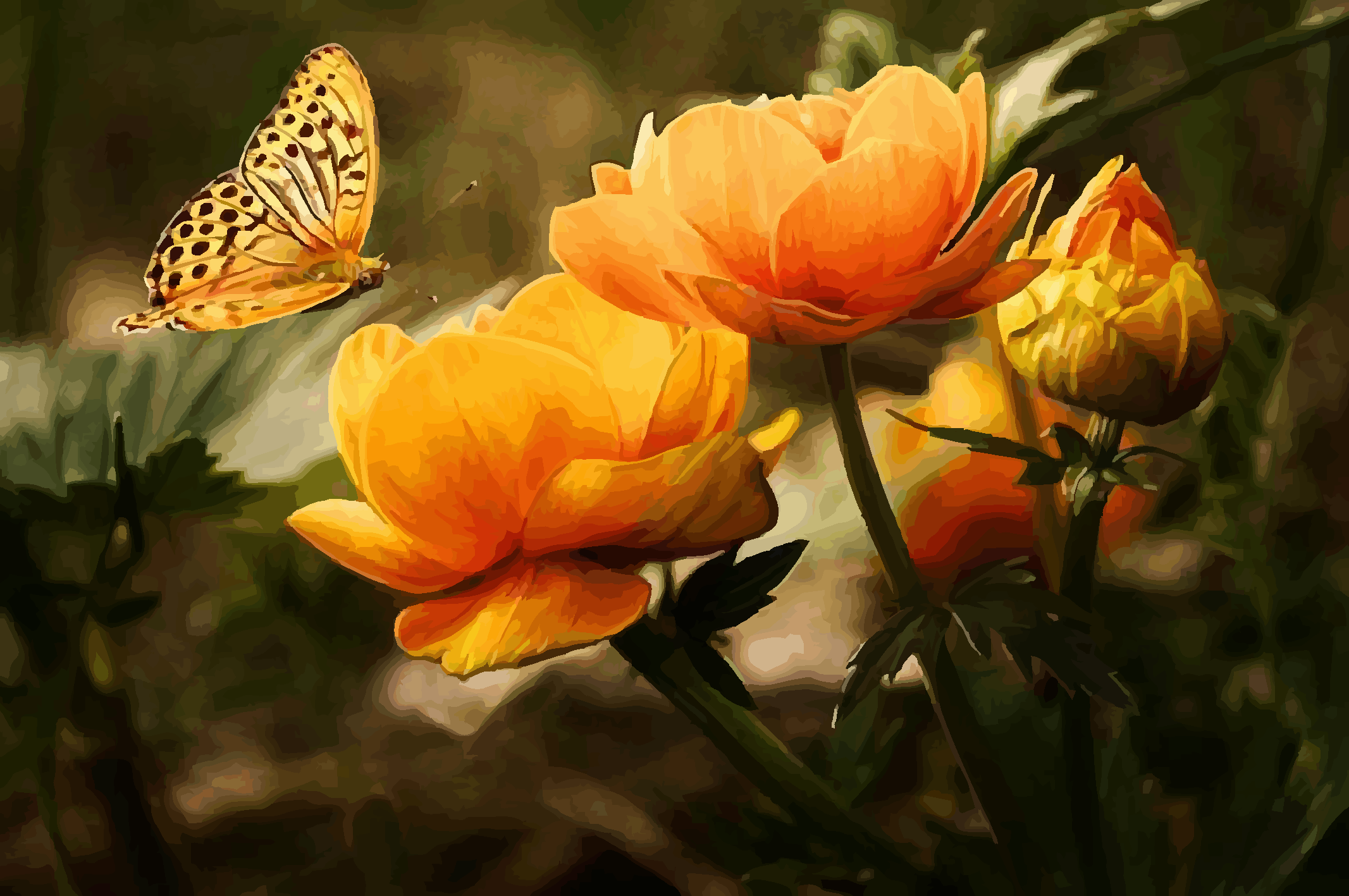
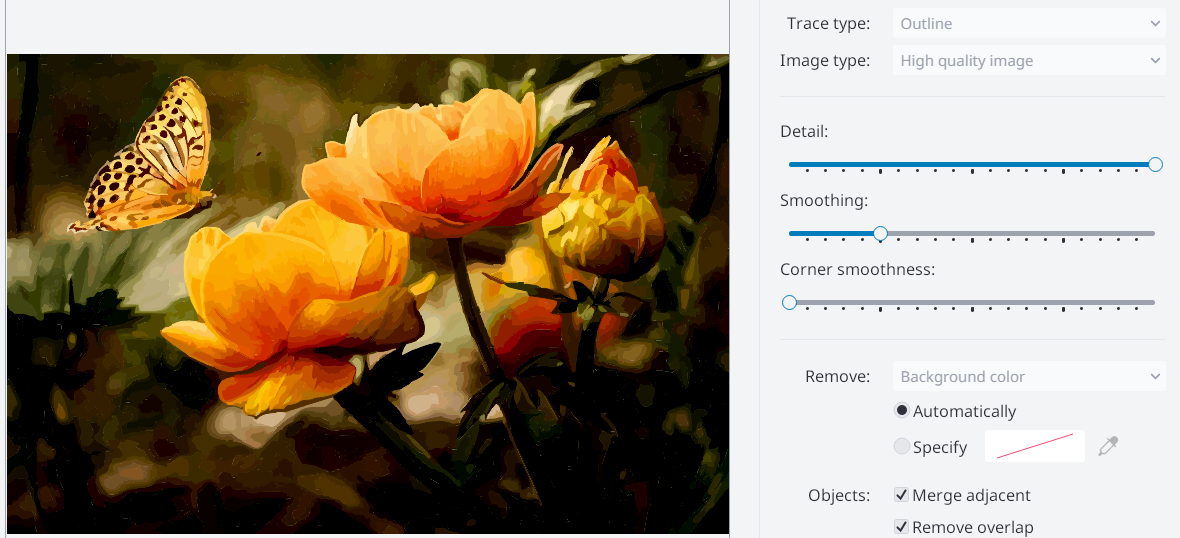
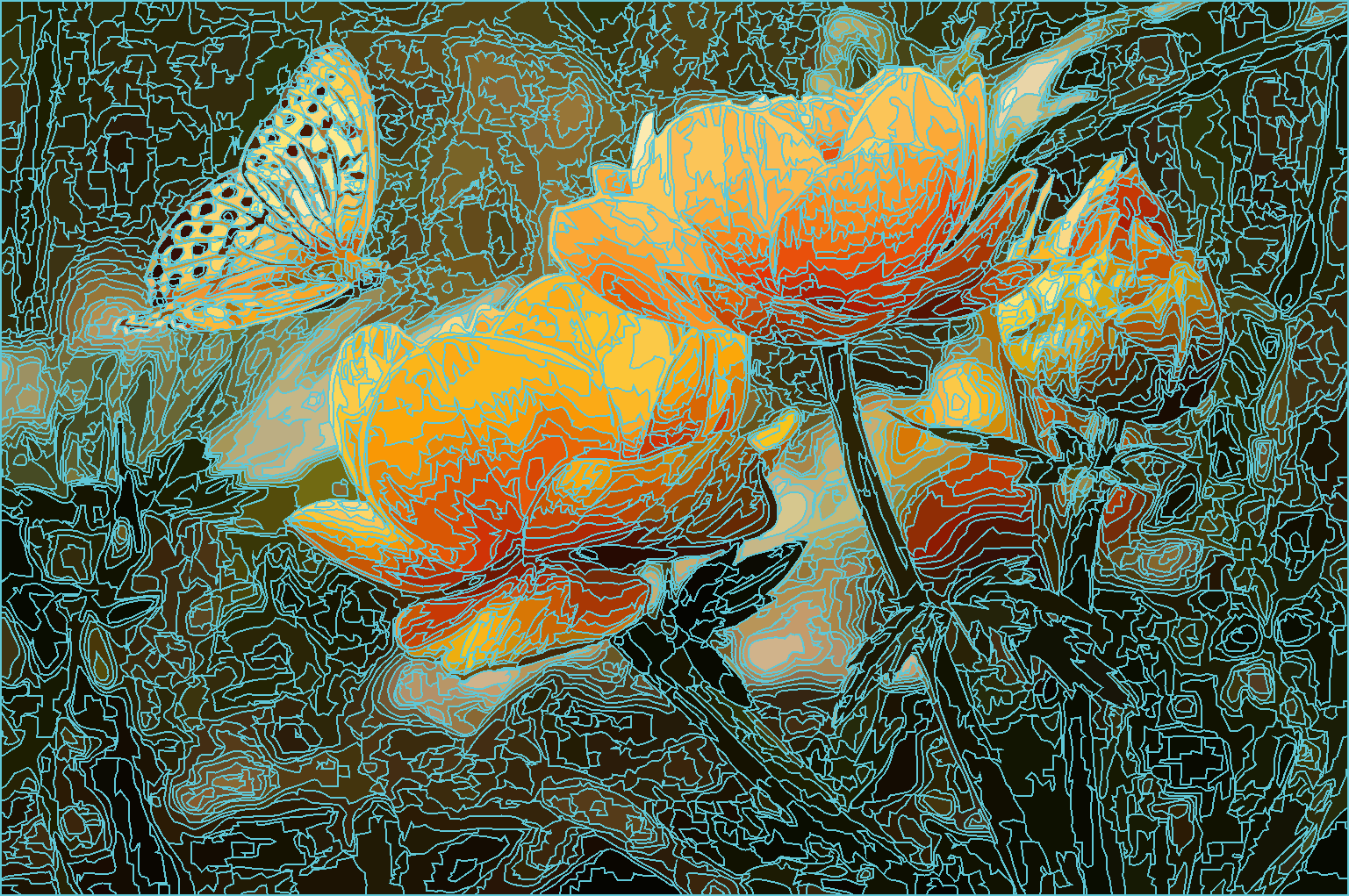
- Config: image type High quality image, Detail maxed, Smoothing and Corner smoothness balanced, Merge adjacent objects of the same color and Remove object overlap enabled.
- Fill output: smooth and painterly, with soft colour transitions. Closest in look to the Vector Magic output.
- Stroke view: dense, similar to Illustrator, with smoother underlying curves. Merging adjacent objects of the same colour reduces the object count (Corel help).
- The overlap option is a per-job choice, and it works the other way round from what this post first said. By default PowerTRACE removes the object areas hidden behind other objects. Corel’s help says you can keep the underlying areas instead, and that this “is useful for traced results that will be output to vinyl cutters and screen printers”. So for a cutter or screen-printing job, set Remove object overlap to what your machine or print shop needs rather than assuming it should be on. (An earlier version of this section had it reversed; corrected 30 September 2026.)
Vector Magic
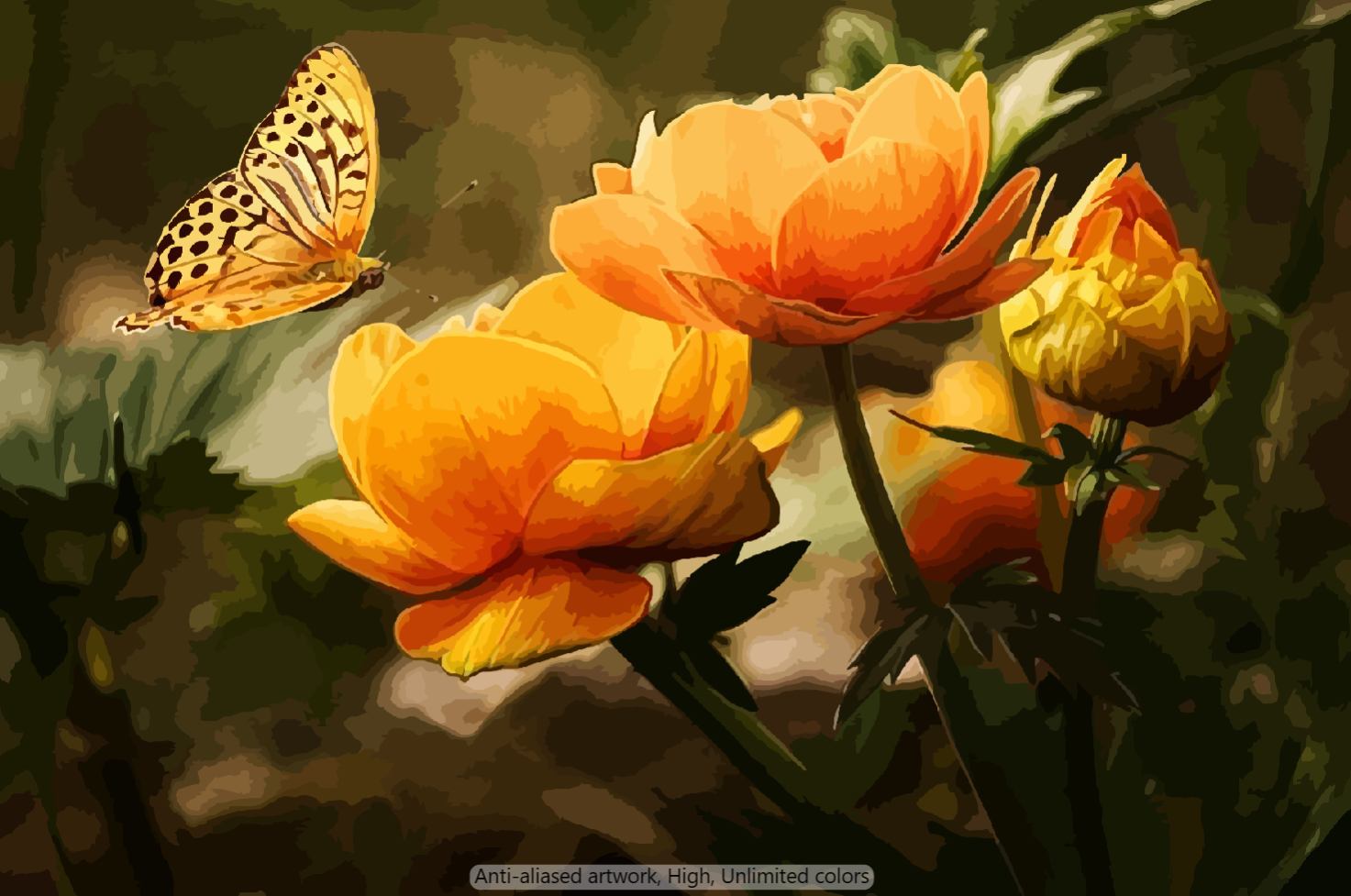
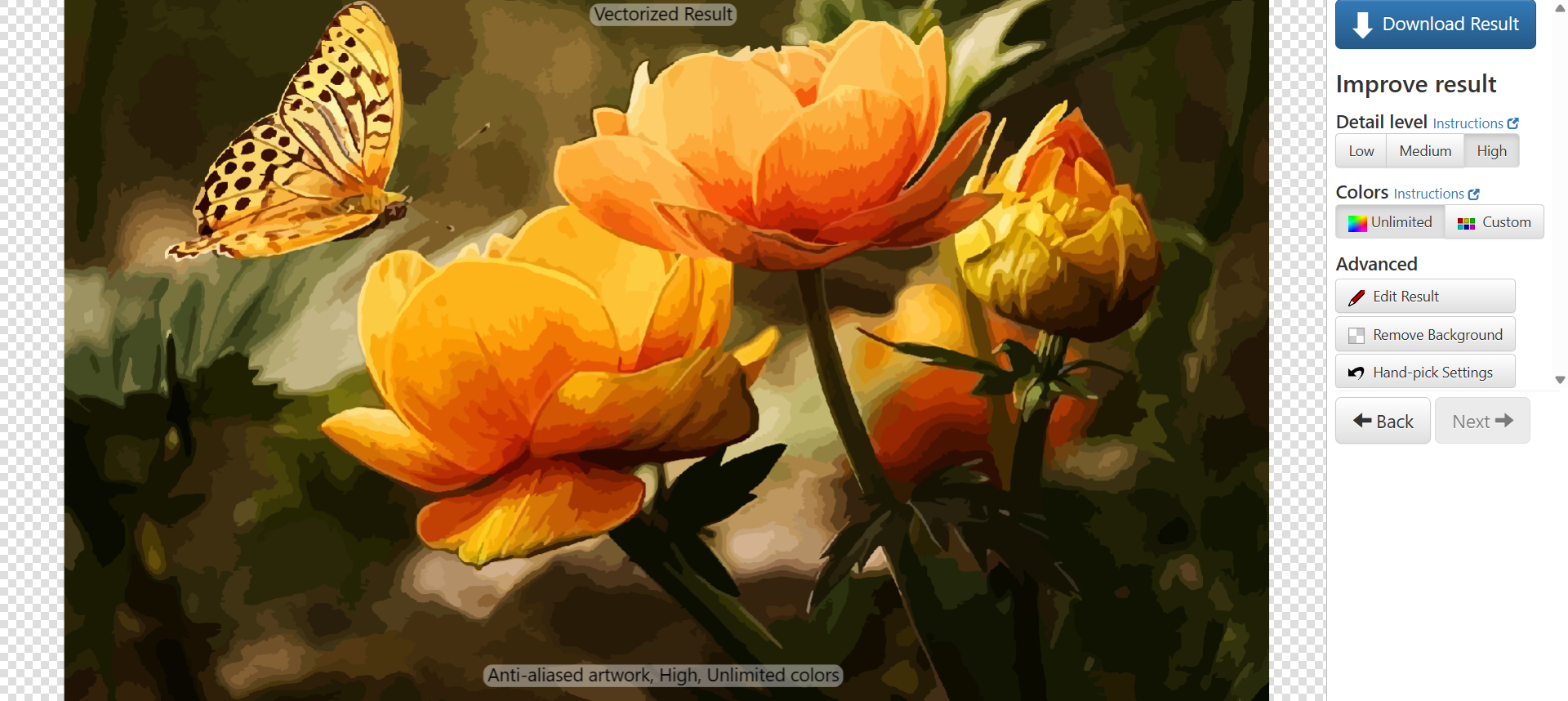
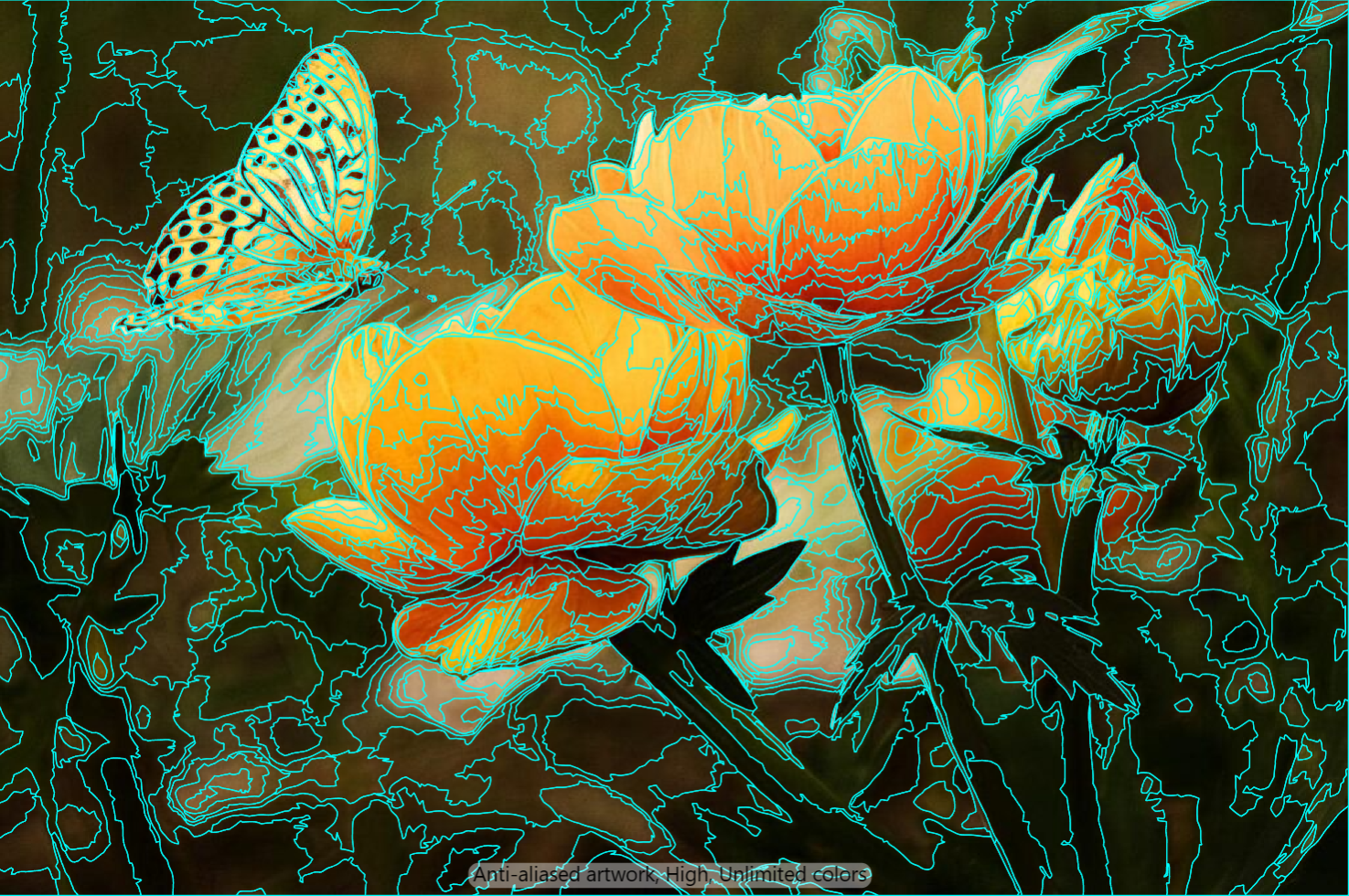
- Config: Detail level High, Colors Unlimited, which Vector Magic describes as “Use all colors necessary. Good for gradients.” (features page).
- Fill output: one of the smoothest-looking results here. Colours blend and transitions look almost painted. The text at the bottom of the preview (Anti-aliased artwork, High, Unlimited colors) is not part of the vector output.
- Stroke view: the sparsest background path count of the four in this run, with thin flowing lines.
- Colour control is preset-driven, not slider-driven. Its own photo tutorial shows Fixed Colors (you pick the number of colours) and Custom colors (you review a suggested palette and use only the colours you specify), next to Unlimited. I used Unlimited for the photo, so there was no count to set. The pricing page lists “advanced vectorization mode, with fine-grained control” for the Desktop Edition only.
- Which Vector Magic you buy matters. The FAQ says the Online Edition supports neither transparency nor selective removal of, for example, the background from the result; the Desktop Edition supports both. If you trial it in the browser for a cut-out logo and get a white box behind your shape, that is the edition, not your settings. The pricing page shows the Desktop Edition as a one-time charge and the Online Edition as a monthly subscription.
TracePen
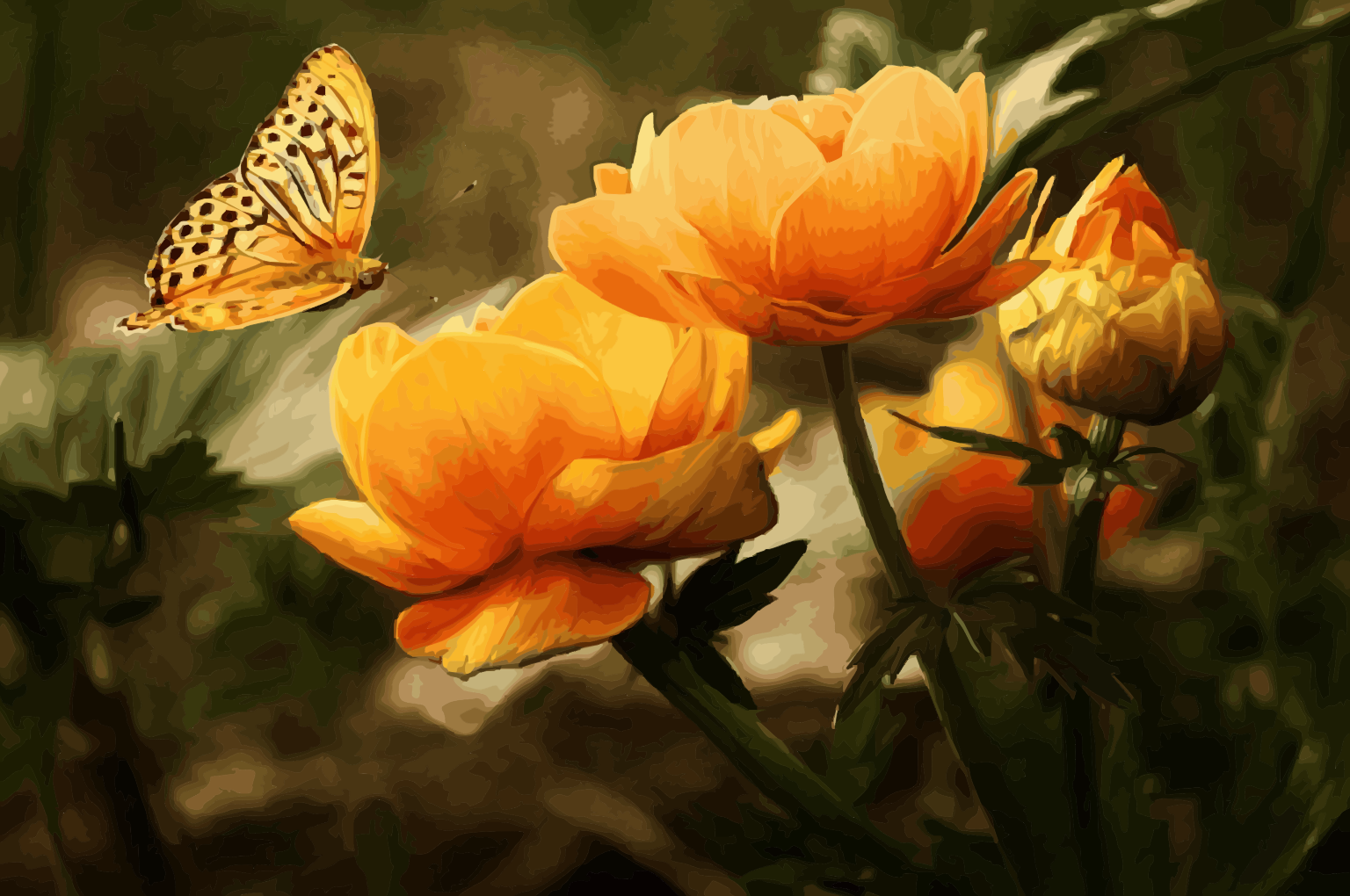
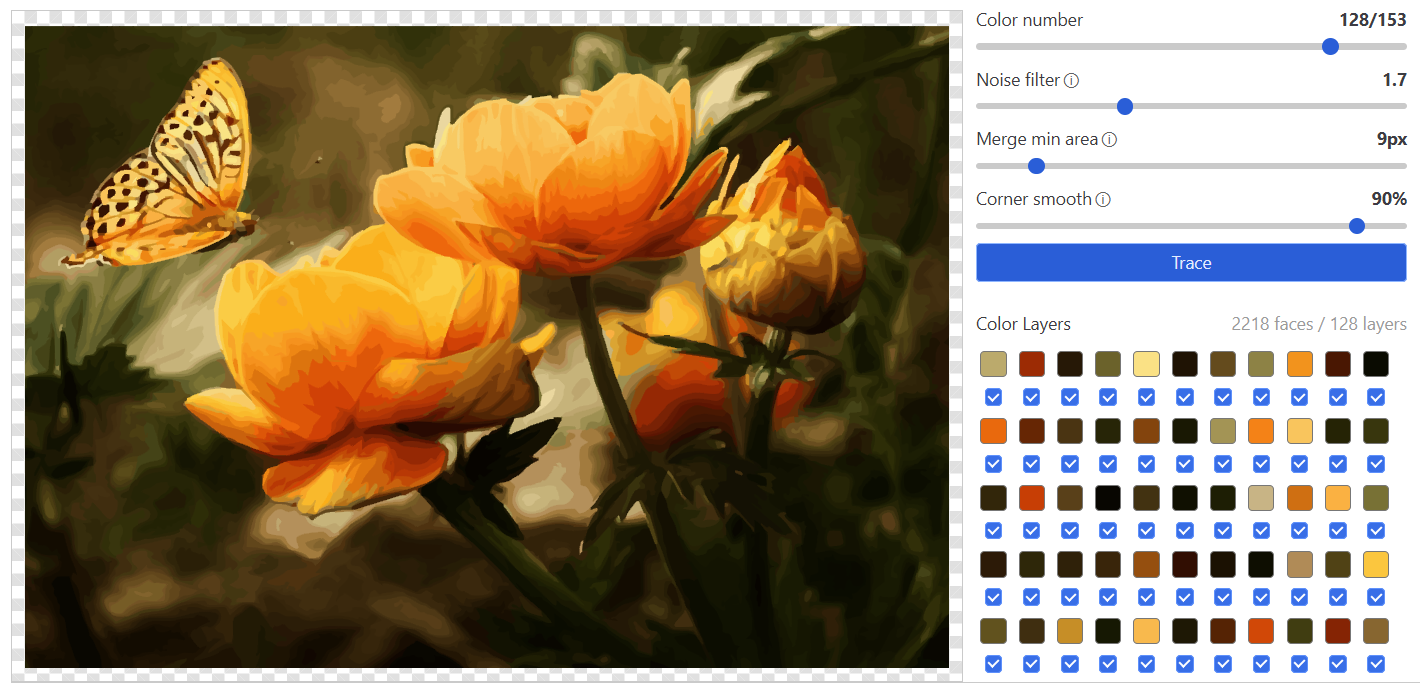
- Config: Color number 128/153 (153 is the ceiling the app detected for this image), Noise filter 1.7 (older interface, see above), Merge min area 9px, Corner smooth 90%. The panel in the screenshot reports 2218 faces across 128 layers.
- How the fill is built: TracePen reduces the photo to a fixed number of colours (Wu quantization, compared in the OKLab colour space) and traces each colour region as a flat fill. A gradient therefore becomes bands of flat colour instead of a blend, which is why this output reads flatter than a blended one.
- Region borders: the border between two colour regions is traced once and the same smoothed curve is used by both neighbours, so neighbouring regions meet exactly: no gaps, and no hidden stacked areas underneath.
- The catch for cutting: DXF Lines writes every region as its own closed polyline in its colour’s layer, so a border shared by two colours exists once per neighbour. Cut every layer and that border is cut twice. Only the layers you leave ticked in the Color Layers panel are exported, so export one colour layer at a time if you need each line cut once.
Whether that flat-colour result suits a colour photo depends on what you need from it. Every export format and the colour controls are on the TracePen online vectorizer page (a free 3dshouse account is required; the free plan has every feature and a daily limit on exports). The same tool runs inside SketchUp and creates native faces: image to SketchUp, installed from the Extension Warehouse.
What separates them
- Vector Magic gave the smoothest fill and the sparsest paths in this run. Its colour control comes as presets (fixed count, custom palette, unlimited), and the fine-grained settings are a Desktop Edition feature.
- Illustrator and CorelDRAW expose sliders and an exact colour count. Illustrator is subscription-only; CorelDRAW sells a one-time purchase alongside its subscription (CorelDRAW page), which the same page says leaves out many features available to subscribers.
- TracePen gives you colour count, noise, merge and corner controls as sliders and a flat-colour result, with exports to SVG, PNG, PDF and three DXF variants.
- For a machine rather than a screen, what matters is how a tool handles overlaps and shared borders. Corel documents the overlap choice for vinyl cutters and screen printers; with TracePen, a shared border is written once per neighbouring layer. Open the file in your cutter’s software and check it before the first real cut.
