Converting a raster image (PNG, JPG) into Blender mesh or curves used to require an Illustrator or Inkscape round-trip. These five addons do it directly inside Blender — all using contour tracing rather than AI 3D reconstruction or depth maps, so you get clean, per-color geometry that’s ready to extrude, animate, or 3D print.
1. TracePen — Image to Mesh & Curves
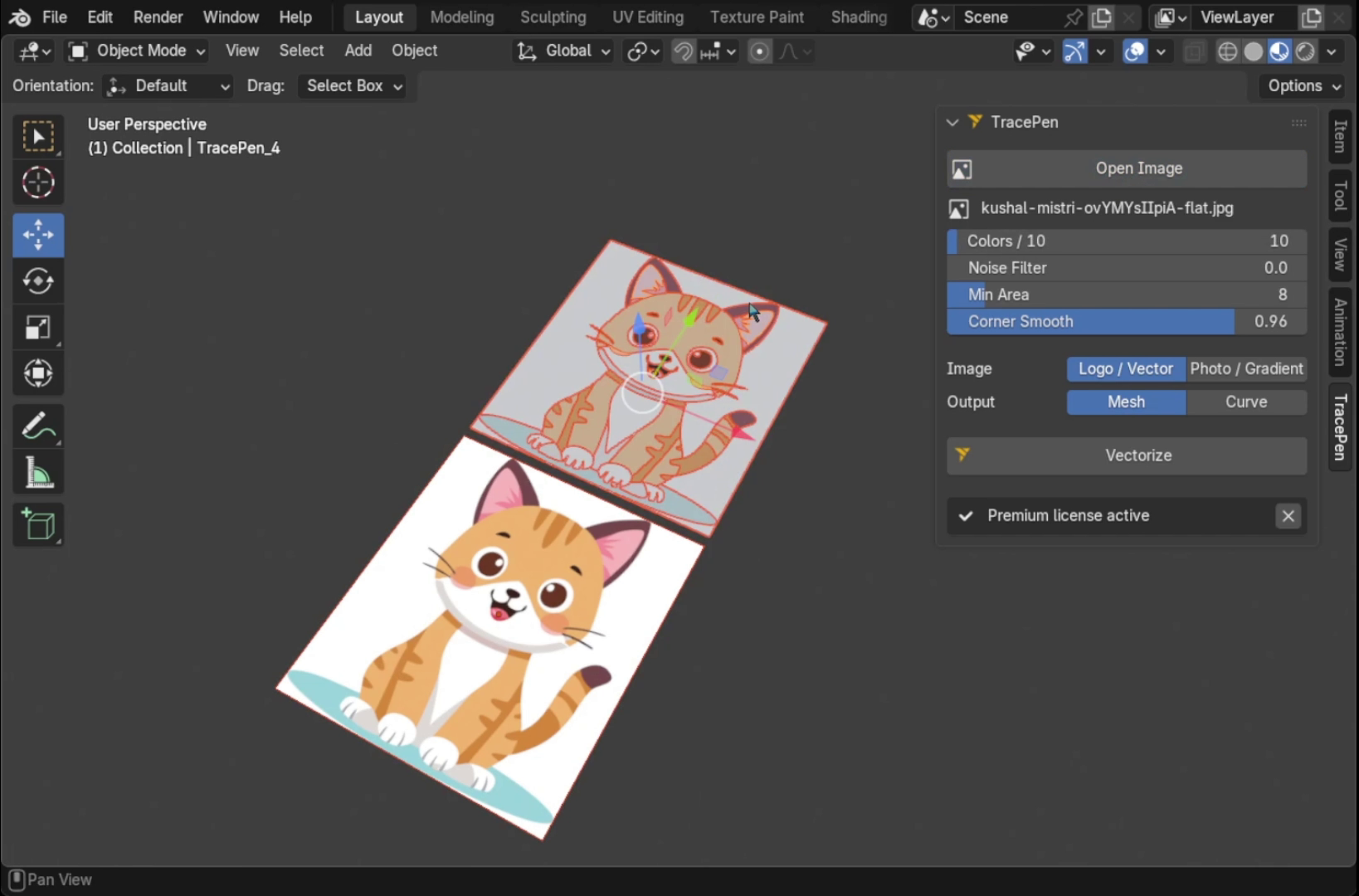
TracePen for Blender is the only tracing addon that handles multiple colors — each color region in your image becomes a separate mesh object. Other tracers output a single silhouette; TracePen outputs one object per color, ready to extrude, animate or assign materials independently.
2. Sketch N’ Trace
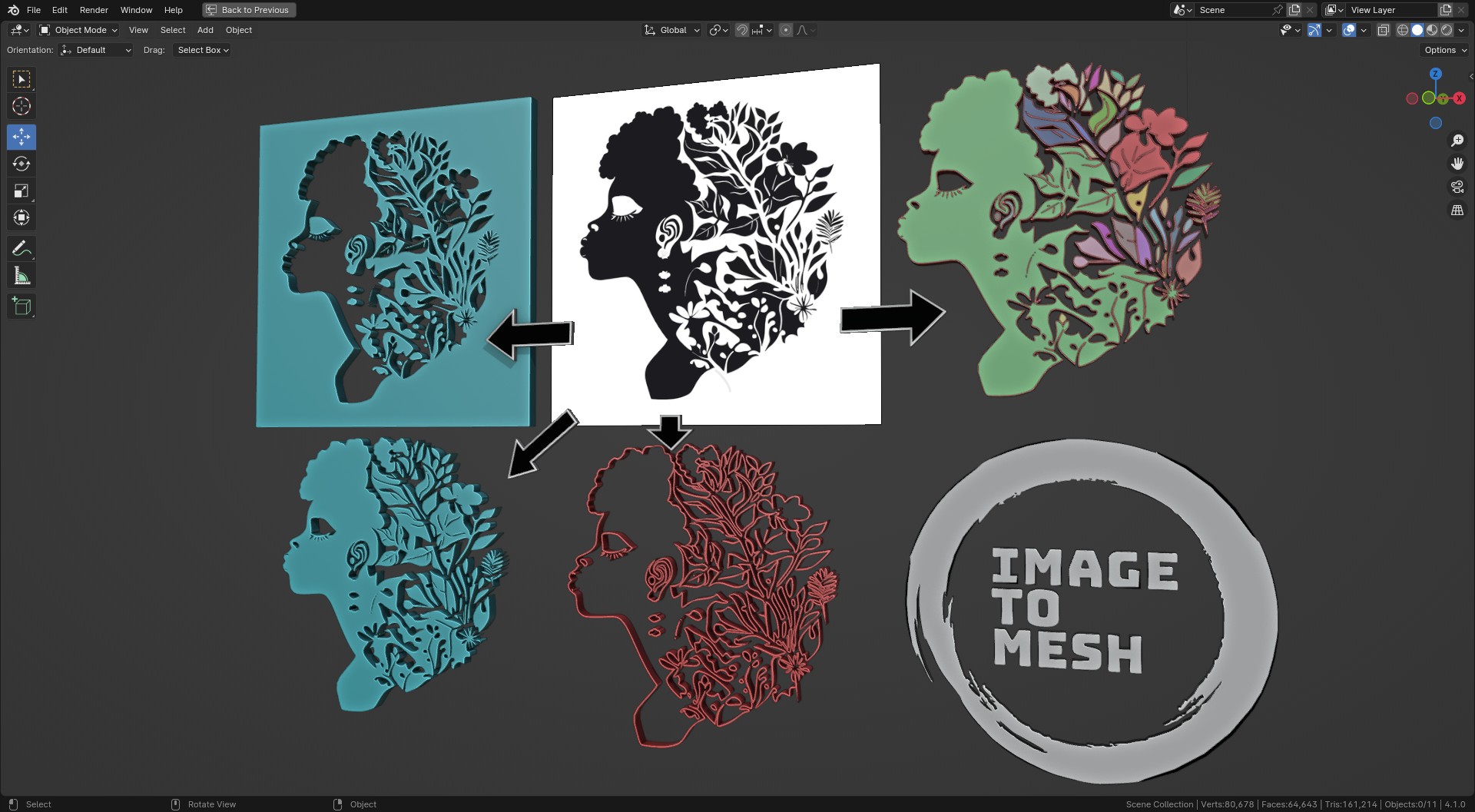
Edge-detection based tracer that converts JPEG/PNG to mesh or Bezier curves with live editing — draw, erase, smooth, and simplify the result before finalizing. Supports extrusion and bevel directly from the panel.
- Output: Mesh or curve objects with auto materials
- Live editing: Modify traced result without re-running the trace
- Price: Paid — Superhive
3. TraceGenius Ultimate
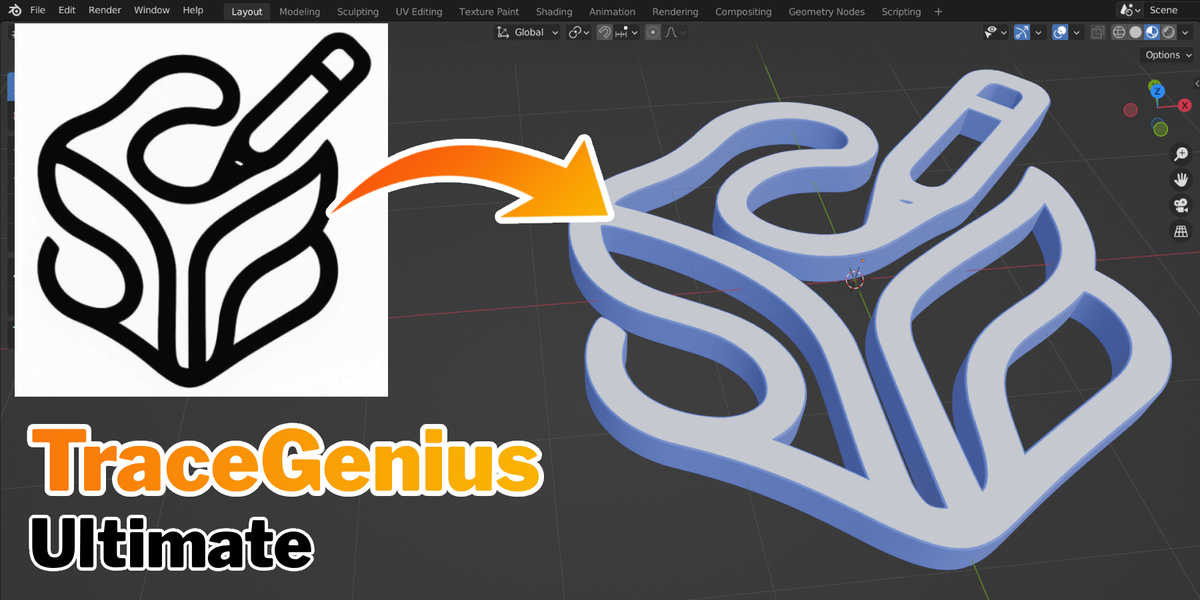
Uses a custom tracing engine (independent of Blender’s built-in Grease Pencil tracer) with better handling of semi-transparent textures, gradients, and alpha channels. Good choice for logos with soft edges or subtle transparency.
- Output: Mesh or curves, per-color layers
- Strength: Transparency & gradient handling beyond native Blender
- Price: $19 — Superhive
4. Logo Tracer
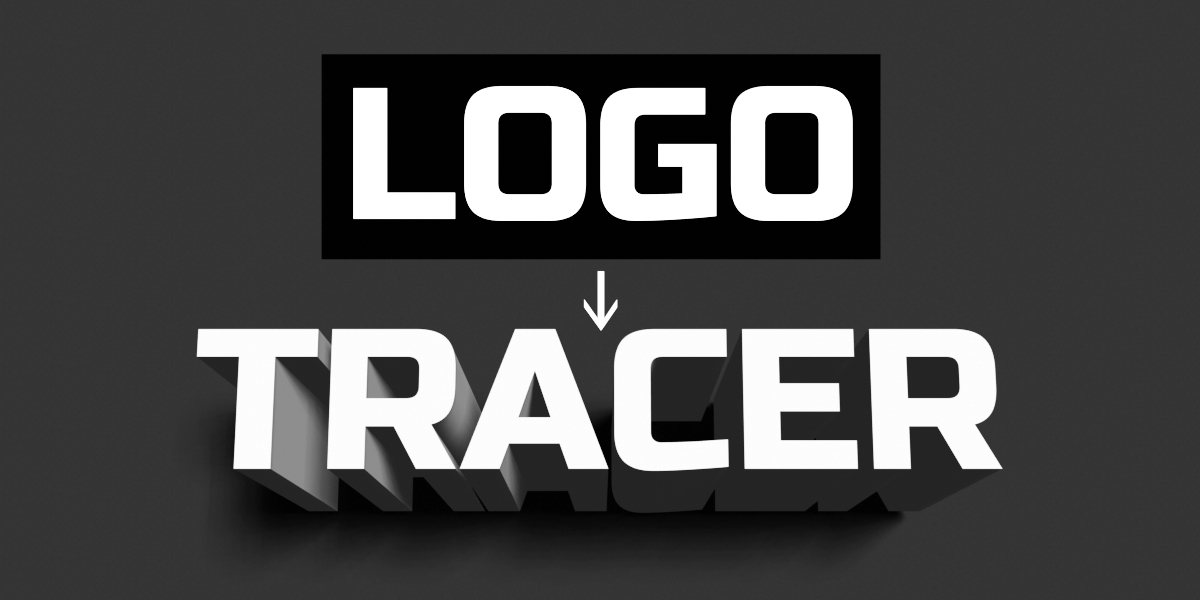
Focused specifically on logo and flat graphic tracing. One-click workflow: select image → real-time preview → apply as curve or mesh. Includes a “Use Alpha” option for non-B&W images and auto-unwrap with correct proportions.
- Output: Mesh or curves
- Best for: Clean logos and icon-style graphics
- Price: Paid (free tier available) — Superhive
5. Image Trace Generator (Free)
A straightforward free addon for converting 2D images to 3D shapes via edge detection. Adjustable sensitivity, threshold, and resolution. Solid starting point if you need basic tracing without a budget.
- Output: Mesh shapes
- Price: Free (pay-what-you-want) — Superhive
Built-in: Trace Image to Grease Pencil
Blender ships with a built-in Potrace-based tracer under Object Data > Trace Image to Grease Pencil. Works best with black-and-white images and outputs Grease Pencil strokes rather than mesh geometry. No addon needed — useful for quick outlines or illustration workflows.
Comparison
| Addon | Output | Price | Best For |
|---|---|---|---|
| TracePen | Mesh / Curve, per-color | Paid | Multi-color tracing, one object per color |
| Sketch N’ Trace | Mesh / Curve | Paid | Live post-trace editing |
| TraceGenius Ultimate | Mesh / Curve | $19 | Transparency & gradient |
| Logo Tracer | Mesh / Curve | Paid/Free | Logos, icons |
| Image Trace Generator | Mesh | Free | Quick tracing, no budget |
| Blender built-in | Grease Pencil | Free | B&W outlines |
Which addon should you choose?
Multi-color tracing — splitting an image into separate per-color regions — is a premium capability found only in high-end tools like Adobe Illustrator, CorelDRAW, and VectorMagic. If your image has multiple colors and you need each color as its own Blender object, TracePen is the only addon that does this.
If you only need a single-color silhouette or outline, the other addons cover different cases:
- Sketch N’ Trace — best when you need to edit the trace result by hand before finalizing (draw, erase, smooth). Good for complex silhouettes that need cleanup.
- TraceGenius Ultimate — best for logos or images with soft edges, gradients, or semi-transparent areas that a standard tracer handles poorly.
- Logo Tracer — best for clean, hard-edged logos where you just need a quick one-click result with no editing.
- Image Trace Generator — best if you have no budget and need basic silhouette tracing. Free, no frills.
- Blender built-in — best if you work in Grease Pencil and only need outlines from a B&W image.